
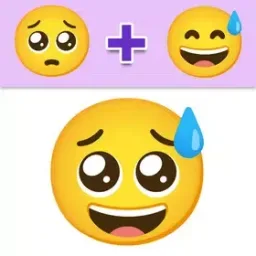
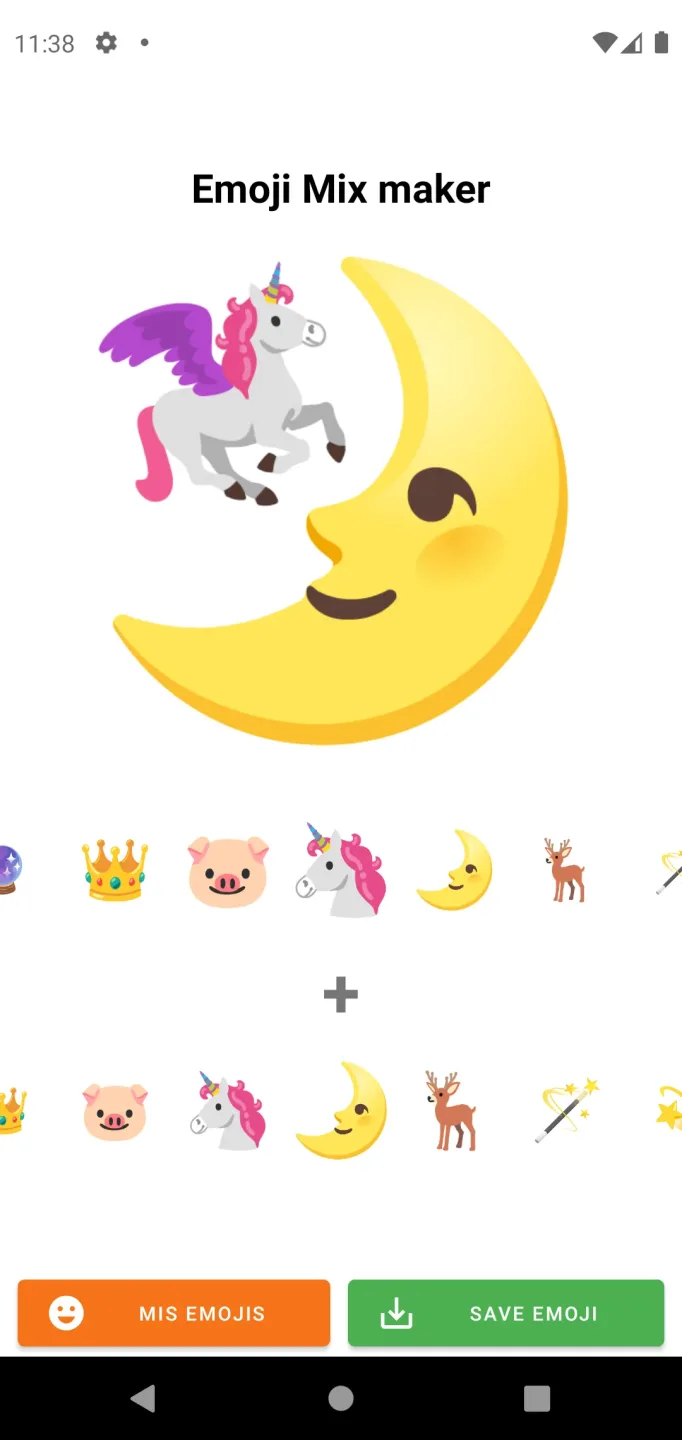
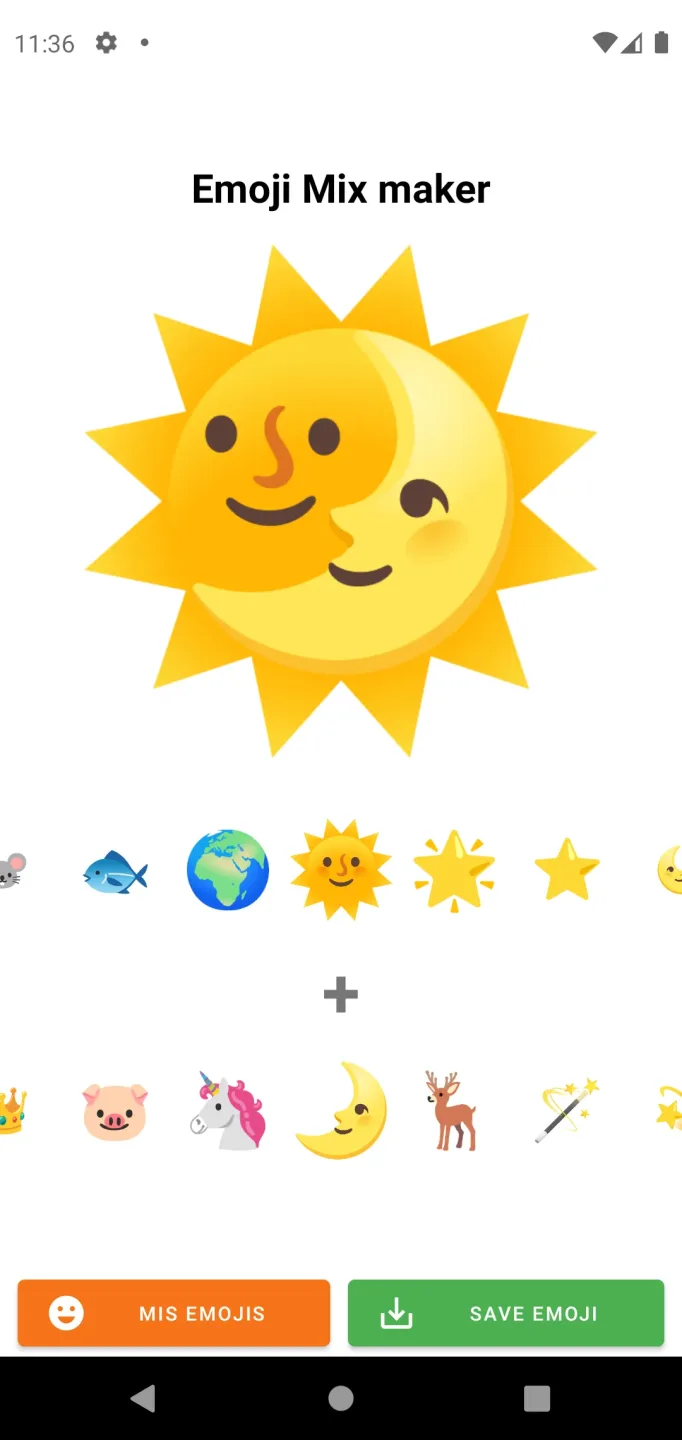
Emojimix WASticker is an emoji-creation tool for Android that allows users to select from a wide variety of stickers and combine them to design their own custom emoji collections. Users can save their creations as files and upload them to WhatsApp, making them visible to others. The app features a very simple interface—just select a few emojis, mix them together, and you’ve got a brand-new sticker! It’s perfect for users of all ages.
Features
1,000+ Free Animated Stickers: Enjoy thousands of free animated stickers, heart emojis, smiley faces, and top-tier GIF emojis.
WhatsApp Integration: Seamlessly add stickers to WhatsApp and integrate them directly into your WhatsApp sticker library (WASticker).
HD Sticker Packs & Customization: Personalize your collection with high-definition sticker packs, adorable GIF stickers, and heart-themed emojis.
Daily Quotes & Love Messages: Access daily quotes and love messages—such as "I love you" and "I miss you"—enhanced with emojis.
Special Occasions: Celebrate events like Christmas, holidays, Valentine’s Day, Mother’s Day, birthdays, Halloween, and more with festive wishes and greetings.
Romantic Themes: Explore themes featuring roses, flowers, romantic gifts, and a wide array of "I love you" imagery.
3D & Romantic Emojis: Dive into a collection of 3D emoji GIFs, standard emojis, and romantic stickers.
Pros and Cons
Pros:
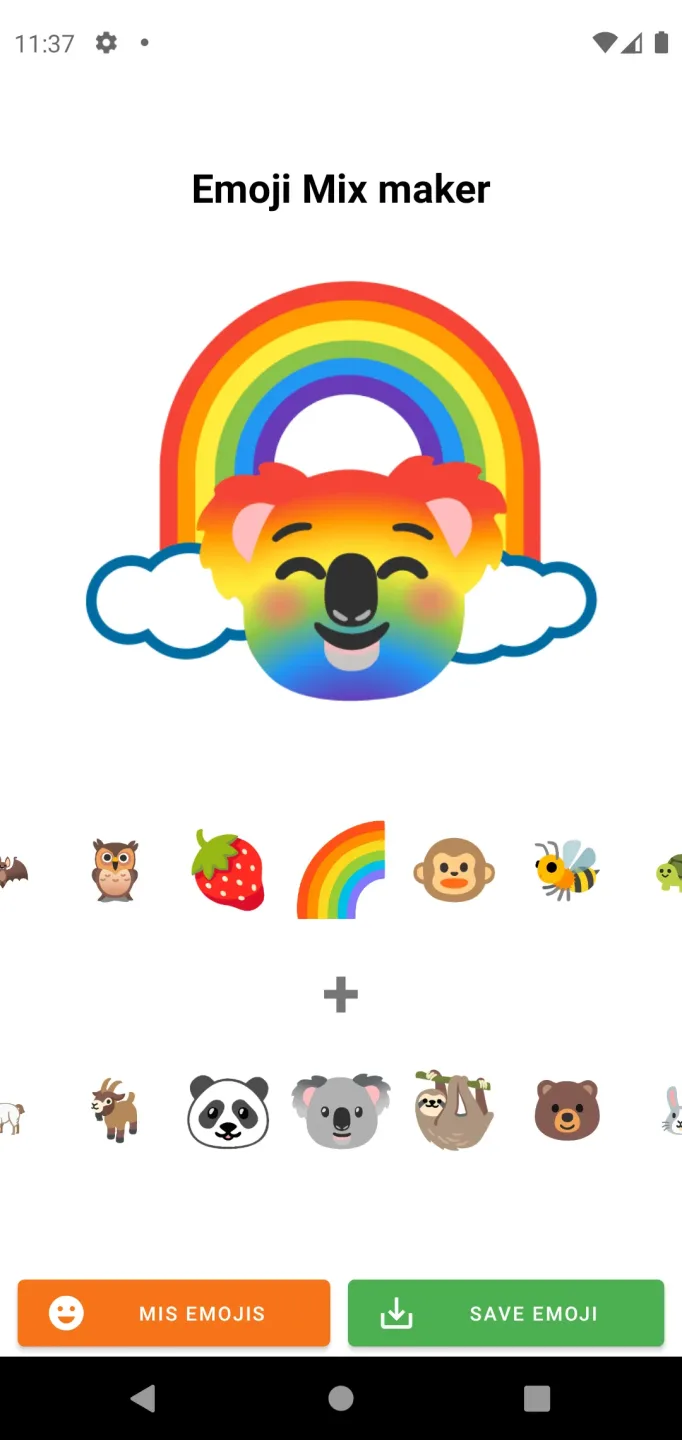
Over 50,000 possible dual-emoji combinations.
Save and share your favorite creations.
Voting and daily leaderboards reward clever combinations.
Recognizable, high-quality artwork.
Cons:
Some specific base emojis requested by users may not be available.
User Reviews
I absolutely love these emoji stickers! It’s the best app for adding a creative touch to my messages.
This has become my go-to app for self-expression—it’s unique, colorful, and highly recommended!
The sticker quality in Emojimix WASticker is top-notch. For those who love emojis, this is a must-have app!
Conclusion
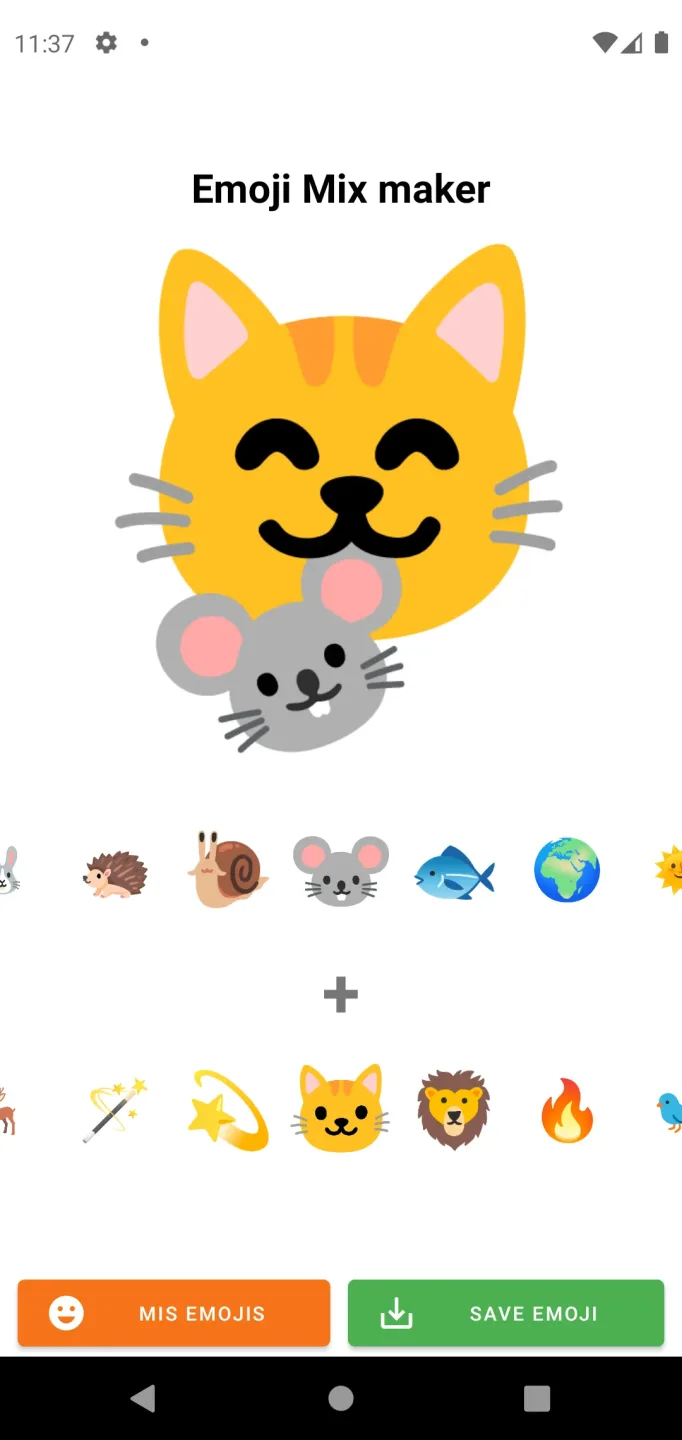
With Emojimix WASticker, you can create all the combinations you’ve ever wanted. It’s incredibly simple to use—just select two different emojis, and the combination is created for you.








