

Xuper TV is a video streaming application designed for the Android operating system. It offers a wide variety of content, including movies, TV series, and live sports broadcasts. The video quality automatically adjusts based on your network connection, ensuring a consistently high-definition viewing experience. The app supports subtitles in multiple languages and allows users to create personalized recommendation lists tailored to their individual preferences. You can easily find what you want to watch using the built-in search function, and content can also be downloaded for offline viewing.
Features
Live TV Channels
Through this app, you can access live TV channels, including movies, TV series, sports events, news, and more. The platform offers both local and international content, featuring hundreds of live TV channels.
Adaptive Streaming Quality
Video quality within the app adjusts automatically based on your network connection. For the best experience, please use a stable internet connection; the quality will dynamically shift, reaching up to 4K resolution.
Extensive Library of Movies and TV Series
Xuper TV provides a vast entertainment library, allowing users to watch Hollywood films, Bollywood movies, and a wide range of other television content.
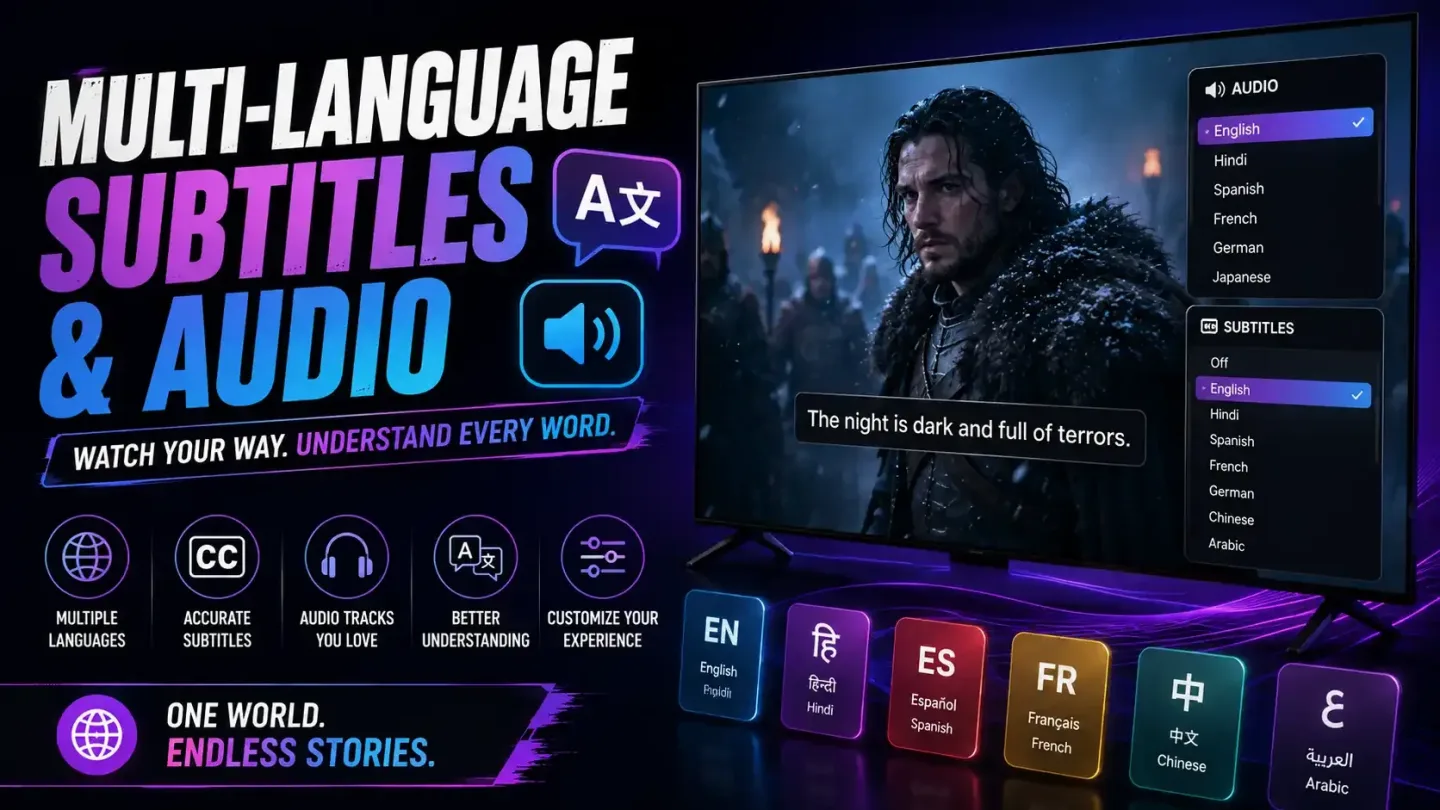
Multilingual Subtitles and Audio
The app supports content in various languages and offers options for both audio and subtitles. With support for languages such as English and Spanish, the platform provides a global selection—including Korean dramas, Turkish series, European films, and much more.
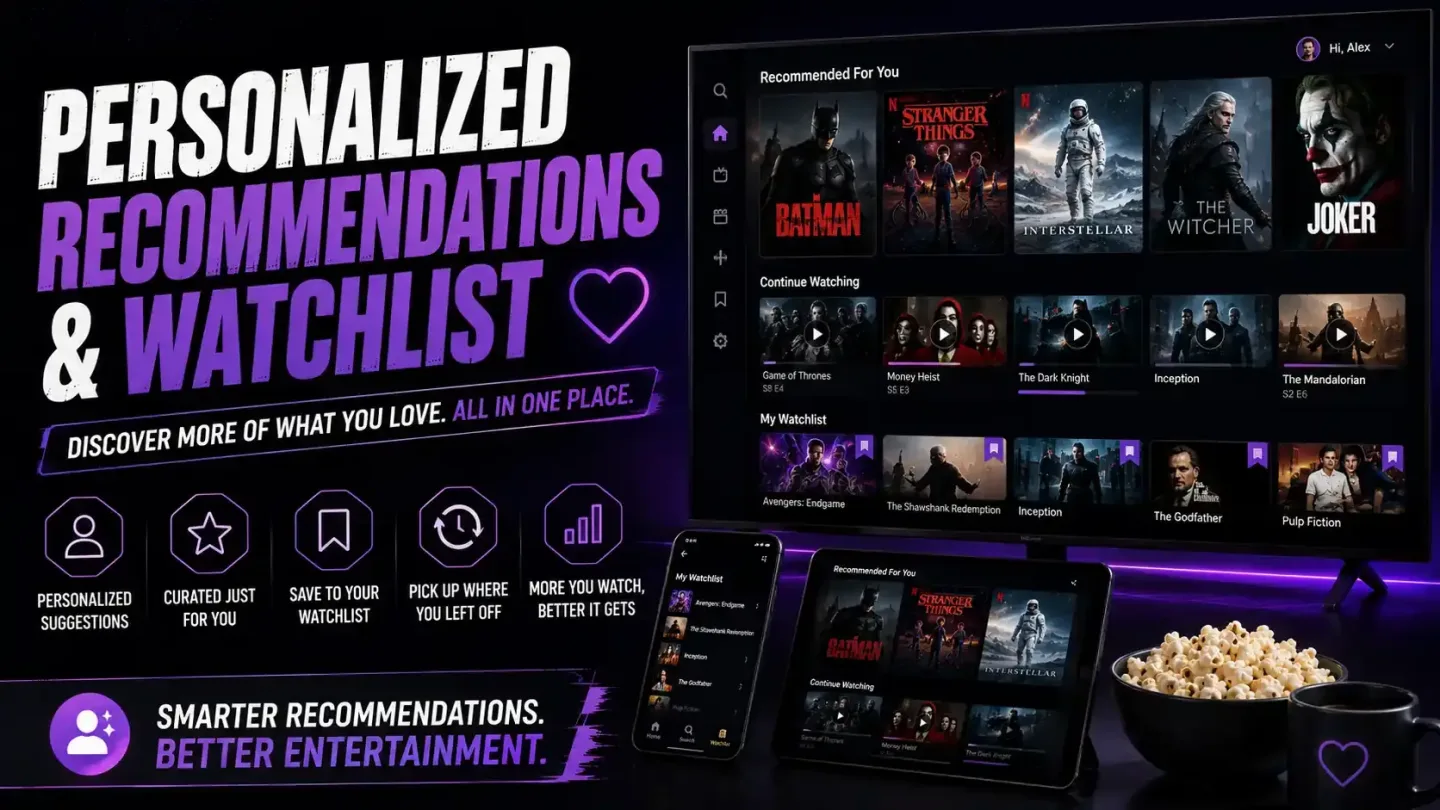
Personalized Recommendations and Watchlists
Use the search bar to quickly locate your favorite content and start watching movies, TV series, sports, and other programs with ease.
Tips
Use a Stable Network Connection
For smooth HD playback, a connection speed of at least 5–8 Mbps is recommended; 4K content requires approximately 15 Mbps. A wired connection or a stable Wi-Fi signal can significantly reduce buffering.
Regular Updates
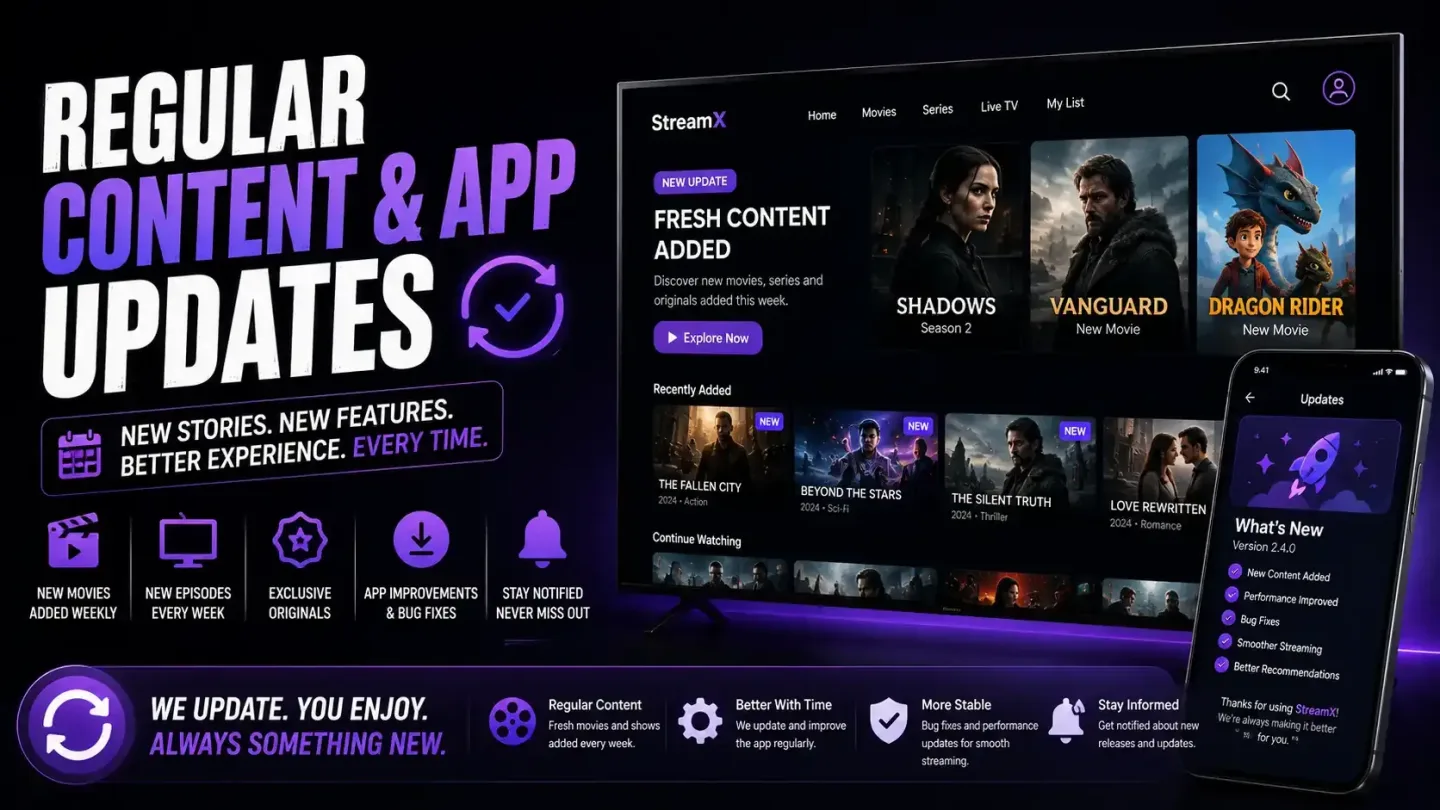
Updates often fix issues with channels and add new content, so checking for updates weekly ensures a consistent and reliable viewing experience.
Clear Cache Regularly
If playback speed slows down over time, you can usually restore normal performance by clearing the app’s cache via "Settings" > "Apps" > "Xuper TV" > "Storage."
Close Background Applications
On older devices or TV boxes with limited memory, background applications competing for bandwidth are a common cause of buffering.
Consider Using a VPN for Geo-Restricted Content
Some channels are subject to regional restrictions. A VPN can help you access content that is blocked in your area, though a VPN is not required for the app to function.
Pros and Cons
Pros:
Completely free with no subscription required.
Extensive content library that is updated regularly.
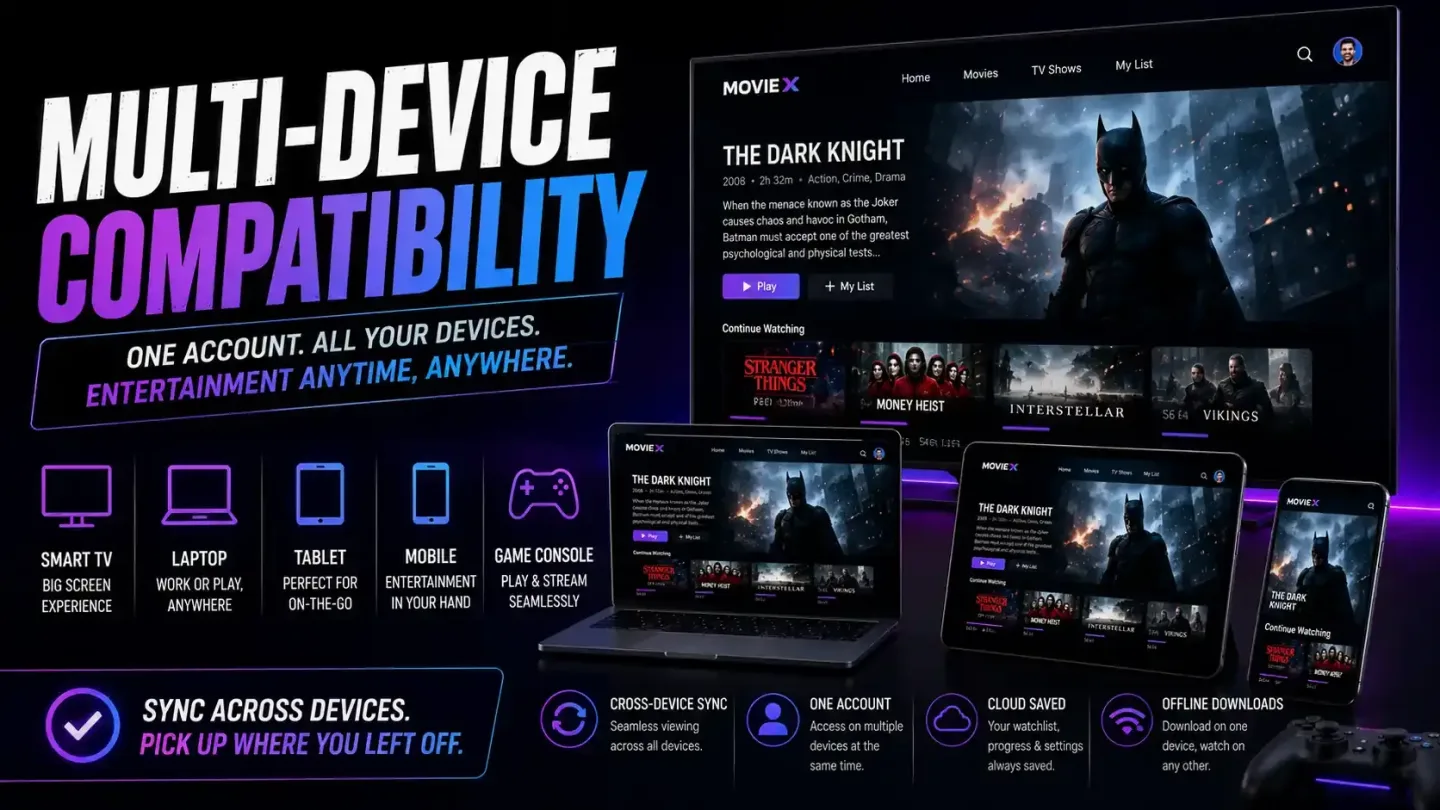
Compatible with mobile phones, tablets, smart TVs, and Firestick.
Clean interface with powerful search and categorization features.
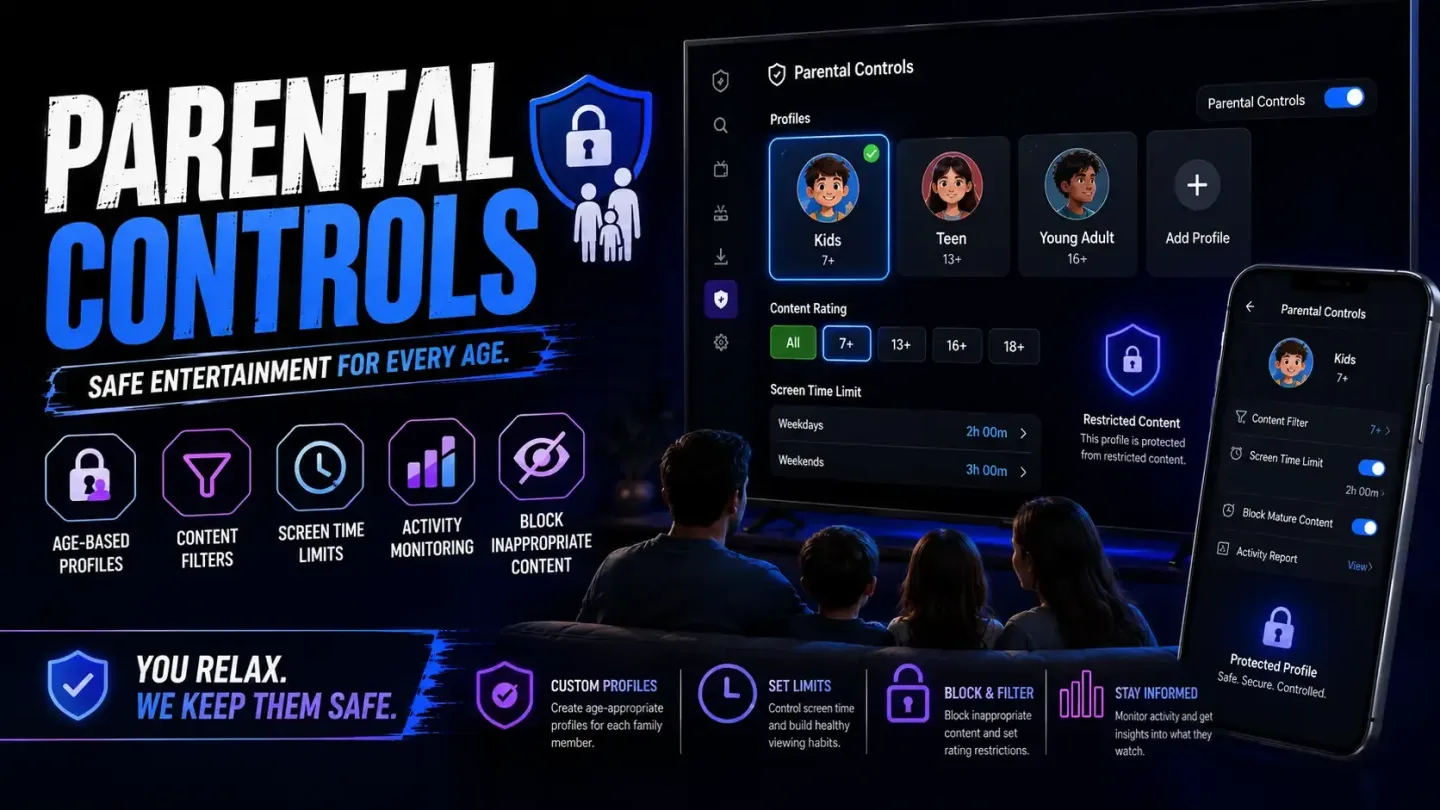
Built-in parental controls for family-friendly use.
Offline download options available for select titles.
Cons:
Streaming reliability may vary depending on the specific channel or source.
FAQs
Which devices are supported by Xuper TV?
It works on Android phones and tablets, smart TVs, Fire TV Sticks, and Android TV boxes. While there is no native PC version, the app can be run using an Android emulator like BlueStacks.
How often is Xuper TV updated?
The app is updated regularly to add new content and fix broken channels. Enabling notifications—if available—will ensure you are the first to know about new versions.
Do I need to create an account to use Xuper TV?
No registration or login is required. You can simply install the app and start watching videos immediately.
Conclusion
Whether you are looking for the latest blockbusters, timeless classics, hit series, or hidden gems, Xuper TV offers a fast, intuitive, and user-friendly experience for exploring the world of entertainment.







