
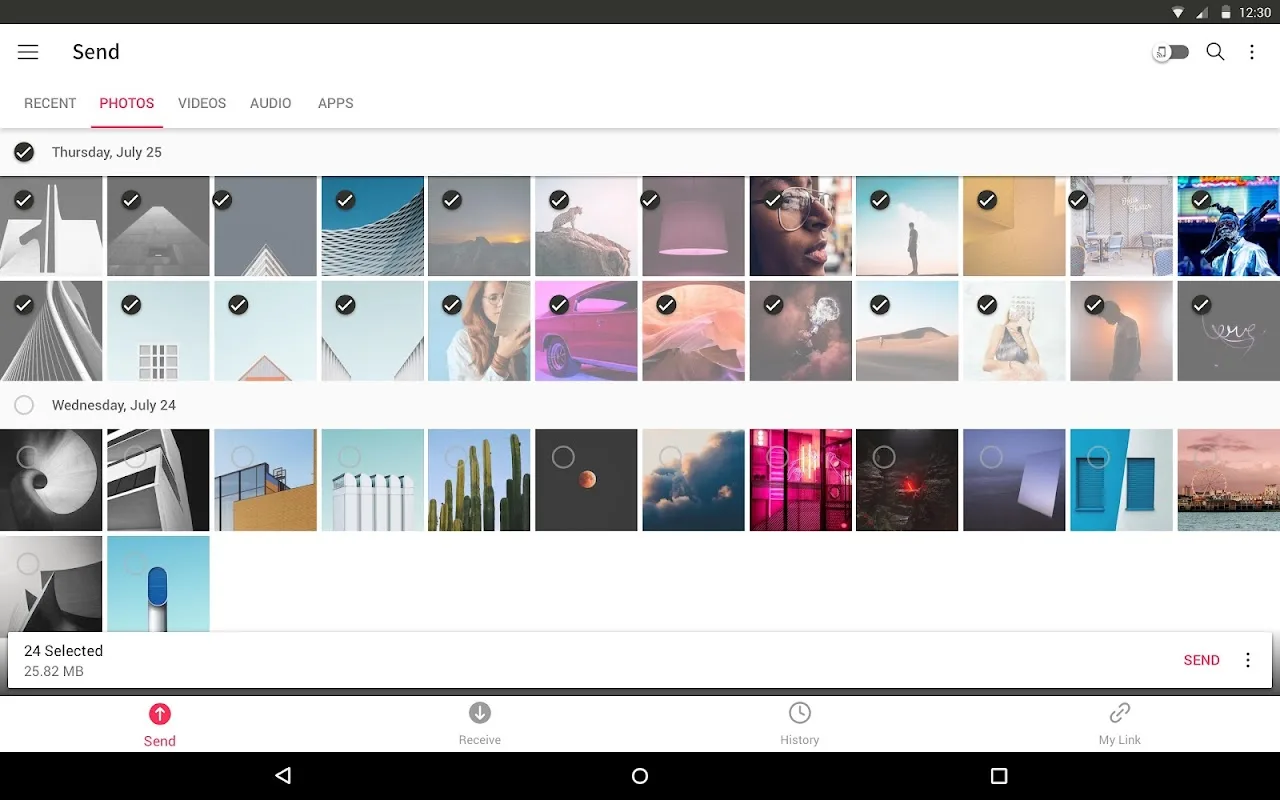
Send Anywhere is a free file transfer tool for Android devices. You can use it to send multimedia files such as photos, videos, and audio files. Send Anywhere thoughtfully features a one-time key, meaning only the person you send the code to can access your files, protecting the privacy of your content. Download Send Anywhere now and enjoy incredible convenience!
Click to load YouTube / 点击加载视频
YouTube ↗Overview:
Send Anywhere: Easy, quick, and unlimited file sharing.Send Anywhere is a file sharing application that takes an easy, quick, and unlimited approach to file sharing. Cloud sharing or storage services often offer a promise of unlimited file storing and sharing but their speeds and usability is compromised. Send Anywhere is for anyone wanting to share quality content, quickly, from any device to anyone in the world.
Features:
Transfer any file type without altering the original
All you need is a one-time 6-digit key for an easy file transfer
Wi-Fi Direct: transfer without using data or the Internet
Share files to multi-people at once via a link
Transfer files to a specific device
Reinforced file encryption (256-bit)
Highlights:
1:1 Real Time File Transfer
You can share files using a 6-digit key in real time. It will start to send files when entering 6-digit key in receive device.
Share files with link
Create a link when you can’t transfer files in real time or if you need to share files with multiple people. By using a link, you can also download files without any count limits during expiration time. And after the expiration date, it will be deleted. (For efficient use, a specific link with high data traffic may be blocked.)
Device to device
Also, You can send files to a specific device. You can easily transfer files between devices that you frequently send without a 6-digit key or a link.
Attach large files to email
You can easily attach big files by using Chrome Extension, Outlook add-ins and Send Anywhere's website.
Tips:
When moving photos, videos, and music to your PC!
When you need to send large files but you do not have mobile data or you have difficulty connecting to the internet
Anytime you want to send files in an instant!
Conclusion:
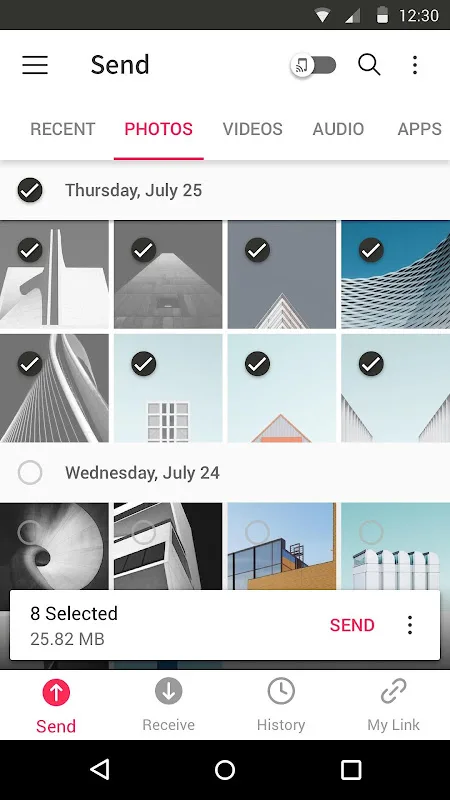
Once the selected files are uploaded to the cloud, you can share them in lots of different ways – the two simplest being with the QR code generated by the app or with a special download code you can send out.The best part of sending files using these codes (One Time Key) is that once the codes are used, they'll no longer be valid. This means only the person to whom you've sent the code will be able to download the files.Send Anywhere is a practical app for backing up files, offering a versatile way to send said files to other people.