

Via Mobile is a productivity tool designed for the Android operating system. It enables users to hold video conferences with colleagues to discuss team tasks. The software supports the presentation of various document formats—such as PDFs and Microsoft Office files—and offers multiple display options. Users can share their screens with others and manage permissions for their cameras and microphones. Furthermore, meetings can be recorded, allowing for playback at a later time. The platform also includes user account management and a comprehensive payment system. With its clean, minimalist interface, it provides an excellent user experience, keeping people closely connected at all times.
Features
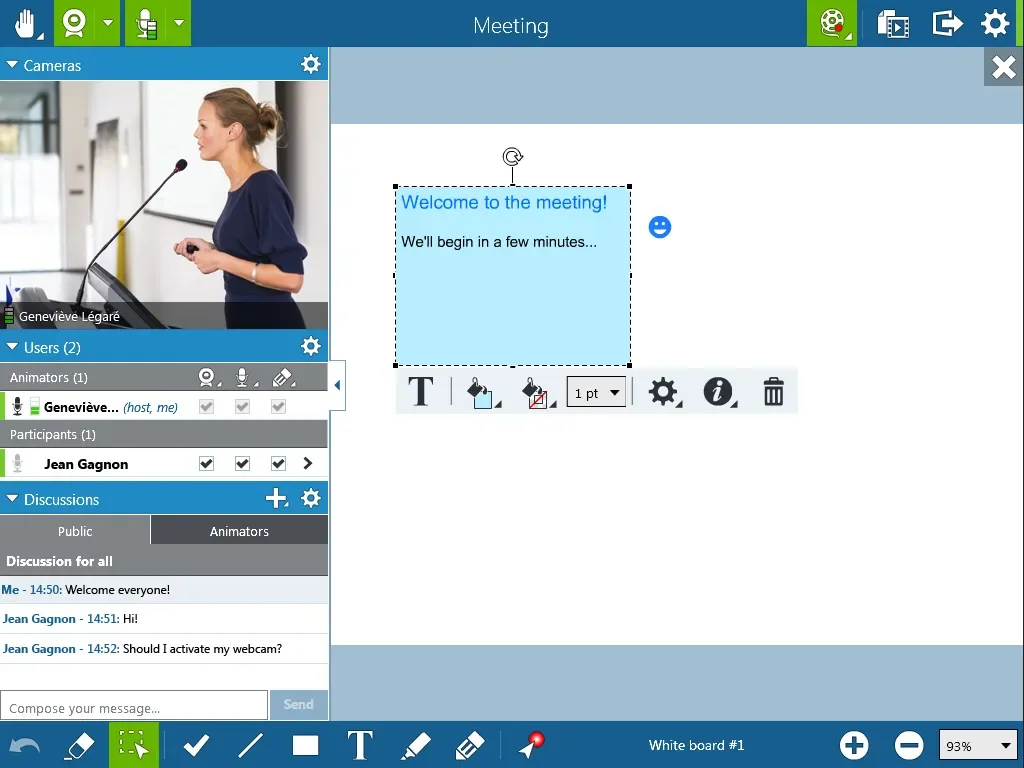
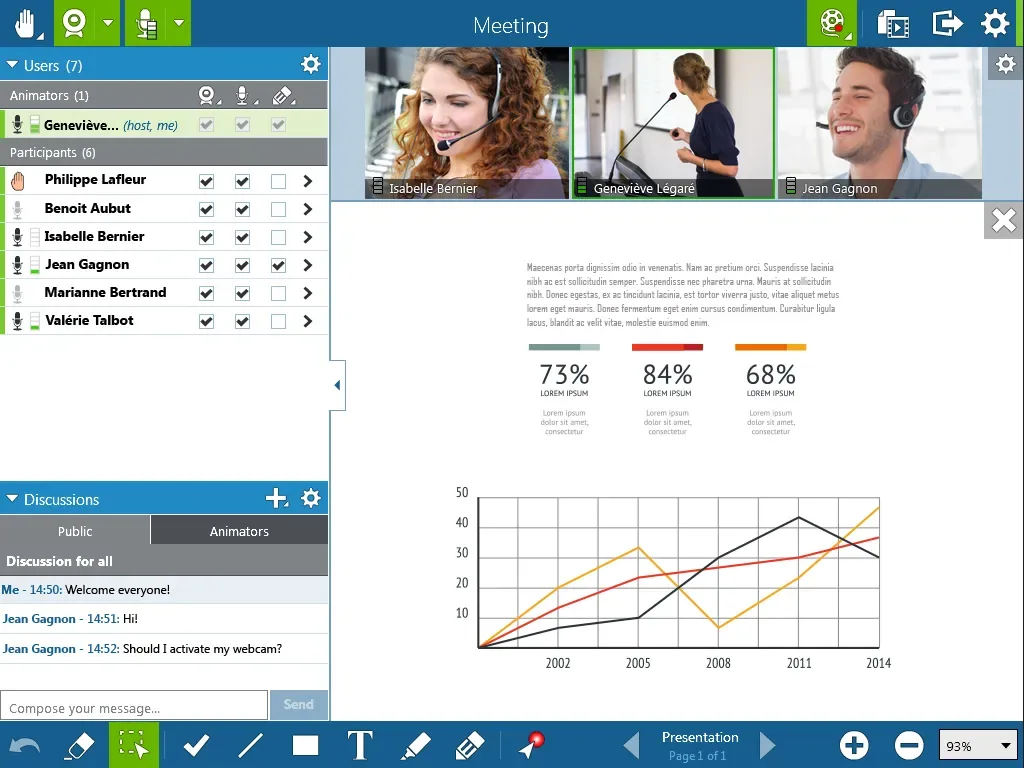
Via Mobile offers a straightforward, effortless way to join meetings or online classes without the need to juggle a dozen different tools. The interface is clean and intuitive, with a clear layout of buttons. It is also highly resilient, capable of connecting even in complex network environments—such as offices with restrictive firewall settings. Once in a meeting room, participants can enable their cameras and microphones, share their screens, pass control to others, and take notes on a digital whiteboard. Presenting is equally seamless; office documents, PDFs, images, and even short videos are displayed neatly, ensuring everyone can follow along. Designed more for training and collaboration than for simple calls, it is highly effective for teaching, presentations, and co-editing tasks.
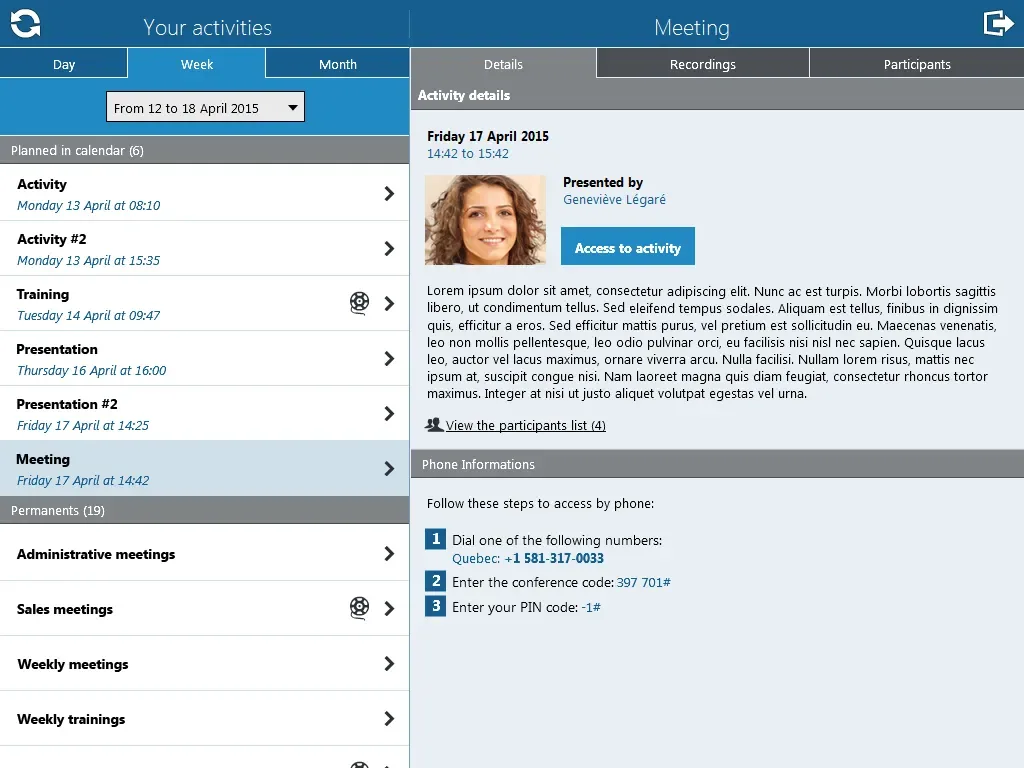
A standout feature of this app is its robust suite of built-in tools. For instance, a chat function allows users to ask questions, while meeting recordings—available as video or audio exports—ensure that those who missed a session can catch up later. It integrates with Outlook calendars, ensuring meetings are correctly added to your schedule. User accounts and roles can be managed directly within the app; large teams can even sync directory information to keep login credentials organized and clear. Additionally, the app supports a guest feature, allowing individuals to join meetings via an invitation.
For those who prefer a larger screen and a physical keyboard, running the app on a PC via BlueStacks is a convenient option. This setup allows for faster typing in the chat, easier window switching, and an overall experience that feels more like a desktop-based webinar—all while remaining, at its core, a mobile application.
Pros and Cons
Pros:
User-friendly interface with intuitive navigation.
Responsive design that performs well on mobile devices.
Secure transaction processing and payment integration.
Real-time data analytics and reporting capabilities.
Robust customer support for users.
Regular updates and the addition of new features based on user feedback.
Cons:
Limited customization options for advanced users.
May have a learning curve for users who are not familiar with mobile applications.
FAQs
How can I create an account on Via Mobile?
To set up an account on Via Mobile, you need to download the app, register using your information, and create a username and password.
Is Via Mobile free to use?
Yes, Via Mobile is free to download and use; however, standard data charges from your mobile carrier may apply.
Can I make mobile deposits using Via Mobile?
Yes, Via Mobile allows users to conveniently deposit checks remotely using the mobile check deposit feature.
Is it safe to conduct transactions using Via Mobile?
Yes, Via Mobile employs industry-standard security measures to ensure the safety and privacy of user transactions and information.
Conclusion
Via Mobile streamlines your communication processes and technical operations, facilitating seamless interaction through firewalls and secure networks. It enables customers, employees, and partners to stay engaged, regardless of their location.








