
Google Docs is a document-creation application designed for the Android platform. It allows users to create documents and collaborate or share them with others in real time. Users can also work on documents offline; any changes made are automatically saved once an internet connection is restored. This flexibility enables users to work from anywhere, at any time. Furthermore, the app supports conversion between Microsoft Word and PDF formats. It also integrates artificial intelligence features to assist users in the document-creation process.
Features
Real-time Collaboration and Sharing
Google Docs enables you to collaborate and edit simultaneously with team members, with changes visible in real time. You can add comments, suggest edits, assign tasks, and set granular sharing permissions—ensuring that the right people have the appropriate level of access (view, comment, or edit). This keeps feedback contextual and centralized, rather than scattered across various email threads
Offline Work and Auto-save
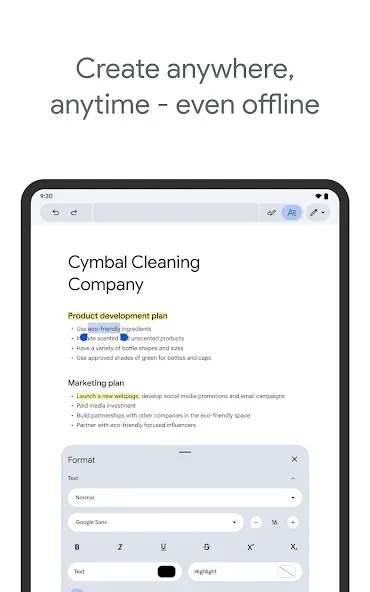
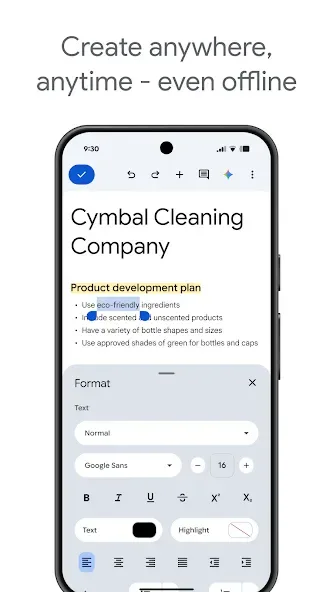
You can mark files for offline use, allowing you to continue editing even without an internet connection. Changes are automatically saved to your device and synced to the cloud once you are back online, ensuring that no work is lost. This is particularly useful when traveling by plane, riding the subway, or in areas with unstable network connectivity.
Open, Edit, and Export Common Formats
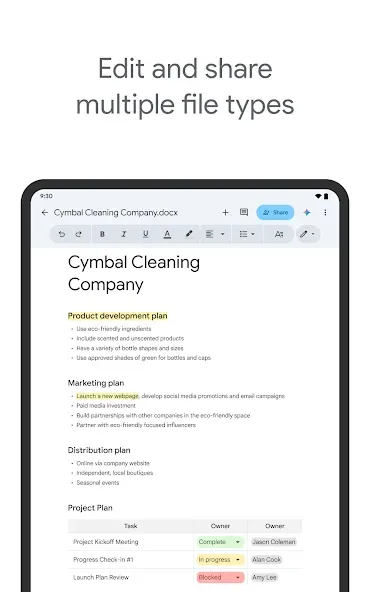
Google Docs supports opening Microsoft Word and PDF files, allowing for quick edits directly on your mobile device. You can convert these files into the native Google Docs format for collaboration, or export them back into Word, PDF, or other formats when sharing with people outside your team. The formatting remains consistent, minimizing the need for further adjustments.
Writing Assistance and AI Tools
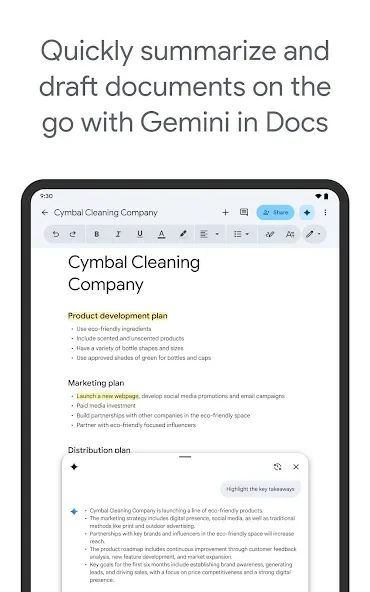
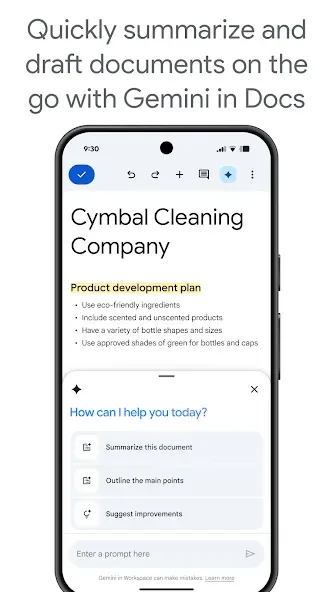
Google Docs includes features such as grammar suggestions, Smart Compose, and voice typing—letting you dictate notes hands-free. Workspace subscribers can also leverage Gemini within their documents to generate outlines, adjust the tone of the text, or create images. These tools help you transform rough ideas into polished drafts more efficiently while on the go.
Smart Canvas and Workspace Integration
Get started quickly using templates, and use the "@" symbol to insert references to people, files, or calendar events. Features like building blocks, pageless mode, and document tabs help you organize complex projects without needing to switch to other applications. Google Docs integrates with Google Drive to provide automatic saving and version history. It supports electronic signatures to streamline contract workflows, allows for the embedding of charts from Google Sheets, and enables you to reply to comments directly from Gmail. Built-in encryption and permission controls ensure secure sharing.
Usage
Open Google Docs and sign in to your Google account. If prompted, grant access to your storage and microphone to enable file saving and voice typing.
You can create a new document from a template or start with a blank one. Give your file a name so it’s easy to find later.
Begin typing or tap the microphone icon for voice input. Use the toolbar to format your text, and insert images, links, or "smart chips" as needed.
To continue working without an internet connection, open the "File" menu and enable "Available offline." Your changes will automatically sync once you are back online.
When you’re ready to share, click "Share," add collaborators, and set their access levels (viewer, commenter, or editor). You can gather feedback using comments or suggested edits, and export your document as a PDF or Word file when finished.
Pros and Cons
Pros:
Create, edit, view, and share text documents
Support for multiple export formats
Cross-platform compatibility
Free to use
Includes a wide range of editing tools
Cons:
Formatting may become inconsistent when importing complex external files
FAQs
How do I create a new Google Docs using the app?
Simply tap the plus (+) button in the bottom-right corner of the Google Docs app to create a new document, then edit and customize it as you wish.
Can I use pre-made templates?
Yes, you can choose from a variety of built-in templates. This saves time on formatting—which can be cumbersome on a mobile device—and includes options for resumes, letters, and various school or education-related documents.
Can I add custom content?
You can use the plus (+) icon in the top menu to insert elements such as links, tables, and horizontal lines. Once you have finished editing and saving your document, tap the "add recipients" icon to share it with colleagues.
Conclusion
Google Docs is a powerful productivity tool for creating, editing, and sharing documents with others. It is also a powerful collaboration tool that enables users to work together on projects. Without a doubt, it is a simple, user-friendly, and highly capable word processor that helps make your documents truly impressive.








