Google Sheets is a free productivity app for Android. Download it now and easily create, edit, and collaborate on spreadsheets using your device. Google Sheets works offline, so you can sync and access important content anytime. This powerful spreadsheet app supports many common functions, including formatting cells, entering and sorting data, viewing charts, inserting formulas, and using find and replace. Google Sheets is a powerful tool to help you boost your productivity.
Click to load YouTube / 点击加载视频
YouTube ↗Brief Introduction:
Google Sheets is a web-based spreadsheet program that allows users to create and edit spreadsheets online. It offers many of the same features as traditional spreadsheet programs like Microsoft Excel, but with the added benefit of being cloud-based and accessible from any device with an internet connection.
How to use Google sheets:
- Log in to your Google account and open the Google Sheets web application( https://sheets.google.com ).
- Create a new table or open an existing table.
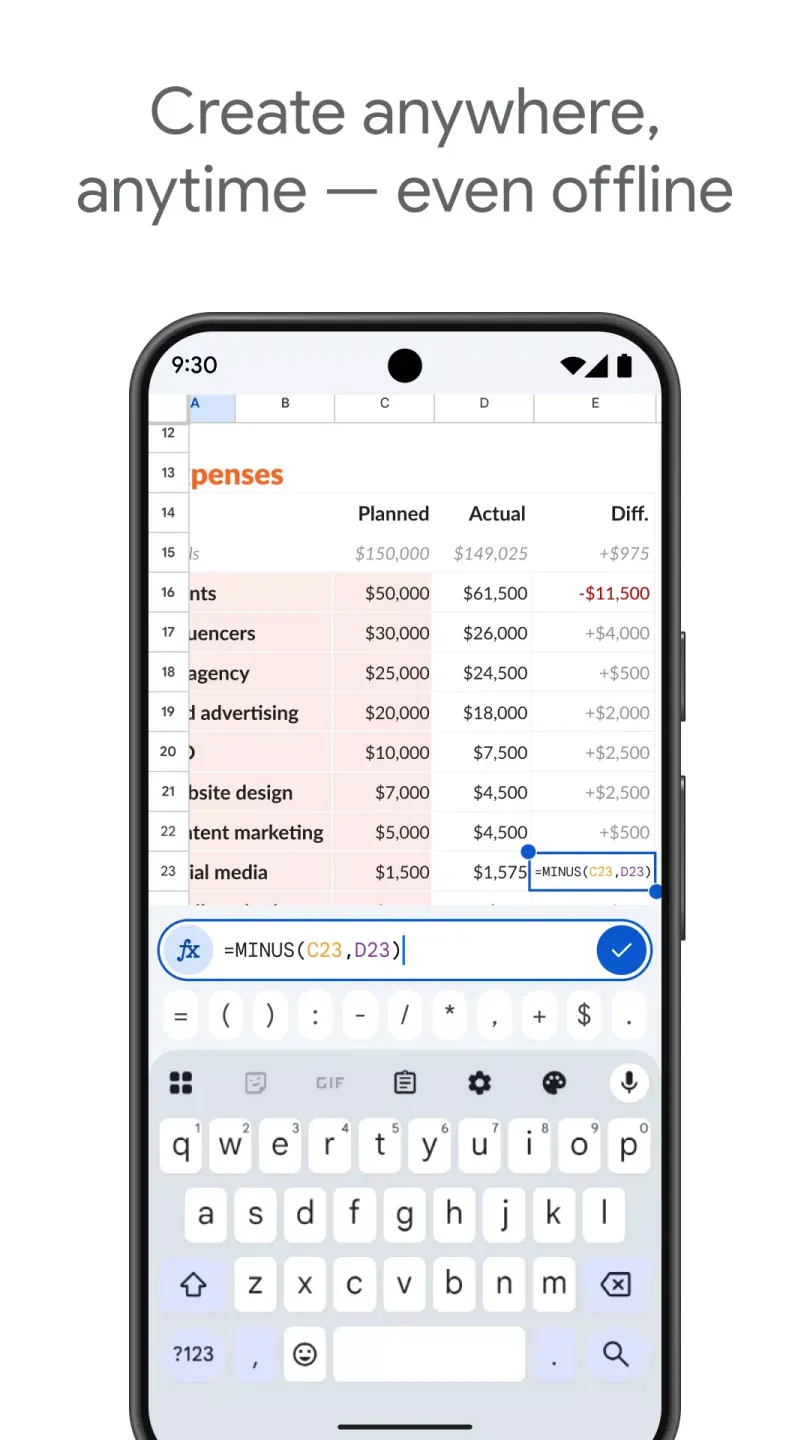
- Enter or edit data in the worksheet. You can enter text, numbers, or formulas in cells, as well as set formatting and styles.
- Use formulas and functions to calculate data. Enter the equal sign (=) in the cell, then enter a formula or function such as SUM (sum), AVERAGE (average), etc.
- Adjust the layout and format of the worksheet. You can insert, delete, and rename worksheets, as well as set column width, row height, and cell formatting.
- Sort and filter data. You can sort by specific column values in ascending or descending order, and you can also use filtering functions to filter data.
- Use charts to visualize data. Select the data to be used for the chart within the data range, then click on the "Chart" option in the "Insert" menu, select the appropriate chart type, and make the necessary settings.
- Use sharing and collaboration features in Google Sheets. You can invite others to edit the table with you and set different permissions.
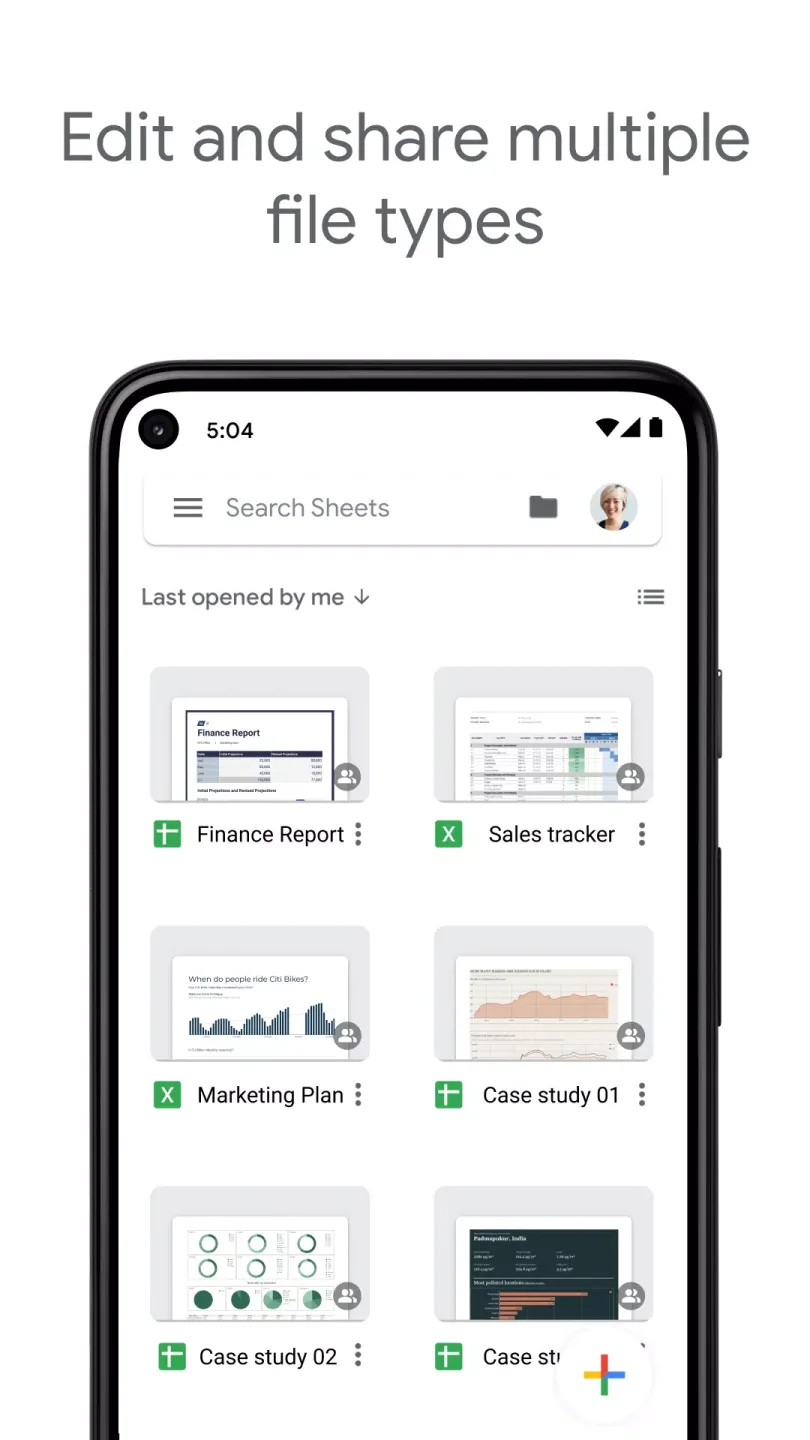
- Export and save tables. You can export the table to other formats (such as Excel, PDF, etc.) or save it in Google Drive.
Some key characteristics and highlights of Google Sheets include:
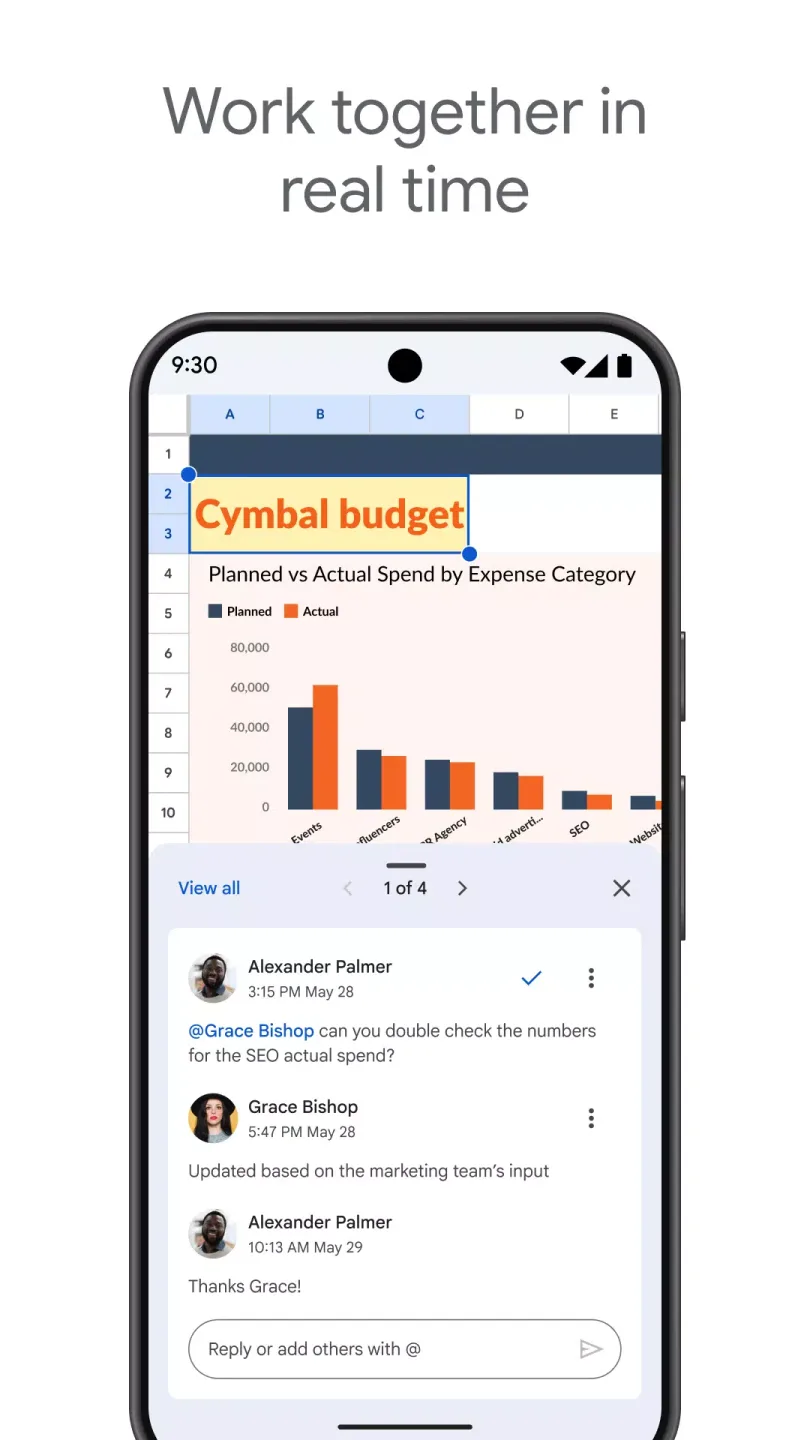
Collaboration: Google Sheets allows multiple users to work on a spreadsheet in real-time, making it easy to collaborate with colleagues or classmates on projects.
Templates: Google Sheets offers a variety of pre-built templates for common tasks like budgeting, project management, and scheduling, making it easy to get started on a new spreadsheet.
Add-ons: Google Sheets supports a wide range of add-ons that can extend the functionality of the program, allowing users to add features like data visualization, automation, and data analysis.
Integration with other Google products: Google Sheets integrates seamlessly with other Google products like Google Drive, Google Forms, and Google Calendar, making it easy to import data from other sources and share spreadsheets with others.
Advantages:
Google Sheets is its accessibility and convenience. Because it is cloud-based, users can access their spreadsheets from any device with an internet connection, making it easy to work on projects from anywhere.
Additionally, since Google Sheets is part of the Google Suite of products, users can easily share and collaborate on spreadsheets with others, making it a great tool for team projects and remote.
Final Verdict:
The Google Sheets app enables users to create, modify, and work together on spreadsheets using their Android phones or tablets. It allows users to create new spreadsheets, collaborate in real-time, work offline, add comments, format cells, insert formulas, view charts, and more. The app also offers automatic saving, smart suggestions, and compatibility with Excel files.