
PDF Pro: Edit, Sign & Fill PDF is a feature-rich business application. Here you can easily edit and modify PDF files and get the best PDF reading experience. Editing PDFs is effortless; you can view and annotate PDFs at any time, adding highlights, underlines, or bookmarks for easy access later. It also supports PDF file conversion, allowing you to convert PDFs to Word, Excel, and PPT formats, or convert existing documents to PDF. Furthermore, you can easily sign PDFs, providing a more convenient user experience.
Usage
You can use this application to edit and modify PDF files, making them easier to read, understand, and fill in. You can edit PDF files, such as adding, deleting, or changing the page order, as well as adding, deleting, or changing text, images, or signatures. You can also highlight, add underlines, and strikethroughs.
In addition, you can search PDF files like flipping through a book to find the exact page you need.
You can also create PDF files from images and other file types.
Features
View and Annotate PDFs
• Easily read PDFs for free with PDF Reader Pro
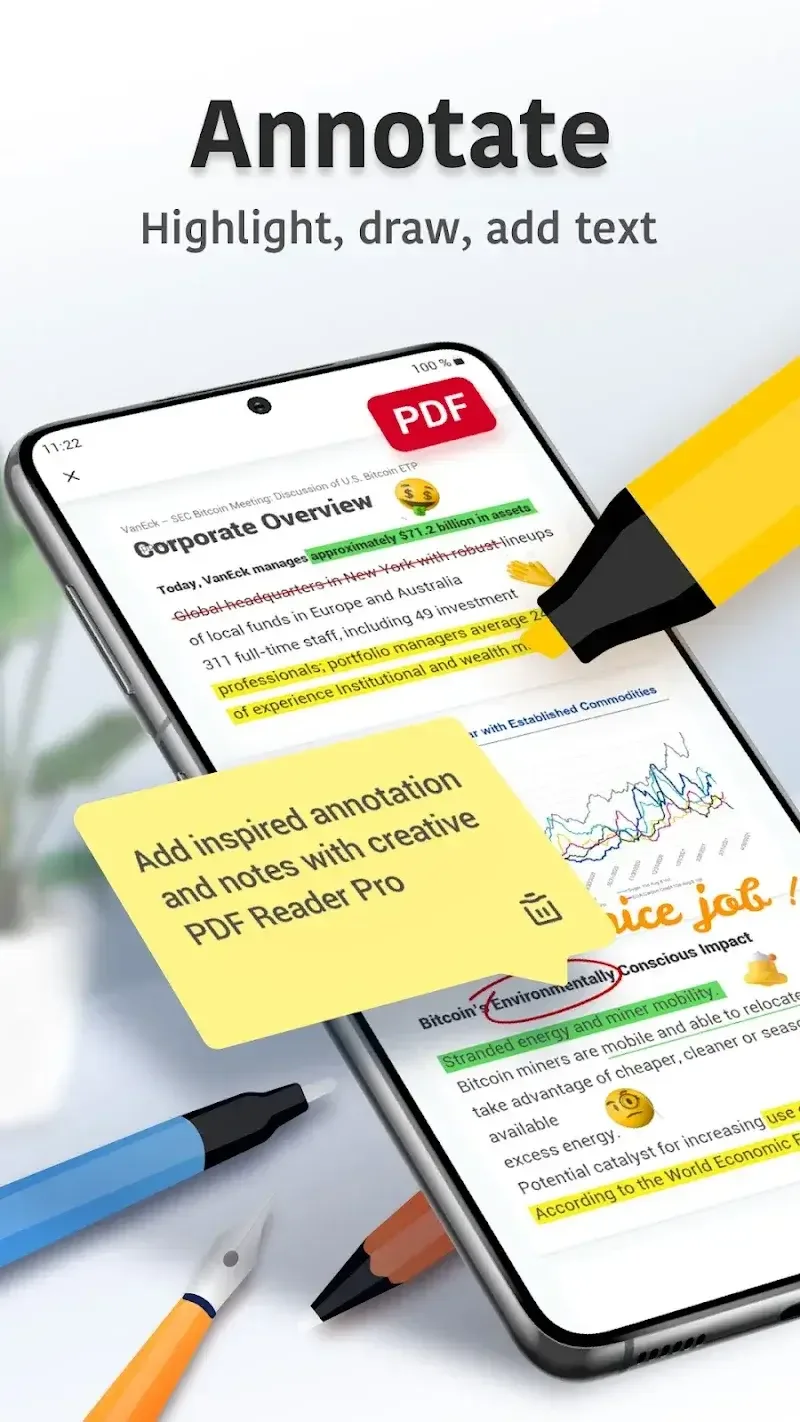
• Add annotations and comments to PDFs, highlighting, underlining, and strikethrough text
• Search to quickly find text in PDF documents
• Bookmark PDF pages for later reference
Convert PDFs to Word, Excel, and PowerPoint Formats
• Export PDFs as Microsoft Office Word, Excel, or PowerPoint files
• Open existing images to create new PDF files
File Management
• Star, rename, copy, move, or delete PDF documents
• Access files in Dropbox and Google Drive
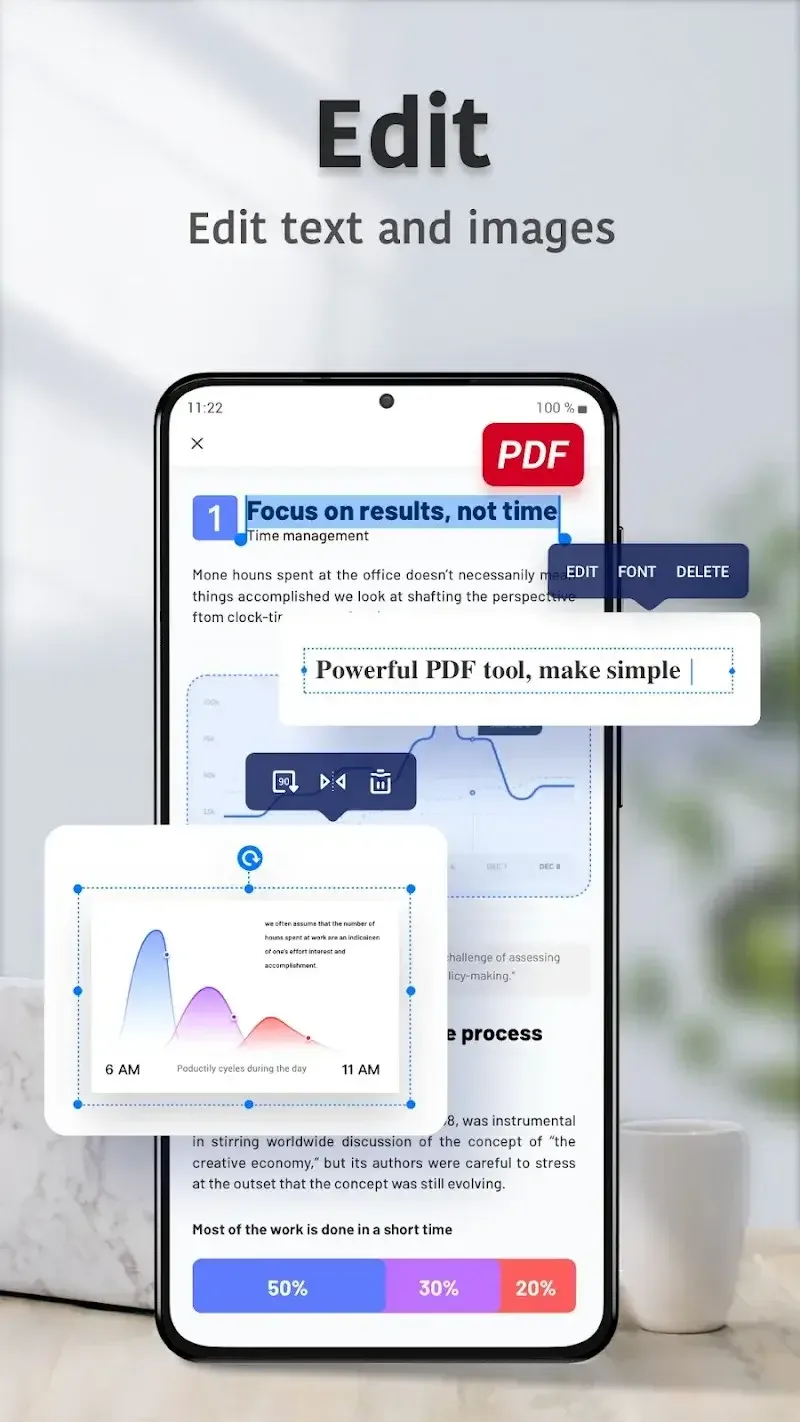
Edit Text and Images
• Edit text and images directly in PDFs
• Merge and split PDFs, delete pages, change page order, and insert blank pages
• Add, delete, or rotate images
• Draw on PDFs
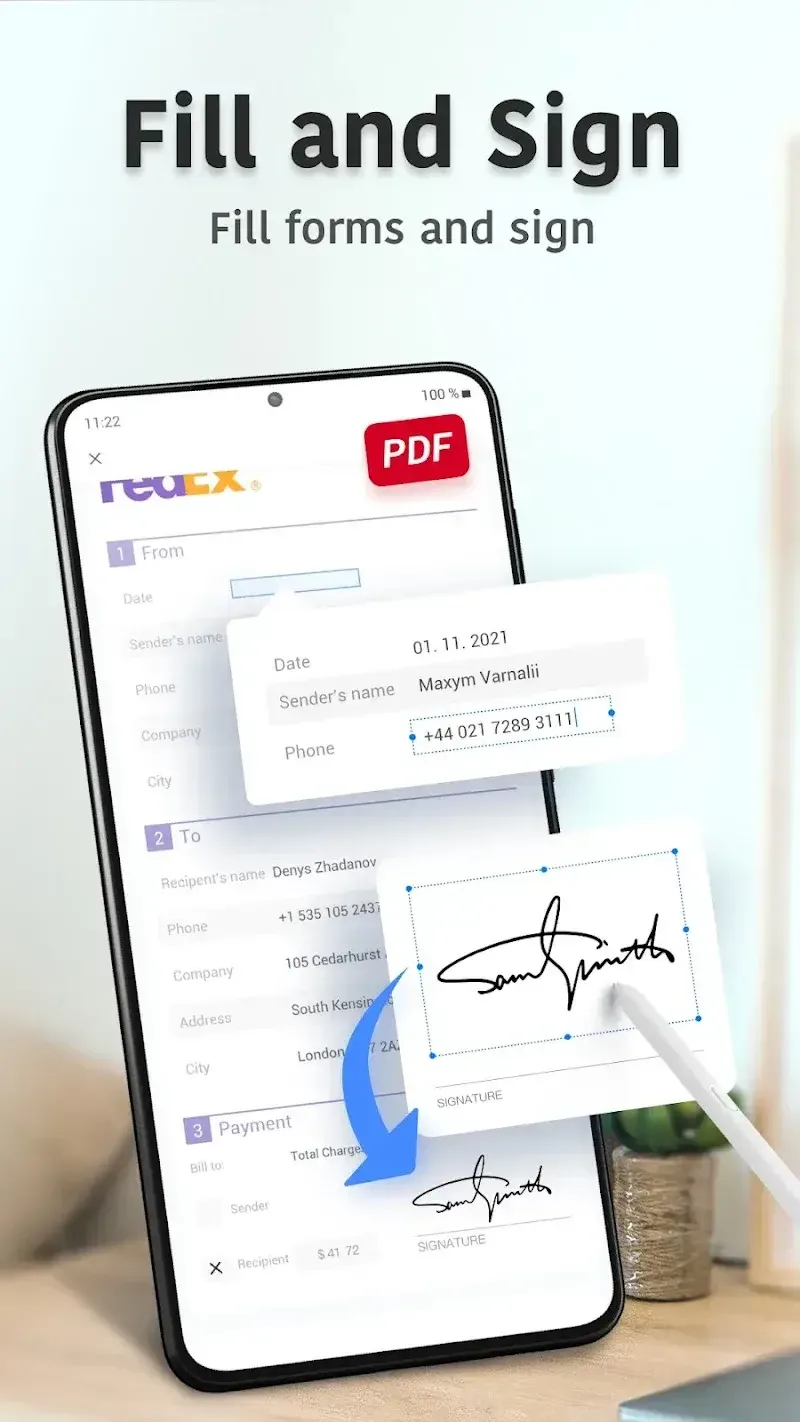
Fill and Sign PDFs
• Fill out, save, and send PDF forms
• Sign PDFs almost anytime, anywhere
Scan Documents
• Quickly scan a variety of documents
• Optimize scan quality for clear and sharp results.
Advantages & Disadvantages
Advantages
Comprehensive PDF editing and annotation features
Supports digital signatures and form filling
Cloud integration with Google Drive and Dropbox
Document scanning and OCR capabilities
User-friendly interface with powerful file organization tools
Disadvantages
Advanced features require a paid subscription.
Occasional formatting and compatibility issues
Limited font style options
The application may experience minor glitches when handling complex documents.
FAQs
Are you having trouble installing PDF Pro: Edit, Sign, and Fill PDFs?
Installation of PDF Pro: Edit, Sign, and Fill PDFs may fail due to insufficient device storage, unstable network connection, or compatibility issues with your Android device. To avoid this, ensure your phone meets the minimum system requirements before starting the installation.
What is the total file size of PDF Pro: Edit, Sign, and Fill PDFs?
PDF Pro: Edit, Sign, and Fill PDFs requires approximately 59.43 MB (62,313,058 bytes) of storage space, including the base file size, and may vary slightly depending on the device or other data downloaded during gameplay.
How can I check if PDF Pro: Edit, Sign, and Fill PDFs is safe to download?
PDF Pro: Edit, Sign, and Fill PDF files can be safely downloaded from our website because we only host original files with trusted and verified digital signatures from the developers, ensuring their authenticity and security.
Summary
Whether for professional or personal use, this application is designed to improve productivity by streamlining document workflows. It supports efficient form filling, document signing, and PDF management, making it an essential tool for users seeking a powerful and easy-to-use PDF solution.








