
StayFree is a deeply ingrained focus-enhancing tool that helps users easily block out distracting apps and websites, allowing you to focus on important tasks and activities, making your life and work more efficient. The app presents a powerful and easy-to-use focus manager for a wide user base. Users can try various focus modes, sleep modes, app blocking, and other services, flexibly adjusting them within powerful customization options to make the most of their precious time through personalized planning.
Click to load YouTube / 点击加载视频
YouTube ↗Awesome Function of StayFree
If you feel you spend too much time on your smartphone, or simply want to track your usage time for each app, StayFree is very useful. StayFree tracks how long you open apps, as well as the number of times you unlock and turn on your phone. Furthermore, the tool tells you the average usage time for each app, allowing you to see if your usage time is above or below average. It also tells you if you've reduced the time spent on each app, and finally, it allows you to set reminders to receive notifications when you spend more time than expected on a particular app.
Another feature of StayFree is the ability to categorize your time-spending information. It essentially categorizes your apps into entertainment, utilities, education, social networking, health and fitness, and system apps. Its purpose is to give you a clear understanding of the time you spend on each activity, and if you're not satisfied with the results, it can help you change your usage habits. Specifically, you can control the time spent on each installed app.
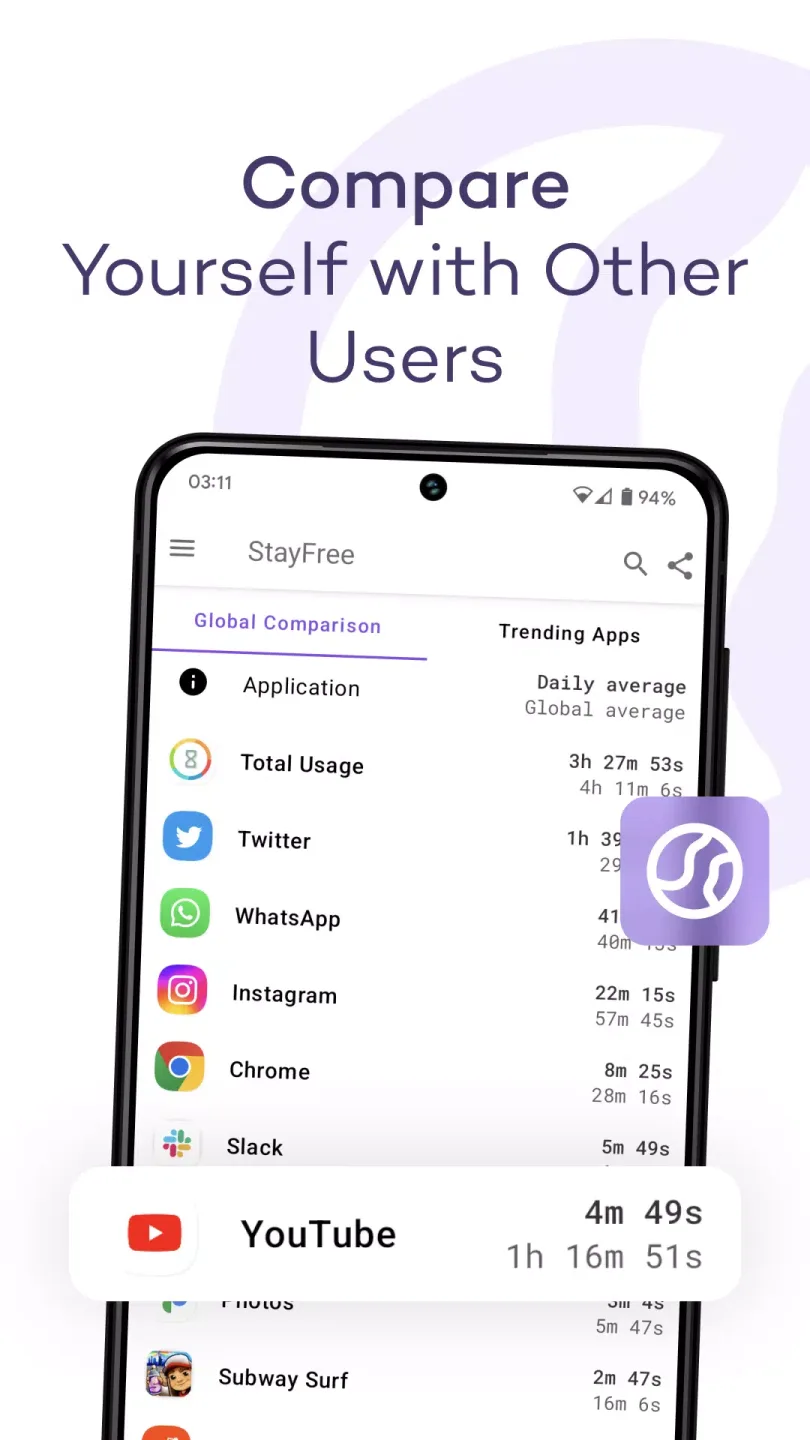
Wonderful Features of StayFree
Detailed Usage History: View usage charts and statistics across all your devices.
Cross-Platform: Easily and quickly connect devices to view total screen time (no account creation required!).
Overuse Alerts: Notify you when you spend too much time on apps and start your digital detox.
App Blocking: Temporarily (or permanently) block any apps you overuse.
Focus Mode: Create a schedule to block distracting apps at specific times.
Sleep Mode: Disable all apps to help you relax at the end of the day.
Website Usage: Shows you the websites you actually visit, not just your browser entries.
Export Usage: Save as a CSV file if you want to customize the analytics or tailor it to your needs.
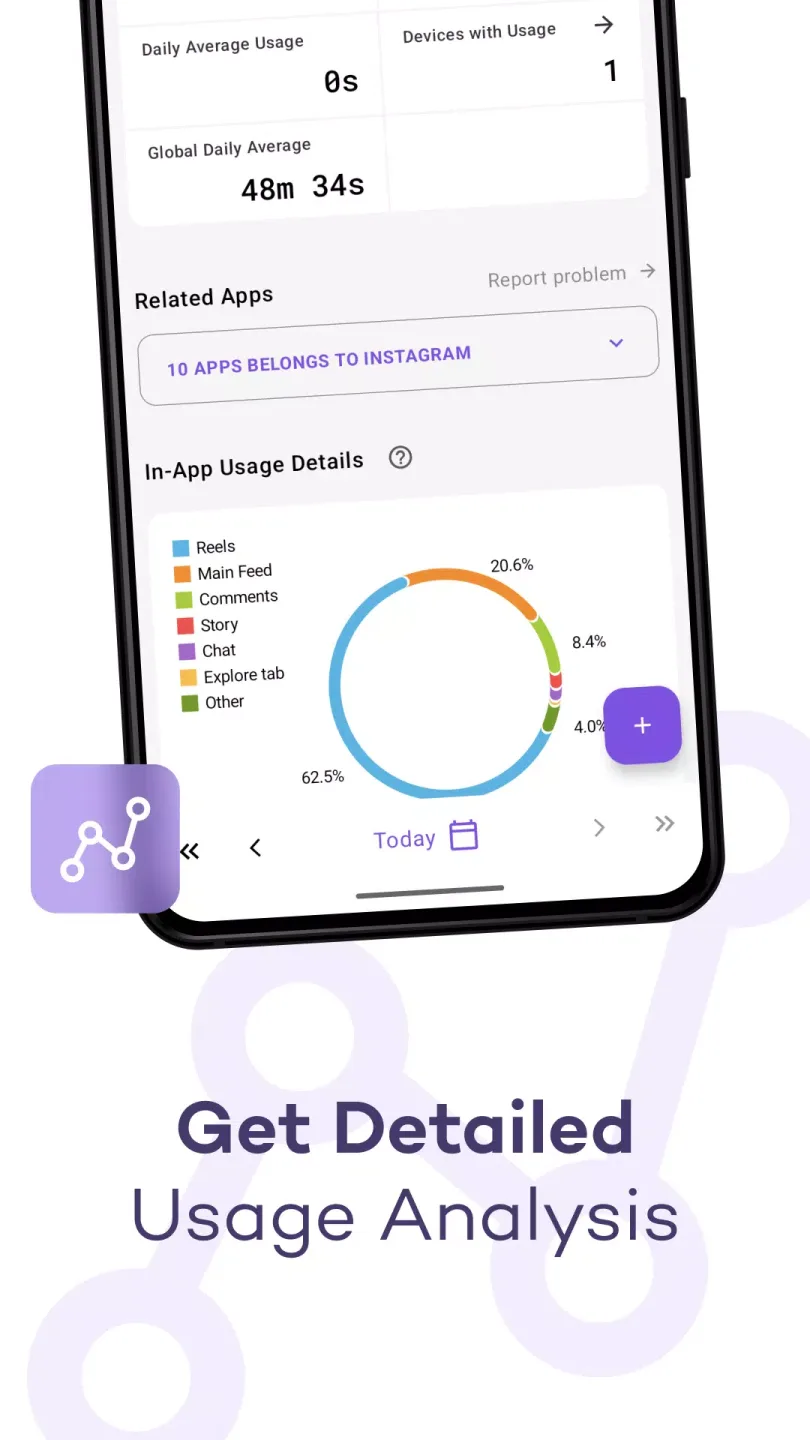
Fantastic Performance of StayFree
Detailed Usage History
StayFree will help you reduce your smartphone usage time. The first step in limiting usage time is for the user to provide accurate data. That is, you should first try using your smartphone for a few hours so that the application can recognize your usage duration. This way, you can understand how much time you spend on your smartphone and begin to "quit" the habit. The method is very simple; just set a time limit.
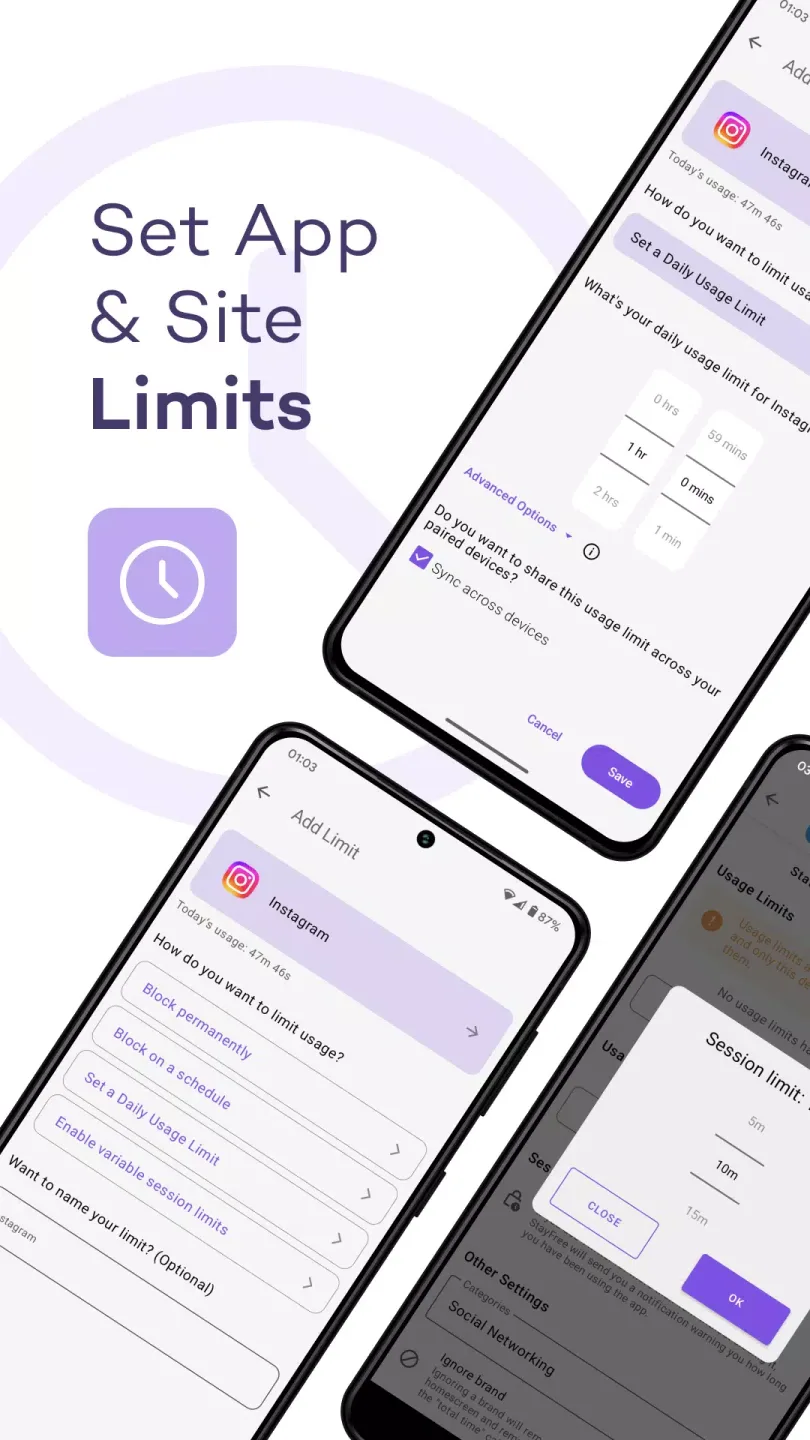
Focus Mode
Once you have a grasp of your usage frequency and understand which apps are used most frequently, you can start setting usage time limits. During this time, you can freely use these apps, but choose a reasonable duration, because no one can naturally reduce their smartphone usage time. Therefore, you can try gradually reducing the usage time until you can't reduce it any further; that's the optimal time. Once the set threshold is exceeded, the app will detect it and automatically lock until you use it again.
User's Comments of StayFree
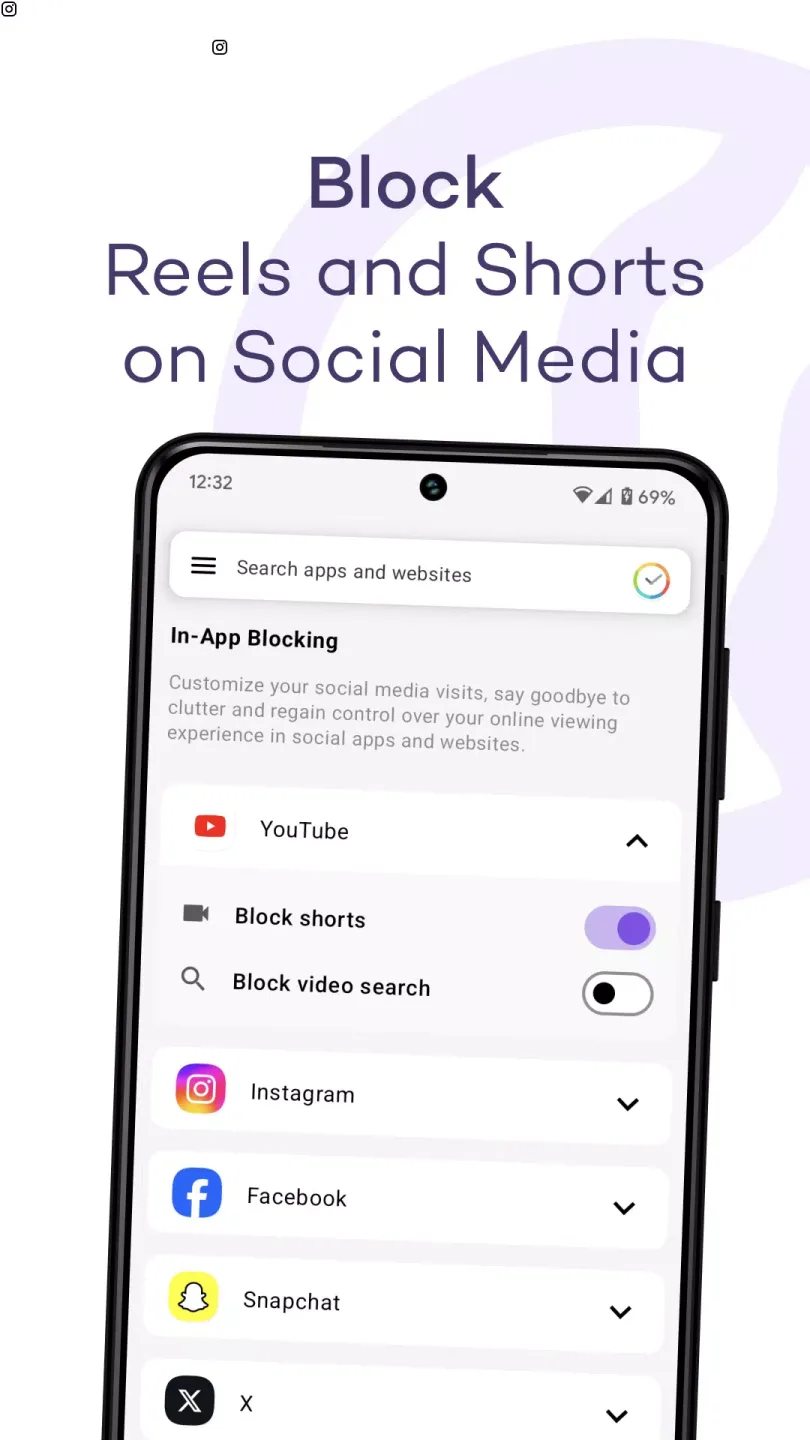
I don't know if there's any other app for this purpose other than StayFree. This is my third phone that i have used it on, and it proves itself everytime to be the best. Just recently when i downloaded it in my new phone, i noticed that there's in-app blocking now. I can use Instagram but not doomscroll through reels, youtube but not shorts. I would just love for them to add more characters to that word thingie, where you have to type in a paragraph before you can change any of your settings.
This app is wonderful I absolutely love it, I have no complaints but I do have a few suggestions that would be nice if possible to be added to the app. 1 it would be nice if you could make an account so you can use the app across all devices and 2 it would be cool if you could make a monthly schedule instead of just a daily schedule for when the apps are blocked from this time to this time since some people go on vacation and already have their whole month planned out and whatnot
Haven't used all features as I find a The subset itself is immensely useful to me, so the entire set is even better. It would be nice if we could 1. combine blocks in one limit, though of course they can be added as multiple limits on the same set of blocked apps/sites. 2. For usage limits, add block screens (along with apps/sites). One issue I encountered was that for games that work in horizontal mode, I couldn't tap "ok" after setting a variable time limit because the dialog was cropped, and I couldn't play.
Final Thoughts
A comprehensive tool designed to help users manage screen time and improve digital well-being. It offers a wealth of features, including detailed usage statistics, app blocking, focus and sleep modes, and website tracking, empowering users to take control of their digital lives. This app is especially useful for users looking to reduce distractions, increase efficiency, and build healthier tech habits.








