

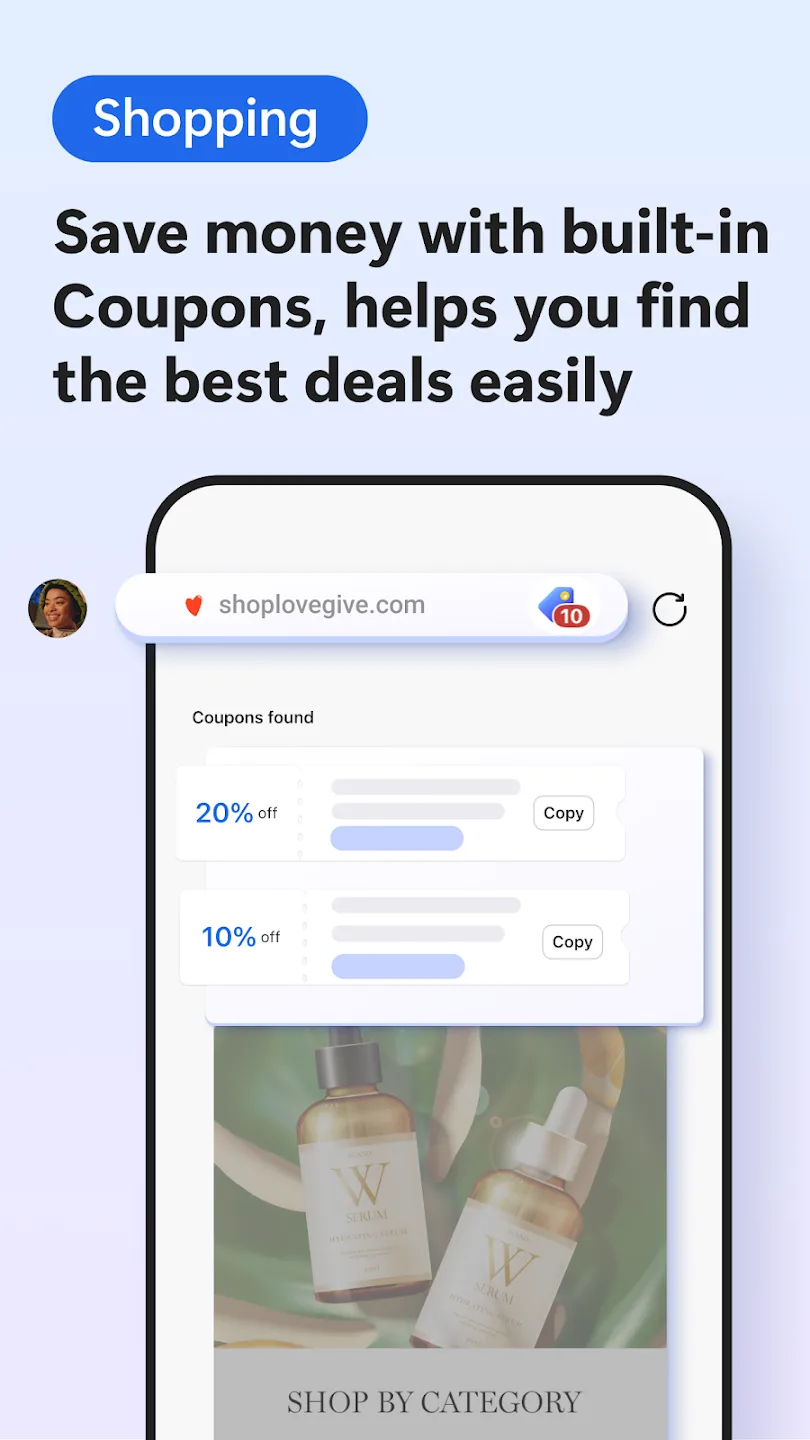
Microsoft Edge is a browser designed specifically for mobile devices. It incorporates advanced artificial intelligence—including a GPT-4-powered Copilot and content creation tools—alongside built-in privacy protections, ensuring a secure and seamless browsing experience. With Microsoft Edge, users can improve their browsing efficiency by using AI tools to answer questions, optimize searches, and generate clear summaries with citations for web pages and PDF documents. In addition, the app offers shopping aids such as coupons, price history, and price comparison tools to help you complete your shopping at a better price in supported scenarios.
Highlights:
Browse securely with InPrivate browsing that safeguards sensitive information from trackers.
Enhanced privacy protection in InPrivate mode, with no search history saved to Microsoft Bing or associated with your Microsoft account.
Password monitoring helps you be alerted when credentials that you have saved to the browser are detected on the dark web.
Default tracking prevention for a more private browsing experience.
Secure synchronization of favorites, passwords, Collections and other data.
Ad Blocker – use AdBlock Plus to block unwanted ads, enhance focus and remove distracting content.
Stay protected while you browse by blocking phishing and malware attacks with Microsoft Defender Smartscreen.
Features:
Web browsing: Microsoft Edge allows users to browse the internet and access websites.
Integration with Microsoft services: Edge integrates seamlessly with other Microsoft services such as Cortana, OneDrive, and Office 365.
Reading view: Edge offers a reading mode that strips away clutter from web pages for easier reading.
Annotations: Users can annotate and highlight web pages using the built-in tools.
Privacy and security: Edge offers several privacy and security features, such as the ability to block ads, cookies, and tracking scripts.
Pros & Cons:
Pros
Combines AI browsing, privacy, sync, and productivity tools.
InPrivate mode and tracking prevention support safer browsing.
AdBlock Plus helps reduce page clutter.
Useful reading, translation, and writing tools are included.
Sync works well for phone and PC users.
Cons
Some tools vary by region or browser version.
Rewards and coupons are not available everywhere.
Full sync requires a Microsoft account.
Changelog:
Welcome to Microsoft Edge! Check out what’s new in this release:
PDF annotation: Your PDFs, your notes—annotate anywhere with Edge.
Clear Browsing Data: Protect your privacy easily with one tap from the menu.
Copilot Smart Mode (GPT-5): Copilot in Edge Mobile now adapts to your needs, delivering quick answers or deeper insights with expert results.
Upgrade to the latest version and enjoy a smarter, more efficient Microsoft Edge!
Final Words:
Stay protected with a safe browser that blocks phishing and malware attacks with Microsoft Defender SmartScreen. Download Microsoft Edge — your AI browser with Copilot built in. Explore smarter ways to search, create, and get things done with the power of AI at your fingertips.








