

Hide App is an app-hiding tool designed for Android devices, allowing users to conceal any application installed on their phone. The software excels in privacy protection; users can secure it with a password—supporting both numeric PINs and pattern locks. Furthermore, users can customize the icons of hidden apps, making them even more discreet. The app also supports multiple languages, ensuring accessibility for a diverse range of users. Most importantly, it is extremely lightweight, simple to operate, and runs smoothly without any lag. Additionally, the software receives regular updates to patch vulnerabilities, providing users with peace of mind.
Features
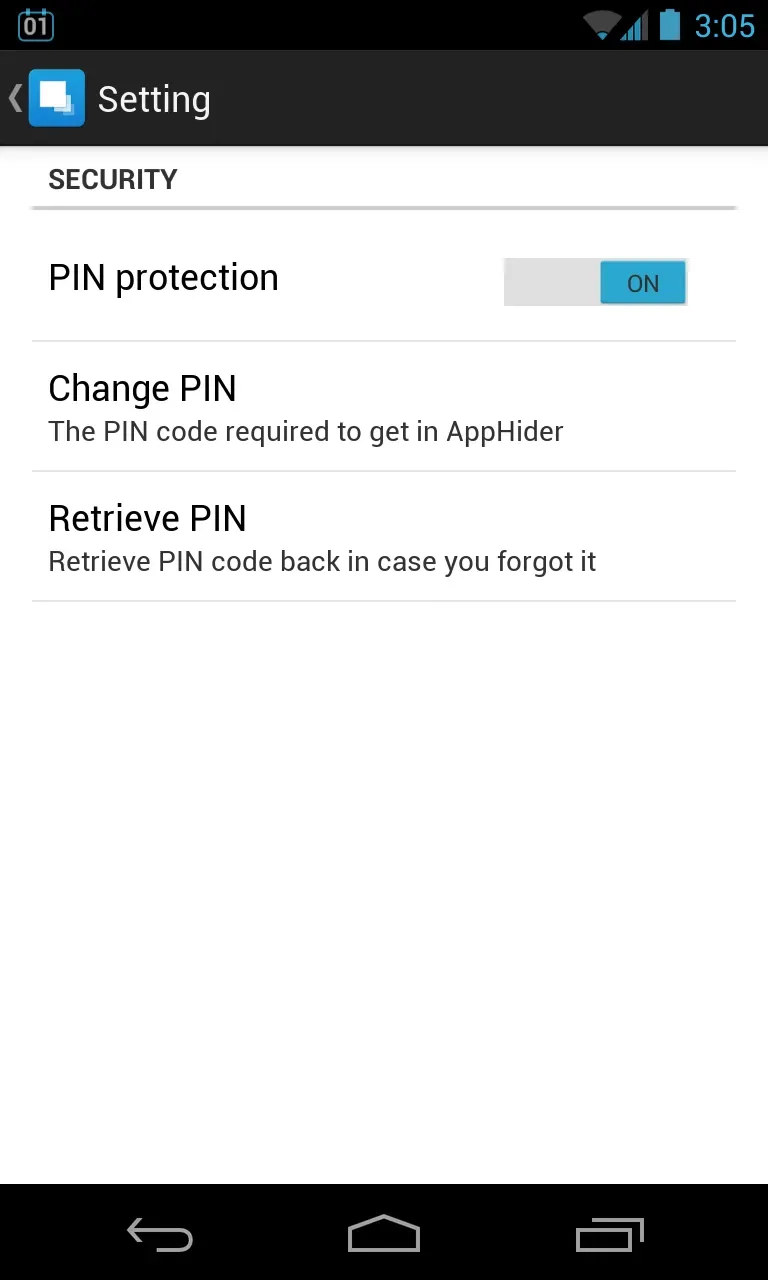
A standout feature of Hide App is its ability to create a secure space for hidden applications. This adds an extra layer of privacy, as users must provide a secure password or pattern to access their hidden apps. This ensures that even if someone discovers the app, they cannot view the hidden content without the correct credentials.
The app also allows users to customize the appearance of hidden applications—such as changing their icons or overall layout—making them much harder to identify. This is particularly useful for users who wish to keep their app usage discreet.
Moreover, Hide App supports multiple languages, making it accessible to a broader user base. This enhances the user experience by allowing individuals to navigate the app in their preferred language, making it easier to utilize all its features.
For users concerned about notifications, Hide App offers options to manage alerts from hidden applications. This enables users to receive important reminders without revealing the existence of the apps themselves. Users can configure settings to ensure that notifications do not appear on the home screen, allowing them to stay informed while maintaining their privacy.
The application is designed with efficiency at its core. It runs smoothly on Android devices without noticeable lag or performance issues, ensuring a seamless experience—even when multiple apps are running simultaneously—while keeping the device responsive.
Hide App also places a high priority on user security, providing regular updates. These updates address potential vulnerabilities and improve overall functionality. By keeping the app up to date, users can be confident that their privacy remains protected against emerging threats.
Tips
If you are using a standard, unmodified mobile operating system, please note that this app requires root access to function. If you choose to root your device (though we do not recommend doing so), you might consider using an app like KingRoot. Once the device is rooted, the rest is straightforward. Alternatively, you can download the DC Launcher app, which does not require root access.
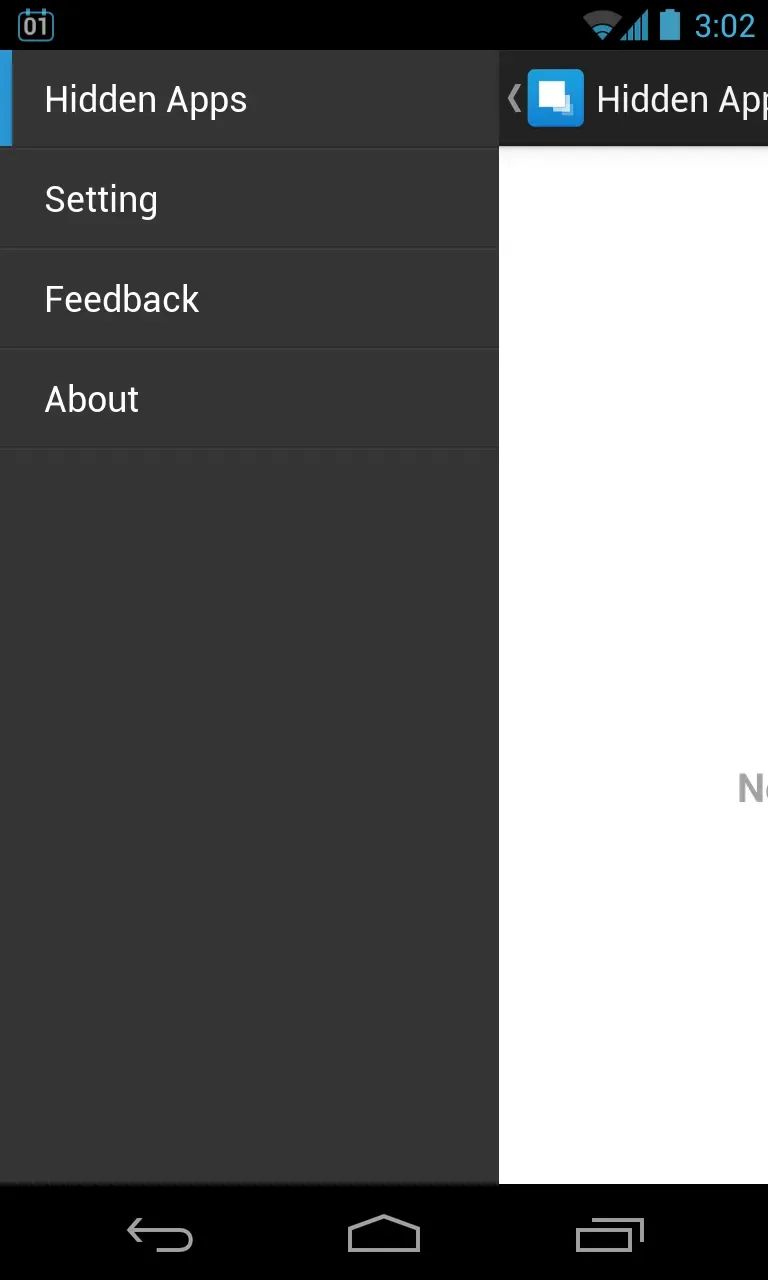
The interface of "Hide" is clean and minimalist, featuring a single screen where you can view your list of apps and select those you wish to hide. Simply tap the plus (+) icon in the bottom-right corner to get started. A second tab is available for configuring settings and adding a PIN, providing an extra layer of security for your apps.
If you have uninstalled certain apps and want to ensure no trace of them remains, you can also clear your app history.
Pros and Cons
Pros:
Allows users to hide any number of apps from the app drawer and home screen.
Ad-free.
Simple to use.
Cons:
May void your phone's warranty.
Requires root access, which can introduce security risks.
Conclusion
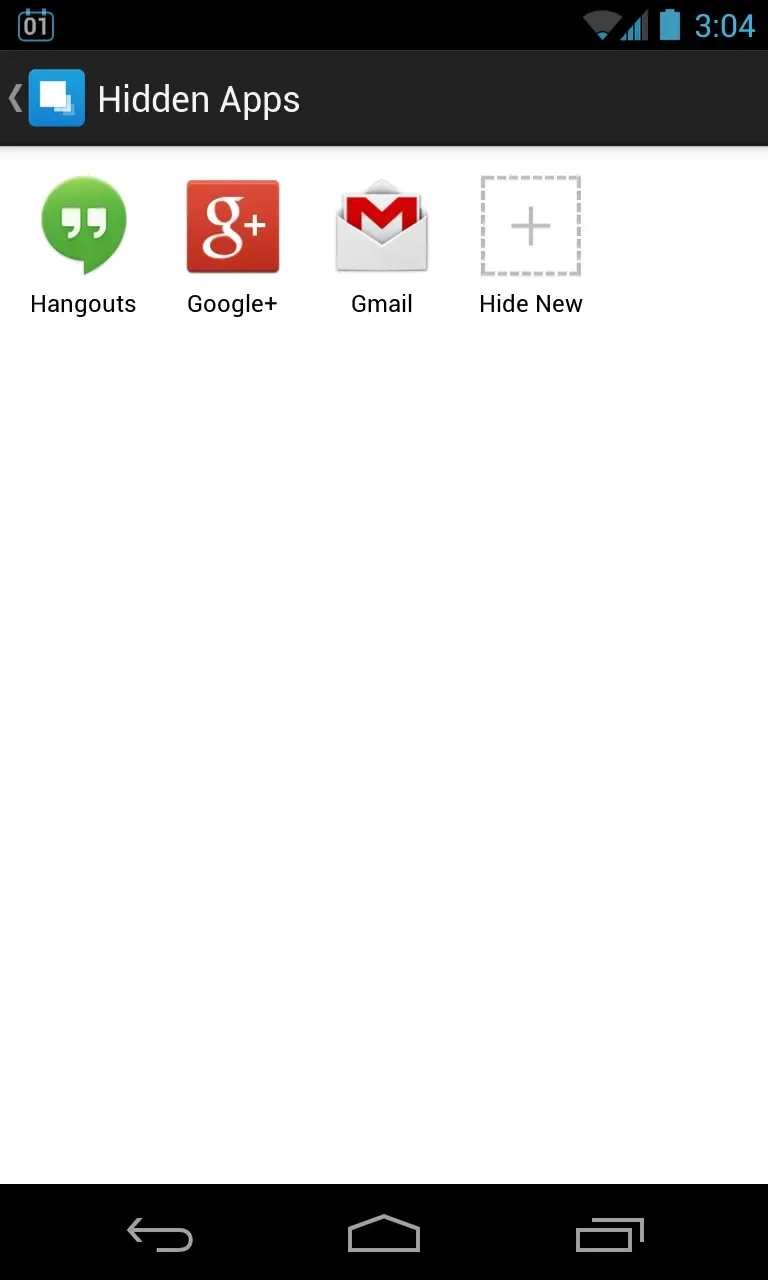
Hide App allows you to conceal any apps you do not want visible on your smartphone. Just select the apps you wish to hide, and they will vanish instantly. Naturally, they remain installed on your device—they are simply tucked away, out of sight and out of mind.








