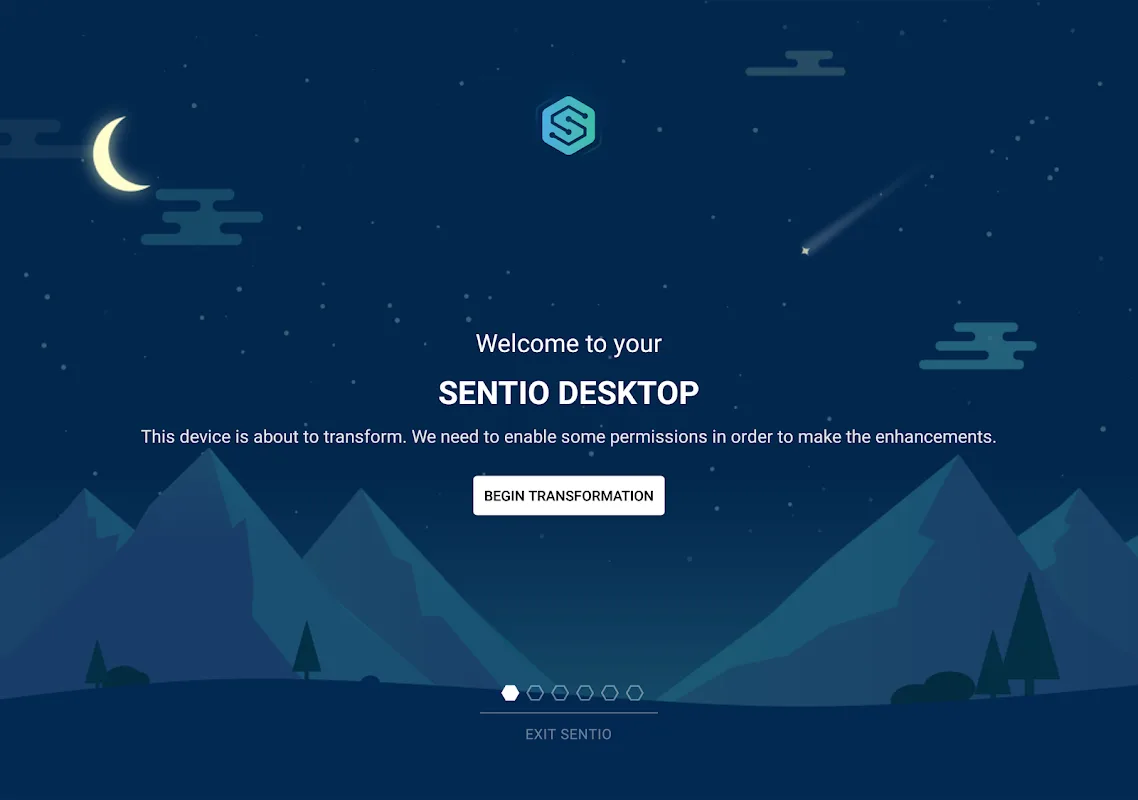
Sentio Desktop is an innovative app designed specifically for Android devices. It transforms your Android device into a dynamic desktop environment, whether you're looking to boost productivity, streamline your workflow, or simply experience a fresh new interface. With its intuitive layout, it seamlessly adapts to familiar desktop elements, allowing you to multitask efficiently. Enjoy the convenience of a taskbar and manage windows with the freedom and flexibility of PC-style controls. Download now to experience it!
Features:
Interface of Desktop
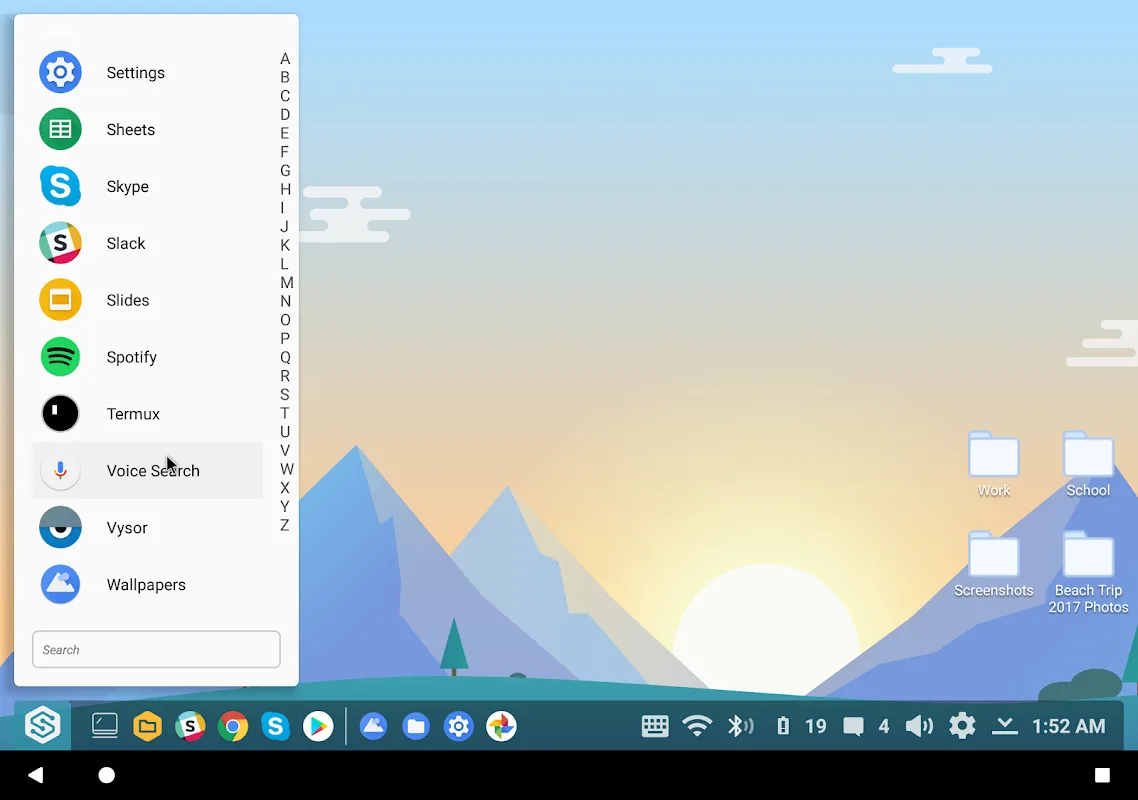
Without any doubt, the highlighted feature of the app is the Desktop interface. It helps Android smartphone users to get the experience of a desktop with its landscape view and wider screen. Users can have a different display of settings, taskbar, menu, and apps.
Supports Windows Apps
There are different productivity applications for Windows PC that the app supports and allows users on Android to run them. A few of those applications include Microsoft Word, Excel, Google Docs, Sheets, Anti-Viruses, Windows Menu, Tool Bar, Task Bar, System Tray, and many more.
File Explorer
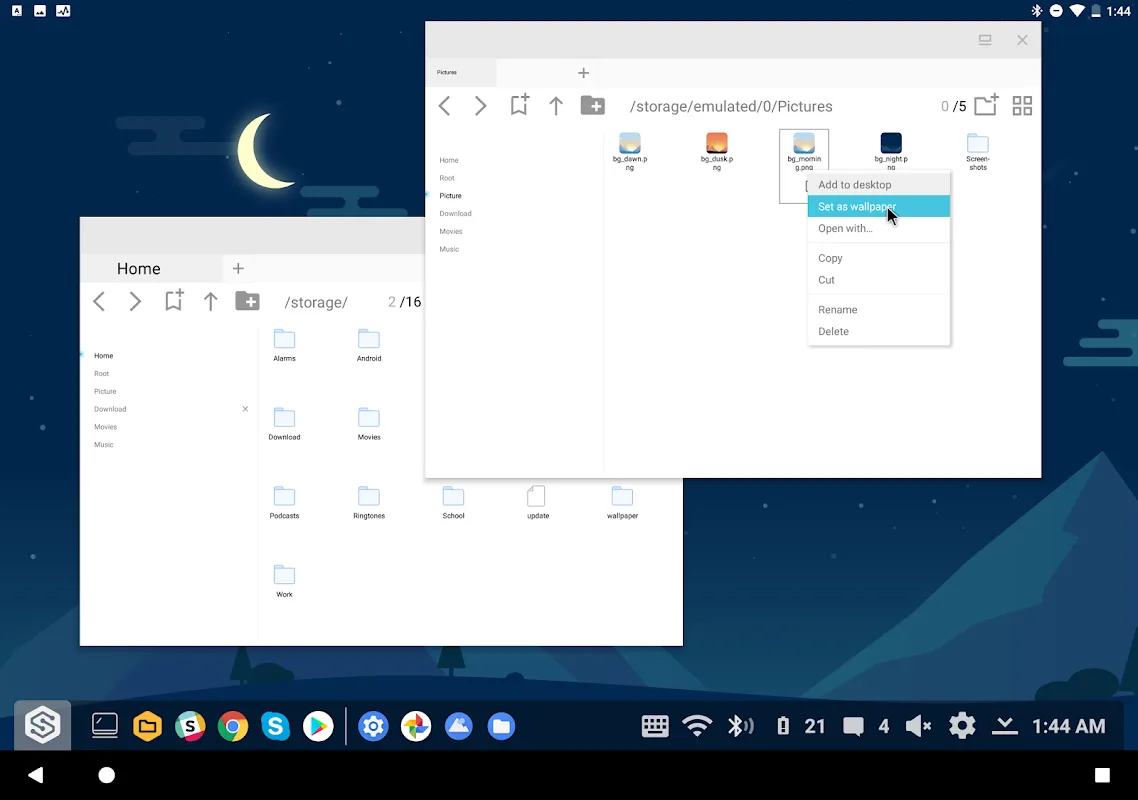
Just like the Windows PC or Tablets, you get a File Explorer in the Task Bar. So you can manage all the data from that Explorer as you used to do on desktop computers. Moreover, you can drag and drop items to add to any folder or remove them completely.
Lightweight App
Despite its comprehensive range of features, Sentio Desktop is a lightweight application and consumes less space on your device. Moreover, it consumes less battery and RAM that doesn't impact the performance of your device.
Free to Use
It offers so many exciting features, despite that it doesn't charge anything. The app is completely free to download and use. Even there are no hidden charges.
WiFi and Other Settings
If you want to modify the date, battery, or WiFi, you can find them in the System Tray. Tap or Press on the WiFi or other settings to modify.
Connect to Desktop
If you want to connect your desktop computer to your phone and use it remotely, then install a connector plugin. You cannot get its separate APK as it is not going to work for you. Therefore, you have to install that from the Play Store.
Benefits:
Efficient Multitasking
Run multiple applications simultaneously with resizable windows, allowing for efficient multitasking. Enjoy a desktop-like interface with a Start Menu, Task Bar with System Tray, and a Notification Center that mimics traditional desktop environments.
Customizable and Integrated Experience
Enhance your workspace with customizable resolution options and quickly access your favorite applications using a smart app chooser. Automatically launch Sentio Desktop upon connecting to an external monitor, keyboard, or mouse, and enjoy full peripheral support for a complete desktop experience.
User-Friendly Interface
Sentio Desktop not only brings desktop features to mobile but also revamps existing mobile functionalities. Users can link files and folders directly to their desktop interface for easy access and management. The app's elegant landscape UI is designed to be both beautiful and user-friendly, ensuring that navigating through tasks feels seamless and intuitive.
Additional Tools
For the best experience, users are encouraged to download the Sentio File Explorer, optimized for desktop use. This tool allows for rapid file search and organization, integrating cloud storage for easy access to documents from anywhere.
Community and Support
Join the vibrant Sentio community through their Slack group for tips, support, and shared experiences. For tutorials and guides, visit the Superbook Medium Blog or check out specific setup guides tailored for different Android versions.
FAQs:
What is Sentio Desktop?
Sentio Desktop is an app that allows Android mobile phone users to turn their phone's interface into a Desktop.
Is Sentio Desktop safe to use?
Yes, it is safe to use.
Is it free to download Sentio Desktop and use it on my phone?
Yes, it is completely free to download and use.
Conclusion:
Unlock the full potential of your Android device with Sentio Desktop. Its combination of a user-friendly interface, productivity-enhancing tools, and customizable features makes it an ideal choice for anyone looking to elevate their digital workspace. Download Sentio Desktop today and experience a new level of connectivity and productivity in the palm of your hand.