
LitRes is an e-book platform designed specifically for Russian language enthusiasts. Its built-in search and category filtering functions help users quickly find their favorite works. A simple click adds a book to the library and begins reading. Users can leave comments while reading and customize font styles, reading backgrounds, and language for a comfortable reading experience. The software boasts an active community where users can write their favorite book lists and thoughts, follow their favorite authors, and receive automatic notifications when updates are released. The software also supports audiobook functionality, allowing users to choose their preferred voice and start reading anytime, anywhere.
Click to load YouTube / 点击加载视频
YouTube ↗Features of LitRes:
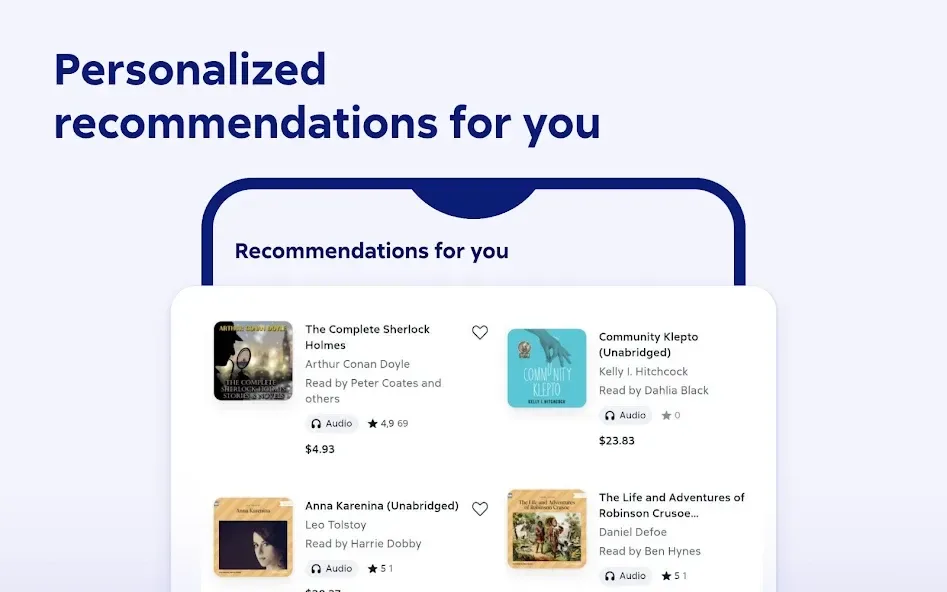
Access to 1,000,000 books in your favorite genres: fantasy, science fiction, business, Russian literature, DIY, romance, mystery, action, business, self-improvement, psychology, and much more.
The first 20% of any book is free. What if you don’t like it? Read and choose which books to get.
The hottest new releases. Be the first! Most new releases appear in the LitRes catalog at the same time the paper book is released.
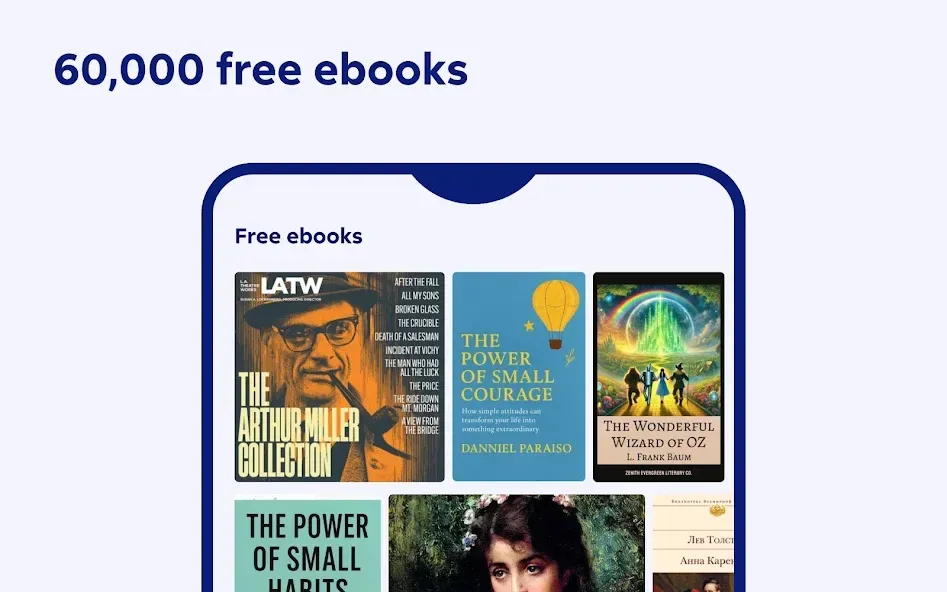
Over 32,000 free books — read to your heart's content!
Enter regularly-scheduled drawings and win valuable prizes for registered Litres users.
Your books are always with you — all the books you have purchased are available to you on all your devices and the Litres website (as long as you use the same account)
Start reading on your SmartPhone, pick up where you left off on your Tablet! All your bookmarks will be synced across all your devices and the Litres online reader (as long as you use the same account)
The convenient search function lets you search for books based on various criteria. Do you only know the author's last name? Or are you trying to find a new fantasy novel to read? Our search function can help!
User Reviews of LitRes:
Great app, very intuitive and works well for audiobooks. Btw, I have no problem login in with the Gmail email. Litres sent multiple reminders with the deadline to switch from Google login to an email login.
I love this app. Sometimes it gives me a subscription error—that's a problem. Other times, I use it and listen to a bunch of books without any problems.
Everything's fine, but the window where I have to enter a phone number every time really irritates me. I'm not from Russia or Abkhazia. Make it work properly, so I can just tap it once and that's it. I'd give it 3 stars if the app weren't so good. Customization, switching from audio to text, recommendations.
Reading PDFs is awkward. The zoom is limited, there's no horizontal lock, and page movement is too sensitive.
I finally found a way to buy books from abroad! I can listen to my favorite books again. The app has only one drawback: it doesn't allow payment with a foreign card.
FAQs of LitRes:
How to find a book?
There are several ways to find a book on LitRes website:
If you look for a certain book or books of a certain author or a series, enter the author's name, book title or series in the search box, click Search button and choose a book from the list. If you're not sure, see all results.
If you do not know which book you want to read, you may explore books in New Releases and Popular sections.
You may also look into the Genres section to see books grouped by their subjects and find your next reads.
How to make a purchase?
To complete purchase, sign up at litres.com or log in using your username and password. If you do not have an account when making a purchase, we create it automatically and will notify you upon completing a purchase.
Find the book of interest. You may use Search on the website with key words or an author or dig into New Releases, Popular, etc.
After choosing a book you may:
if you found the desired book and want make a purchase, proceed to step 4
if you plan to buy several books, continue to put books into your basket using Save button next to them.
After choosing one or several books, click Buy and download or Buy and read.
Choose the most convenient payment method.
Follow the instruction when making purchase.
After payment, funds will be credited to your account or the paid book will be transferred to My books section, depending on the payment method. If you have funds on your account, you may choose the desired book and click Buy and download or Buy and read.
Many books on LitRes are available for download in the most common formats. Click Download button and choose a format most suitable to your device, otherwise read books online by clicking Read next to it.
How can I pay with LitRes account balance?
To pay for a book using account funds:
Click Buy and download button on the page of the book you want to buy.
You will be offered to pay for the purchase using funds from your LitRes account.
Confirm your consent.
The cost of the selected book must be less than or equal to your balance. If the cost of the book exceeds your balance, you will be offered to pay the remainder.
The book will be available for downloading on the same page and later in any time from My books section..
How do I transfer a purchased book with protection to another computer?
Before transferring a book to another computer, it is necessary to install Adobe Digital Editions application and enter your Adobe ID.
Further actions:
On the computer which you transfer books from, open the folder where ADE keeps the library (see Where are my purchased e-books with DRM stored on the computer?).
Select EPUB / PDF files relevant to the books you want to transfer.
Copy the files to an external disk, a memory card or send files by e-mail.
On a new computer, copy the files to the folder where ADE keeps books.
Open ADE, select "Add item to Library" in the menu and indicate directory to the transferred files, they will become available for reading.
Conclusion:
Litres serves readers looking for a large catalog of Russian language titles, including audiobooks and podcasts. The app's main draw is its extensive library, which spans many genres and includes a portion of free content. A practical scenario involves starting a book on a phone and later continuing from the same spot on a tablet, as reading progress syncs across devices.








