
Microsoft Excel is a full-featured office application. Designed for mobile devices, it allows users to create, view, edit, and share files anytime, anywhere, maintaining high productivity. With Microsoft Excel, users can create detailed spreadsheets and data files to meet their specific needs, covering everything from budget management and chart creation to data analysis. In addition, the app offers collaboration features, allowing you to share files, invite others to edit or view documents, and add comments.
Click to load YouTube / 点击加载视频
YouTube ↗Highlights:
The app provides a comprehensive suite of features tailored for both personal and professional use. Users can create charts, budgets, task lists, and perform financial analysis using modern templates. These templates offer a structured approach to managing data and finances, simplifying the process of budgeting and expense tracking. Excel’s design ensures that all spreadsheet functionalities, including calculations and formatting, operate consistently across devices.
Budget management is a significant aspect of Microsoft Excel. The application includes a budget template that helps users calculate their financial requirements. It also features a budget planner that enables individuals to break down their finances into manageable segments, allowing for effective planning and monitoring of expenses. Additionally, the built-in budget tracker facilitates the tracking of expenses over time, which can assist users in saving money by providing insights into spending habits.
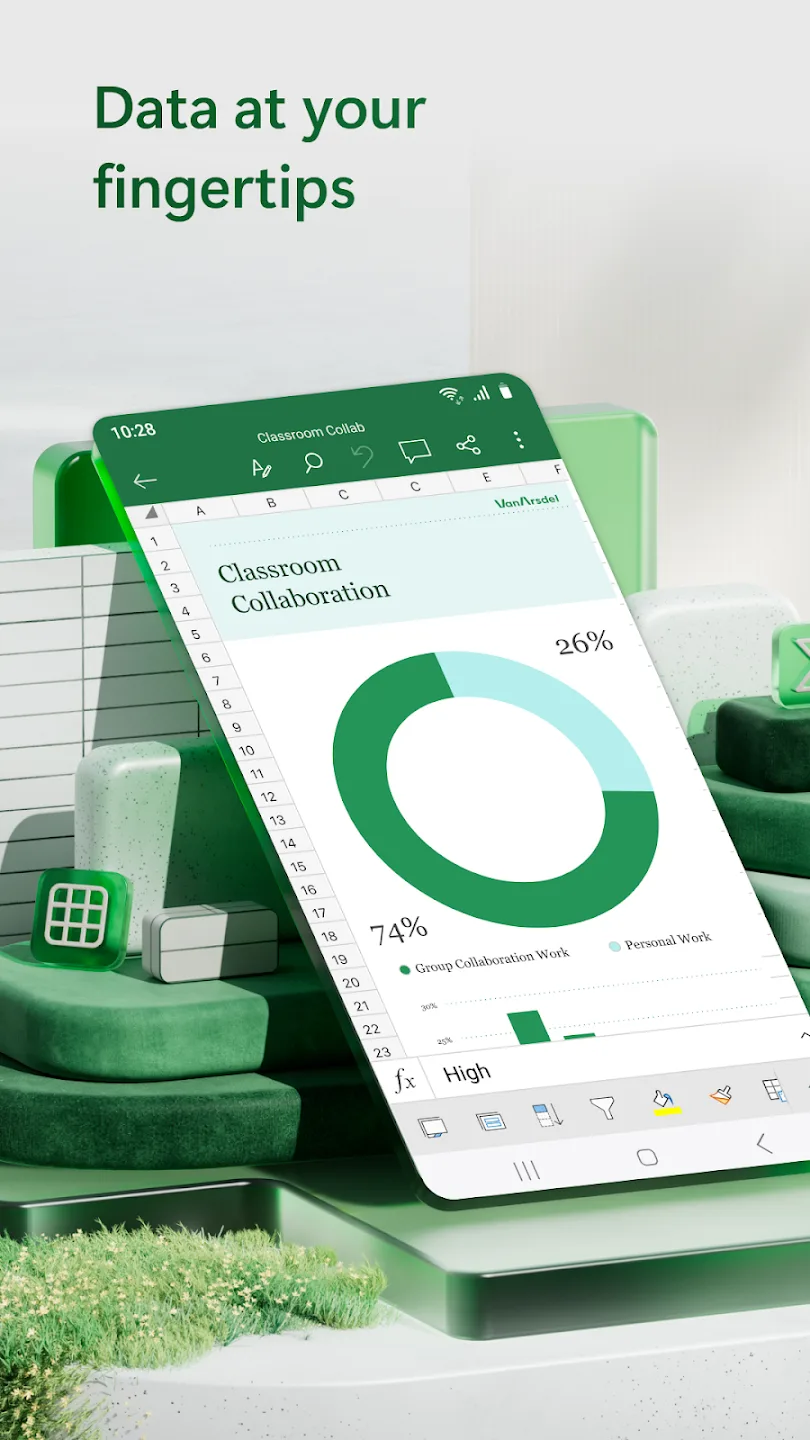
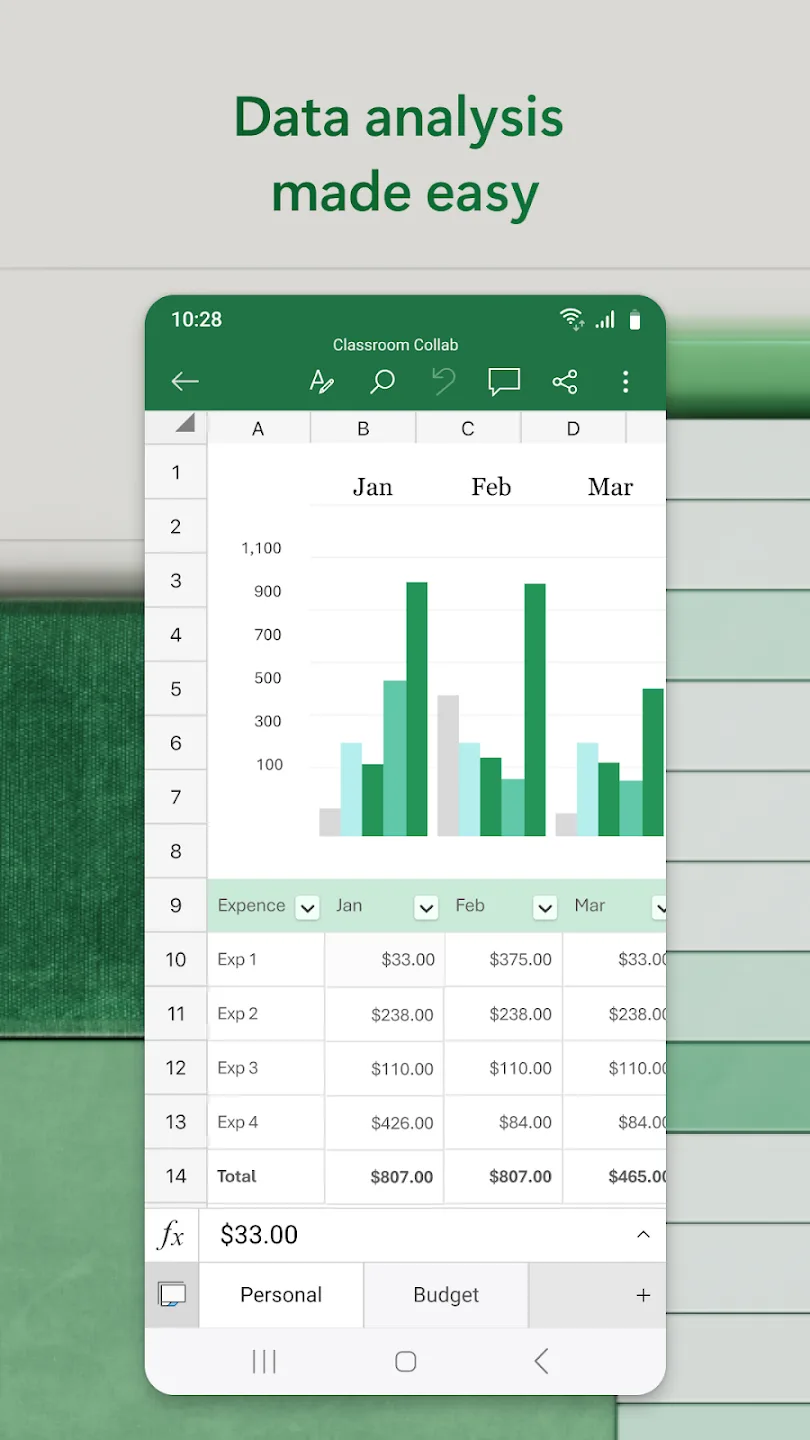
Data analysis is another core function of Microsoft Excel. It includes an intuitive chart maker that allows users to annotate, edit, and insert charts that effectively communicate data insights. This chart-making tool enhances the ability to visualize complex data, making it easier to interpret and present information. Other data analysis features include the ability to add and edit chart labels, which highlight key insights and ensure that critical data points stand out.
Features:
Create, view, edit, and share files, charts, and data.
On-the-go budget and expense tracking integration.
Robust formatting tools for spreadsheets and data files.
Accounting, budgeting, and financial analysis templates.
Annotate, edit, and insert charts for data visualization.
Share files and collaborate with others easily.
Pros & Cons:
Pros
Useful formulas and functions for everyday calculations
Templates cover budgets, invoices, calendars, and projects
Sorting and filters simplify long data lists
Charts and PivotCharts support clearer reporting
Sharing permissions support practical mobile collaboration
Cons
Complex sheets are harder to edit on small screens
Some AI and collaboration tools need eligible subscriptions
OneDrive setup may be needed for certain features
FAQs:
Can I use Excel on my mobile device?
Yes, Excel is available on both mobile devices and computers. You can create, view, and edit spreadsheets on the go, making it convenient for managing your finances anytime, anywhere.
Is there a cost to use Excel?
Excel itself is a free app, but to unlock the full Microsoft experience and access additional features, you may need a qualifying Microsoft 365 subscription. This subscription can be purchased from the app and will be charged to your Play Store account.
Can I collaborate with others using Excel?
Absolutely! Excel makes it easy to share files and spreadsheets with others. You can invite others to edit, view, or leave comments on your documents. You can also copy your worksheet in the body of an email or attach a link to your workbook.
Final Words:
Microsoft Excel is the ultimate tool for managing your finances, creating charts, and analyzing data on the go. With a wide array of features and formatting options, it's the perfect app for boosting productivity and collaboration. Download now to unlock the full potential of your spreadsheets and charts!








