
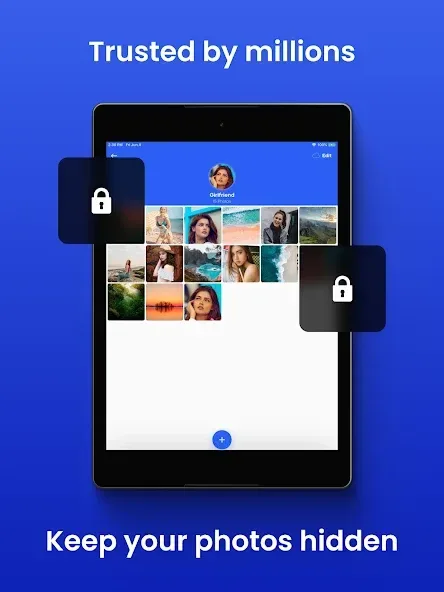
Private Photo Vault is a media-hiding tool designed for Android. It allows users to store and conceal photos, private files, and videos. The app offers a robust suite of security measures to keep your content safe, including the ability to set custom passwords. If someone attempts to force their way in, the app can trigger your device’s camera to capture a photo of the intruder. You can also set up a "decoy" password to mislead others. Furthermore, the app helps save device storage by uploading your content to the cloud.
Features
Securely Lock Your Photos and Videos
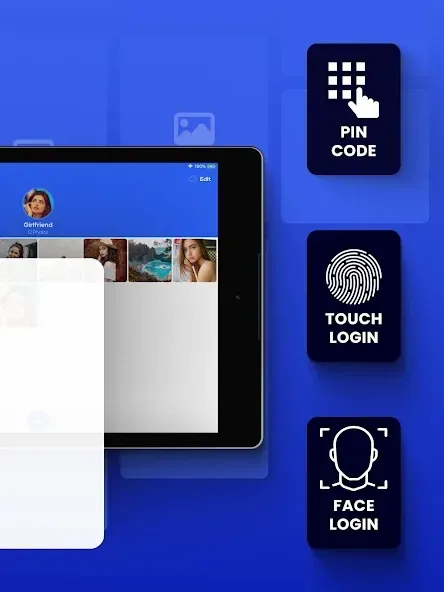
Protect your photos and videos with a PIN, pattern, or fingerprint lock for maximum security.
Back Up Your Hidden Media
Store your hidden photos and videos in the vault, ensuring they can be easily recovered if your device is lost or damaged.
Face-Down Lock
Need instant privacy? Enable the "Face-Down Lock" feature; the vault will automatically lock when you place your device face-down.
Break-in Alerts
Capture evidence if someone attempts to access your vault—the app can take a photo and track the intruder's location.
Decoy Password
Set up a "decoy" vault with a separate PIN to mislead unauthorized users.
Manage and Hide Images and Videos
Cloud Vault – Encrypted cloud storage: Securely store up to 50GB of content in a private cloud, accessible seamlessly across all your devices.
Save Space
Compress photos while keeping the original files in the cloud, freeing up storage space on your phone.
Pros and Cons
Pros:
Supports PIN, pattern, and fingerprint locks.
"Face-Down Lock" allows for quick, immediate locking.
Decoy PIN creates a separate, fake vault.
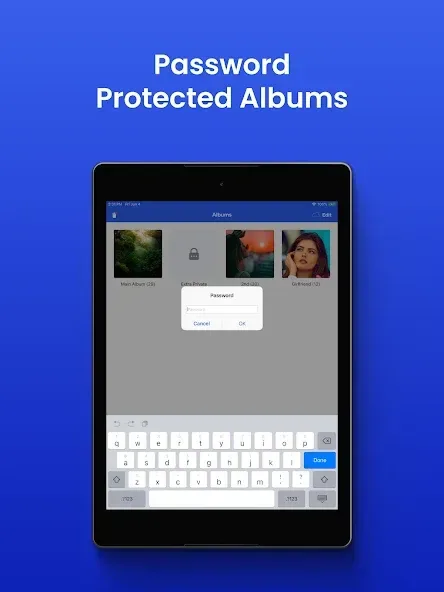
Individual album passwords offer more granular control.
Optional cloud storage with up to 50GB of capacity.
Cons:
The free version includes advertisements and limits the number of albums you can create.
Features like decoy passwords, break-in alerts, and individual album locking require a premium subscription.
FAQs
Will the backed-up files remain in my camera roll?
Importing files does not automatically remove copies stored outside the vault. Please ensure the files have been successfully imported, then manually delete the original files from your photo library and the "Recently Deleted" folder. Copies located in other apps, shared albums, or separate backups must be managed within those respective locations.
Does the free version of the app include the Cloud Vault feature?
No. Cloud backup is an optional premium feature. If you have enabled this feature, please ensure the backup process is complete before switching to a new device. You will need your cloud backup password to restore your files; please note that we cannot recover this password for you. Your phone’s system-level backup settings are separate and independent.
Can I use a different password than the one for my phone?
Yes. You can set a unique vault password, which can be a numeric PIN, an alphanumeric password, or a pattern. By choosing a distinct vault password, your vault remains secure even if someone else knows your phone’s passcode. You can also enable both Face ID and a vault password, ensuring that your vault cannot be accessed using Face ID alone.
User Reviews
If you need to keep your private photos secure, this is the app to choose. I’ve tried others, but this one is by far the best.
I’ve been using this app for several years to store thousands of photos across dozens of albums—it has always worked perfectly.
I’ve been using this app for about 15 years, and I’ve never encountered any issues.
Conclusion
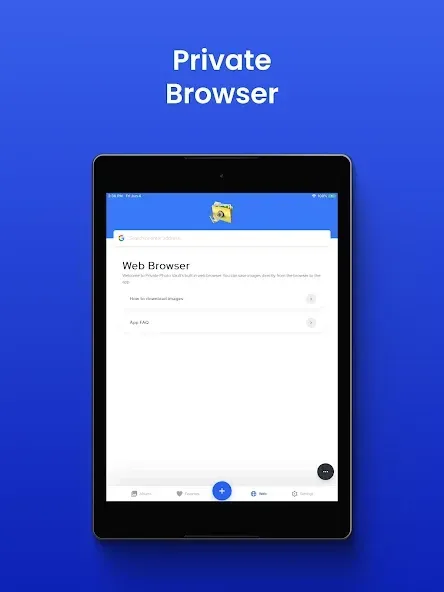
Private Photo Vault is an excellent digital vault for protecting your personal files. The app also features a built-in web browser, allowing you to save photos directly from the web into your protected folders.








