
Samsung My Files is a file management tool designed specifically for Samsung users. With this tool, you can not only view all files and folders on your phone, but also edit any file you want. The software offers a search function that allows you to find the file you're looking for with just one click. Your most recently modified files are displayed first on the homepage, making it easy to reopen and edit them, saving significant time.
Features:
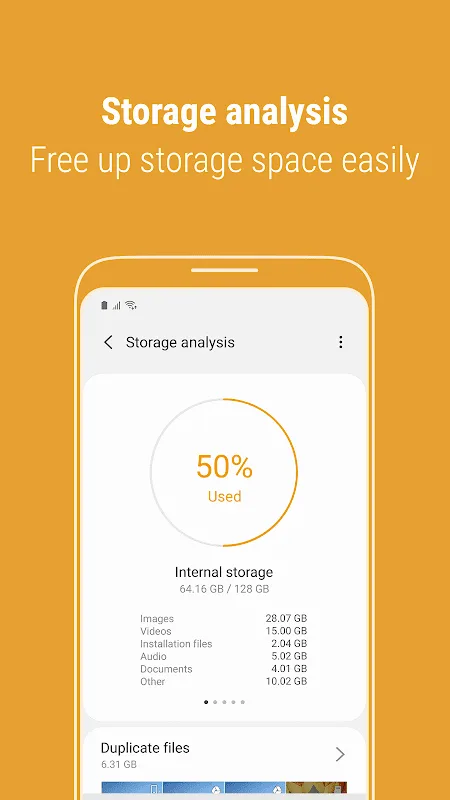
Storage Analysis: Easily free up storage space with just a tap using the "Storage Analysis" button on the main screen.
Customizable Home Screen: Hide any unused storage space from the main screen by editing your My Files home.
Improved File Viewing: View long file names without ellipses by using the "Listview" button.
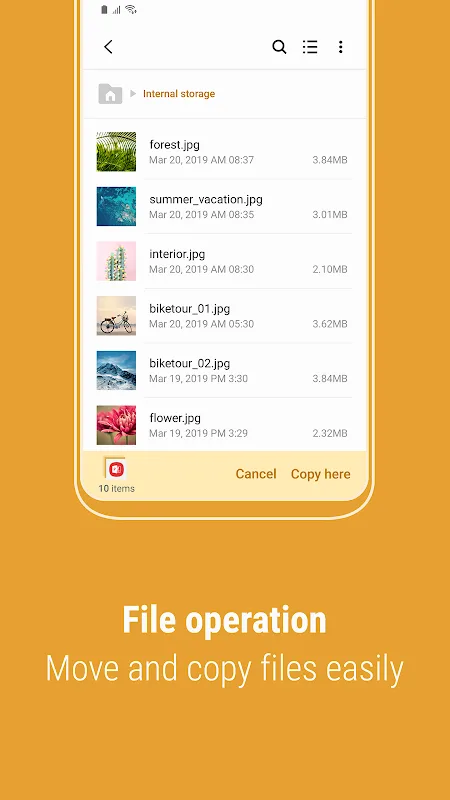
File Management: Browse and manage files stored on your smartphone, SD card, or USB drive conveniently. Create folders, move, copy, share, compress, decompress files, and view file details.
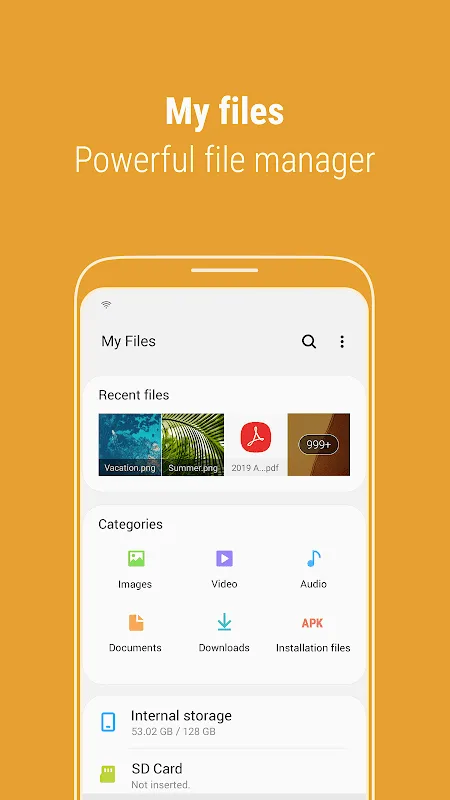
User-Friendly Features: Access the Recent Files list to find files you've downloaded, run or opened easily. Categorize your files by type, including documents, images, audio, video, and installation files (.APK). Use folder and file shortcuts for quick access on your device home screen and the My Files main screen.
Storage Space Function: The app also provides a function to analyze and free up storage space, ensuring you have enough room to store your important files.
Highlights:
Explore all the files on your device.
Manage all the files stored on your phone or tablet, as well as on SD cards, USB units or online storage.
Access to the online storage service Samsung Cloud Drive.
Create folders and move, copy, share, zip and unzip files.
List of recent files.
Shortcuts to files and folders.
FAQs:
Can I manage files stored on external storage devices?
- Yes, Samsung My Files allows you to manage files stored on SD cards and USB drives connected to your smartphone.
Can I access files stored in cloud storage?
- Yes, the app supports cloud storage integration, allowing you to manage files stored in your cloud storage account.
How does the "Storage Analysis" feature work?
- The "Storage Analysis" feature scans your device's storage and suggests files that can be deleted to free up space. You can then choose which files to delete based on the suggestions.
Conclusion:
As an app pre-installed on most Samsung devices, My Files is lightweight and responsive, rarely causing slowdowns or excessive battery drain. While optimized primarily for Samsung’s ecosystem, its intuitive layout and stability make it a strong choice for most users needing local file management on Android.








