
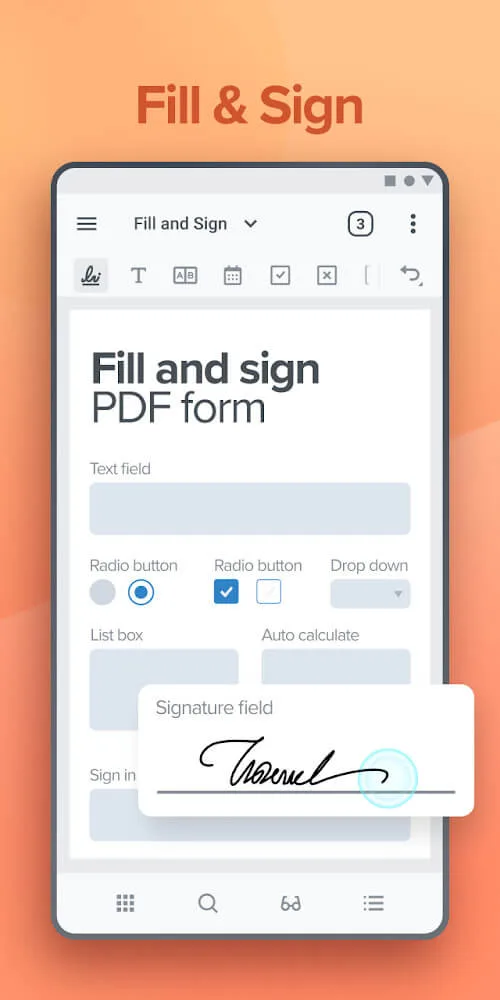
Xodo PDF Reader & Editor is a popular PDF tool. This app provides PDF reading and editing capabilities, allowing users to view and edit PDF documents on their mobile devices, better meeting their work needs. Users can not only edit and highlight text, but also sync files to Google Drive and Dropbox for easy access later. With Xodo PDF Reader & Editor, users can easily view, annotate, sign, and organize files. Download and experience it now!
Click to load YouTube / 点击加载视频
YouTube ↗Features:
Comprehensive PDF Editor: Xodo PDF offers a wide range of editing features to enhance your work efficiency and productivity. Easily create new PDFs, flatten, compress, merge, rotate, split, and extract pages as needed.
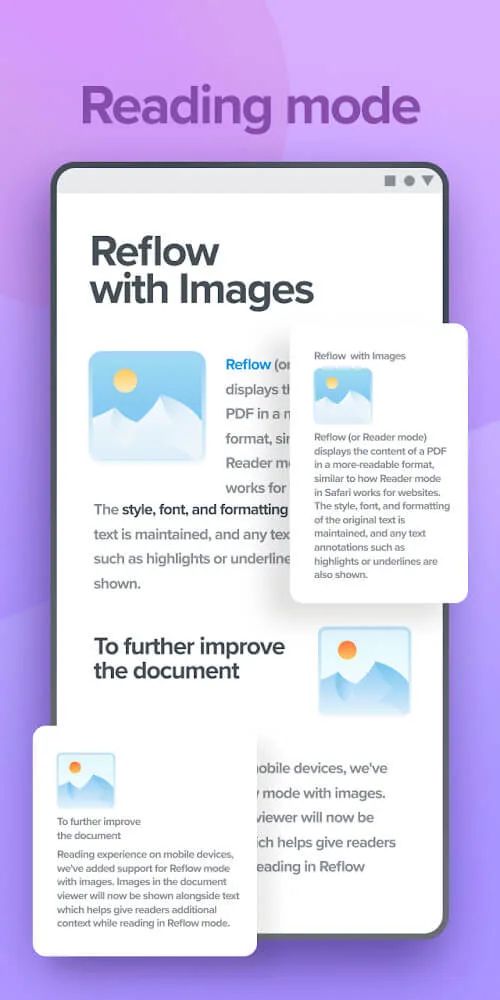
Efficient Viewing Options: Enjoy a convenient PDF viewing experience with single and double page modes, dark mode for comfortable reading, reflow reading mode for adjusting text size, multiple tabs for multitasking, bookmarking favorite pages, and fully searchable text for quick access.
Secure File Organization: Keep your PDFs organized and secure with built-in file management tools, password encryption, and removal features. Access your files quickly with thumbnail grid view mode and confidently store them on Xodo Drive, Dropbox, Google Drive, or OneDrive.
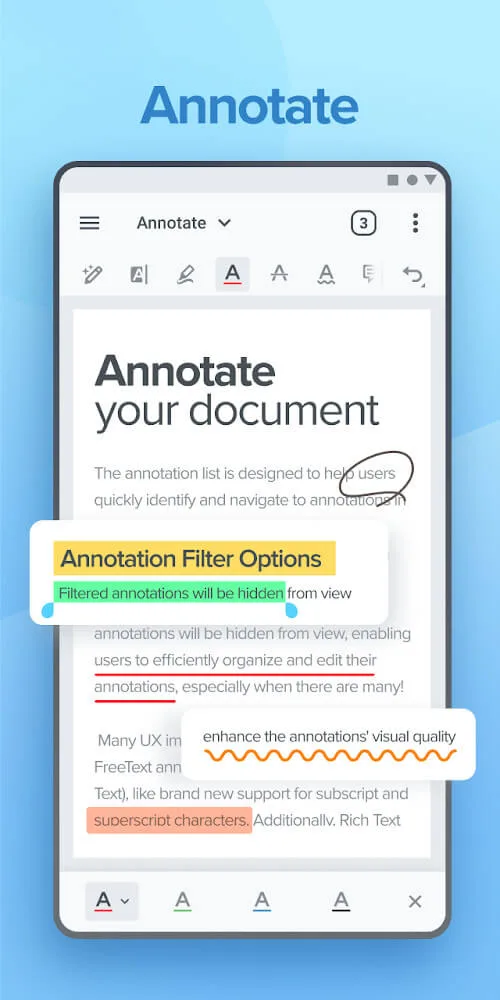
Annotate, Comment, and Draw: Simplify your tasks with intelligent annotations, highlighting, stamping, note-taking, and page management tools. Use the scrolling mode to view all annotations at once, designed for compatibility with stylus devices like S Pen.
Tips for Users:
Familiarize Yourself with Features: Explore all the app’s features, such as annotation tools and cloud syncing, to maximize your productivity.
Organize Your Files: Use the file organizer to create folders and keep your PDFs neatly arranged for easy access.
Utilize Night Mode: Activate night mode while reading in low-light conditions to reduce eye strain and enhance comfort.
Sync Regularly: Ensure your edits are synced with your cloud storage to keep your documents up-to-date across all devices.
Backup Important Documents: Regularly back up critical PDFs to avoid data loss and ensure you have access when needed.
Take Advantage of Annotations: Use highlighting and notes to mark important sections in your documents for quick reference later.
FAQs:
Can I access my documents offline?
Yes, Xodo PDF offers offline access to your documents, ensuring you can work on your files anytime, anywhere without an internet connection.
Is my data secure on Xodo PDF?
Xodo PDF prioritizes the security and privacy of your data by offering password encryption, file removal, and secure storage options, keeping your documents safe from unauthorized access.
Is Xodo PDF free to use?
Xodo PDF offers a free version with basic features, but for access to advanced tools and capabilities, you can upgrade to the Xodo Mobile subscription with flexible monthly or annual plans.
Conclusion:
Xodo PDF Reader & Editor is an application that helps you read office and PDF files and edit them as your wish. You will experience features that help optimize the readings to suit yourself and the corresponding color. At the same time, you can select elements within the document and make them stand out from the rest. Indeed this is a useful application that any user will enjoy. If the document you are using is pre-edited and has appendices, you can easily find the outline feature’s headings. You will see a list of the document’s headings, and with just one touch, you will be taken to the corresponding page. Also, you can add a blank page after a page you have selected. From there, you’ll be able to add notes that correspond to the page you just read, and it’s perfectly suited for learners.