
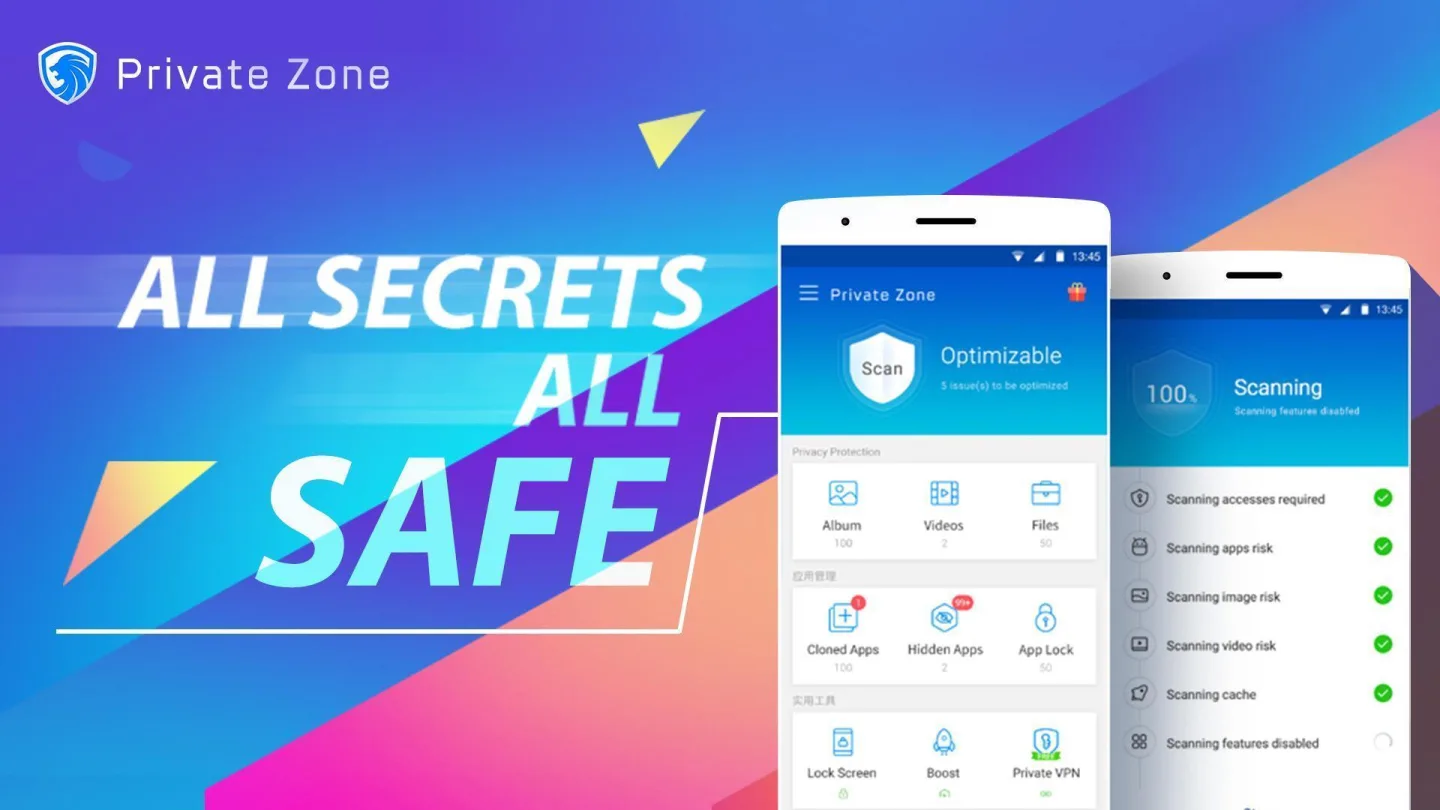
Private Zone is a comprehensive Android privacy protection app. Its core approach is to encrypt individual apps and folders with a PIN or pattern lock, providing a secure space with military-grade AES-256 encryption. Users can use this secure space to hide photos and videos, further safeguarding their privacy. Additionally, the app offers additional features such as app cloaking, cloud syncing, break-in alerts, and intruder selfies, providing multi-layered security for sensitive data on users' devices.
Click to load YouTube / 点击加载视频
YouTube ↗Features:
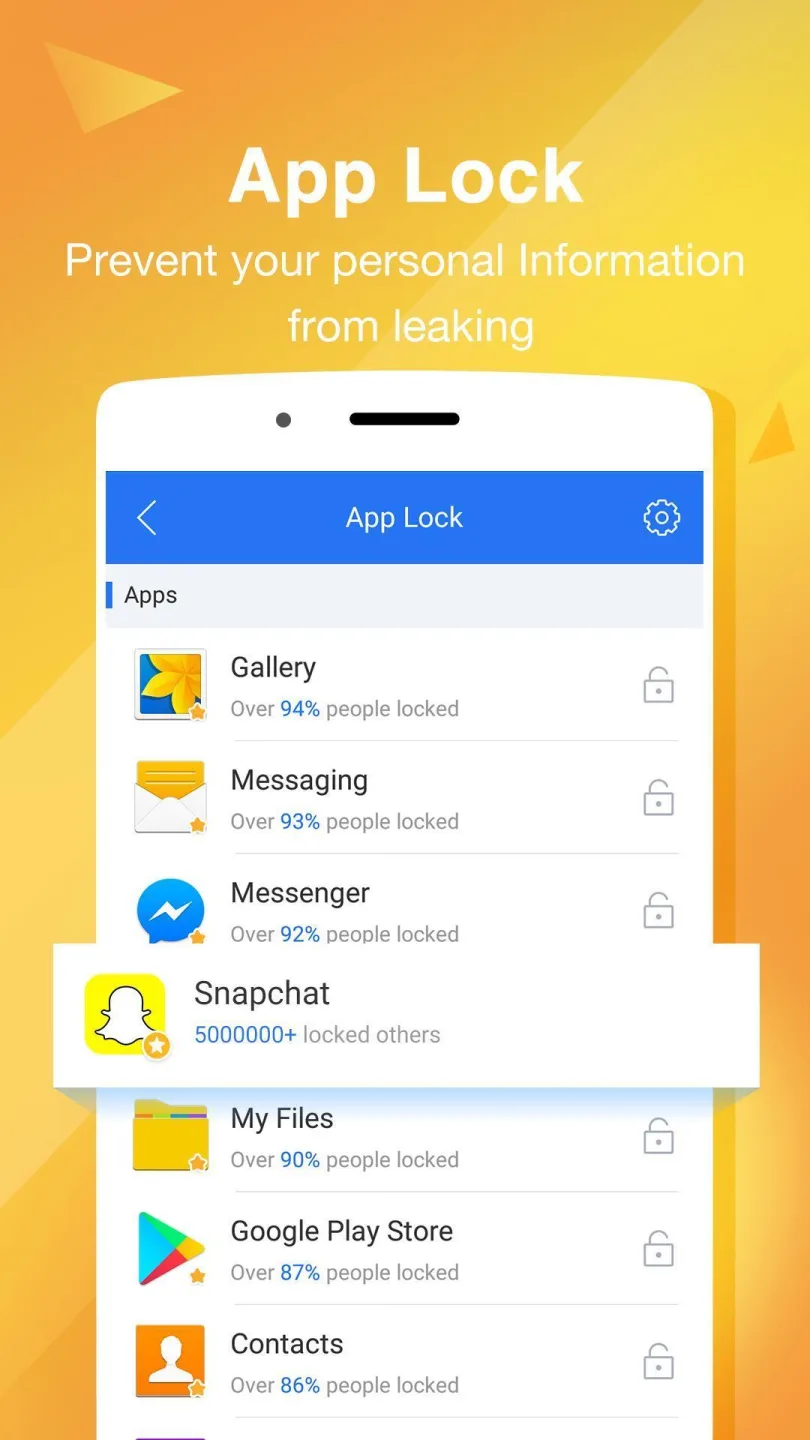
App Lock: Lock any app or folder with a PIN or pattern to prevent unauthorized access.
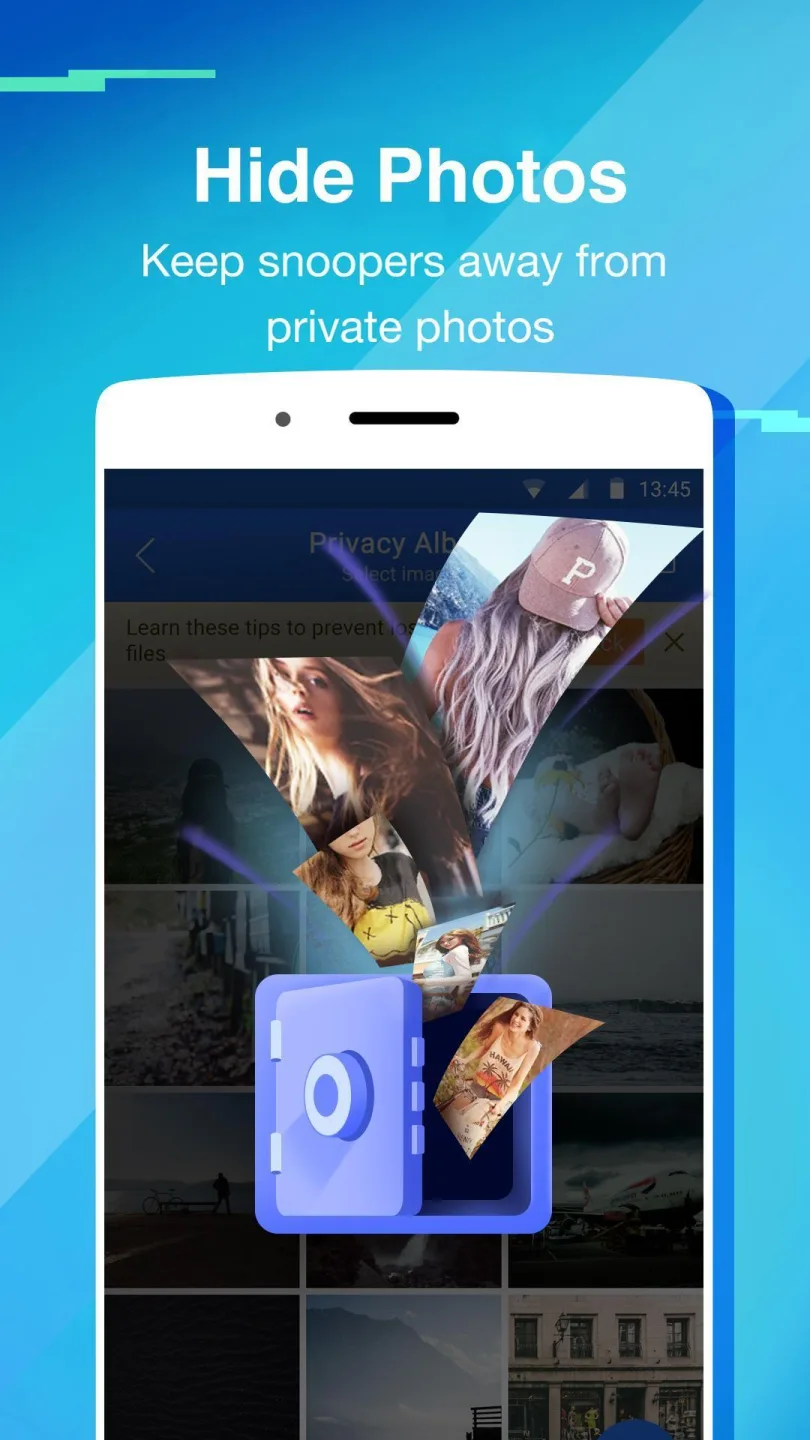
Media Vault: Provides an encrypted space specifically for hiding photos and videos. Files must be decrypted before being removed for guaranteed security.
Military-Grade Encryption: Files within the vault are protected with AES-256-bit encryption.
Advanced Security Features: Includes Fake Covers, cloud sync, break-in alerts, and intruder selfies.
Up your privacy game:
Getting into the habit of locking your files and apps using a dedicated locking program is a good security practice. Whether it’s to safeguard confidential documents or prevent children from snooping on your device, Private Zone LTD’s homegrown Private Zone - AppLock, Video shall have you covered. With it, you can hide any file you like — from images to music to APKs.
Further, apps can be hidden by tapping the lock icon. To use a locked app, simply draw your lock pattern or type your PIN. If this doesn’t give you peace of mind, this tool also provides Covers for added security and protection. You can choose from App Error, Beauty Cover, Fingerprint, and Unknown Call. Programs that have any of these Covers have to be unlocked in a certain way.
Selecting Fingerprint, for instance, gives the illusion that a fingerprint is required to open an app. In reality, you only have to tap the fingerprint scanner three times. That aside, the app also offers a private browsing experience, thanks to its Discover feature. This allows you to log into Facebook, watch YouTubevideos, and browse Amazon listings without worrying about someone accessing your browsing history.
Tips for Users:
Basic Settings: After installation, first set a master PIN or pattern as your core password.
Lock Apps: Select the social, financial, and other apps you want to encrypt from the app list and lock them with one click.
Hide Media: Import private photos and videos into the in-app "Video & Photo Vault," where they will disappear from your system photo gallery.
Enable Advanced Features: Enable "Intruder Selfie" and "Intruder Alert" in Settings, and optionally configure app camouflage for even greater privacy.
Conclusion:
Private Zone is a smart privacy app that lets you lock apps with a password. This application also allows you to hide photos and videos inside a folder that only you can see. This way, even if someone tries to access your phone, they won’t be able to see the photos and videos you have locked with a password. To protect your privacy, Private Zone uses a password and the Device Administrator permission. This permission is needed to prevent others from deleting your important privacy data. If you come across an ad like this, please contact us and we will use our power to fight against this kind of advertisement.