

Zoom Rooms Controller is a popular office conferencing software that allows users to create multi-person meetings anytime, inviting friends or colleagues for real-time communication and interaction, thus improving work efficiency. Users can freely customize meeting backgrounds, uploading from their albums or blurring the background directly, enabling them to create meetings anytime, anywhere. The software boasts high compatibility, working on various mobile devices and tablets. Users can freely schedule meetings to meet diverse needs. The software is also continuously being updated, with more new features constantly being released – stay tuned!
Click to load YouTube / 点击加载视频
YouTube ↗Features of Zoom Rooms Controller:
Best video and screen sharing quality.
Quick setup to install Zoom Rooms with Google Calendar, Office 365, or Microsoft Exchange.
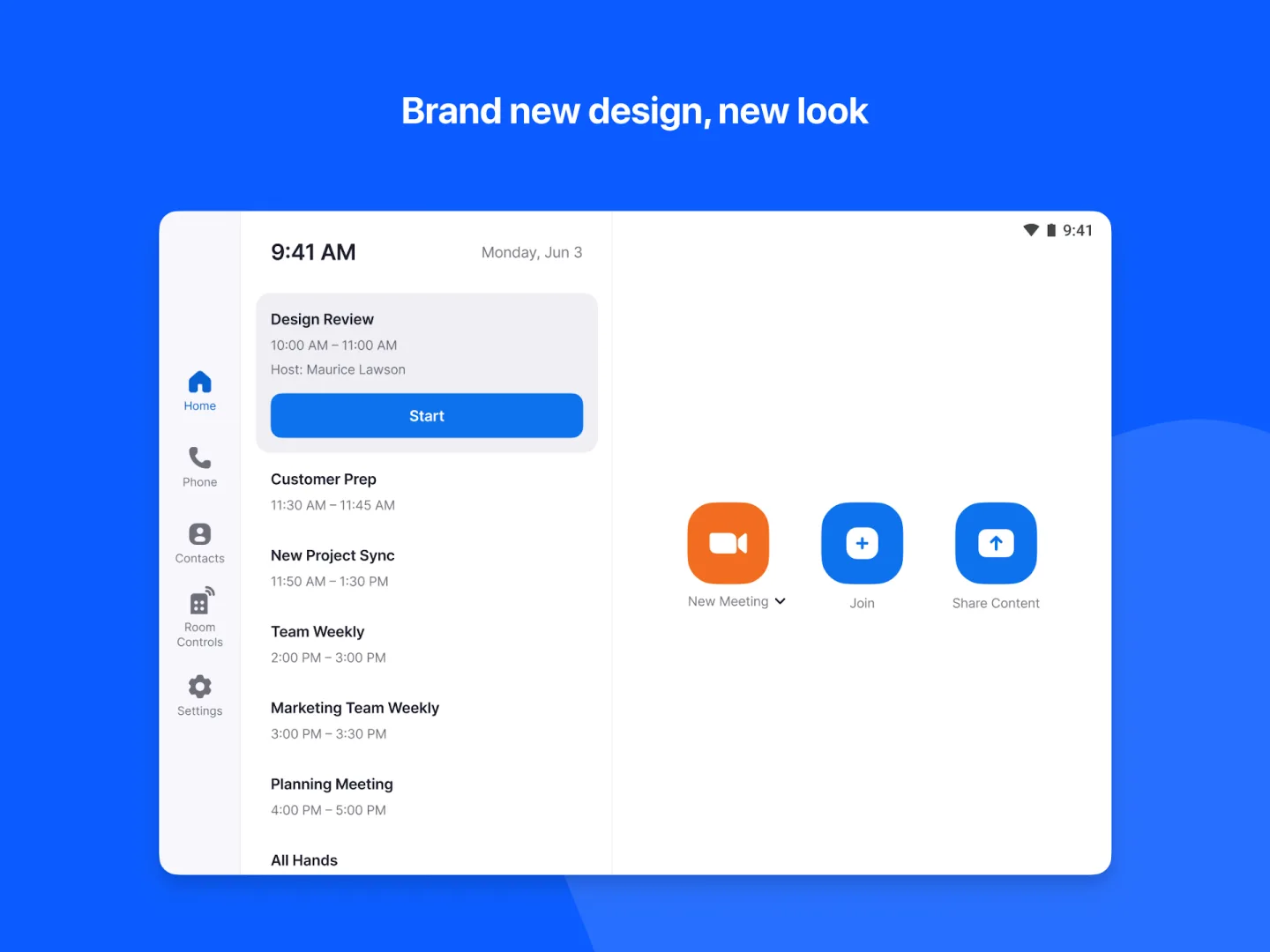
One-touch to join or start a meeting.
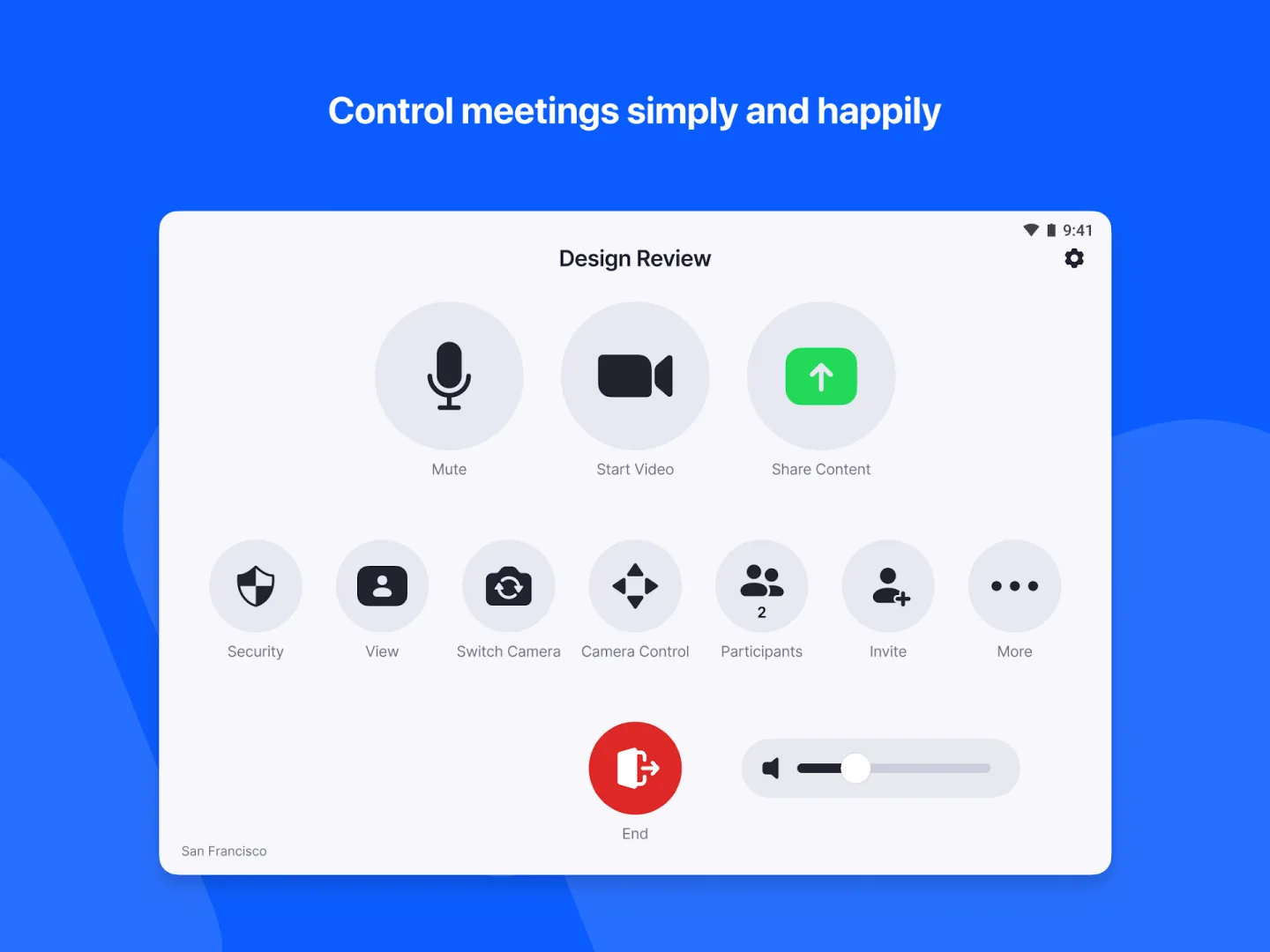
Intuitive room controls to easily manage audio, video, participants, and more.
Wireless screen sharing from any device.
Supports up to 3 HD screens to fit any conference room.
Supports native room control integration to control lighting, projectors, and more.
Supports unlimited scheduling displays for simplified booking.
Supports unlimited digital signage to remotely push content to screens in and out of conference rooms.
Ability to pair and control Zoom Rooms and Zoom for Home devices from your personal mobile device.
View the active speaker, content, or gallery view with 49 video feeds.
Up to 1,000 interactive Meeting participants or 10,000 view-only Zoom Video Webinar attendees.
User Reviews of Zoom Rooms Controller:
Looking for a apartment looking for the life that I wish to live and observe myself to our highly clean my apartment make sure I go to work come back and home and time go back to work live in the life I wish inviting family over having the moment of my life or I wish to be winter comes Summer come spring come as much as you know fall come you would like yourself to be good and better in every ingredients and every update of what you do as much as circumstances currency of the lights you shall re.
Great Zoom is always smooth & helpful for various meeting rooms, for all my church meetings, work meetings, biblestudy meetings, community meetings & many other meetings & chats.
Welcome to Grace Holy Church, verse of the day; Matthew 28:18-19 ;Then Jesus came to their place, and said with them, while saying,l have been given all the authority of the heavens and earth 19, Then go to all nations and make them my servants, while baptizing them in the name of the Father, the Son and the Holy Spirit.
Hey I really need to start accessing my accounts so please you all should help to provide me where banks is so that I can make easy payment without verification okay thank you God bless you all.
FAQs of Zoom Rooms Controller:
Q: What are Zoom Rooms?
A: Zoom Rooms bring beautiful, simple, scalable video conferencing with wireless content sharing and integrated audio to any meeting space – conference rooms, training rooms, huddle rooms, classrooms, and executive offices. Zoom Rooms is a software-based video conferencing system that uses off-the-shelf, hardware for cameras, speakers, and monitors - making it the most flexible video solution for any of your rooms. Easily connect to participants on mobile devices, desktops, H.323 or SIP systems, and Zoom Rooms. Zoom Rooms can be customized to bring video conferencing and collaboration to any type of meeting space. Depending on your needs, you can customize your hardware selections to perfectly match the goals of that room. The four most common types of rooms are: Conference Rooms, Huddle Rooms, Executive Offices, and Training Rooms.
Q: Can it integrate with my existing calendar system?
A: Like all Zoom meetings, Zoom Rooms integrates with Google Calendar and Microsoft Exchange. Calendar integration allows for easy scheduling, joining, and meeting management.
Q: Are Zoom Rooms compatible with touch screens, and what are the benefits?
A: Yes, Zoom Rooms offers virtual whiteboarding, brainstorming, and a collaboration interface for interactive whiteboards, or touch screens. You can start, join, and manage meetings directly from the interactive touch display, which supports up to 3 people writing simultaneously on the screen and everyone joining remotely can also co-annotate on the whiteboard. You can then save and send a brainstorming session as an image for later reference. Remote participants can join from the device of their choice - any desktop, mobile, or room system. Zoom Rooms supports any PC-based touch display running Windows 10, and we have certified displays from DisplayTen, Opitka, and Newline TruTouch.
Q: Can you share your screen with Zoom Rooms?
A: Absolutely! Zoom offers wireless high-resolution content sharing with proximity detection over Wi-Fi. You can also share from a laptop or mobile device via AirPlay mirroring or with a direct HDMI connection. You can even share a video clip with audio!
Q: What is the Zoom Rooms Scheduling display?
A: New to Zoom Rooms is a powerful add-on (at no additional license cost) that will end scheduling headaches and conference room squatters by displaying upcoming meetings, showing room availability, and allowing users to instantly book a room – all from wall-mounted iPads. Zoom Rooms scheduling display integrates with your Google Calendar or Outlook Exchange allowing end users to see room availability and reserve the room from any device.
Final Thoughts:
By using Room Controller you can control a range of aspects related to the meetings that you are part of. For example, you have the ability to invite new, saved contacts and can do so quickly and easily from your Android. At the same time, the interface also lets you use digital signaling in the different presentations to highlight any of the messages that you send when you share your screen.








