
Microsoft Word This is a classic office software and a reliable document management tool. This application has evolved into a reliable writing environment, offering basic functions such as collaboration, layout control, file compatibility, and word processing. It introduces AI-assisted writing features, document updates, automatic summarization, and improved rewriting assistance. Security updates enhance protection against malicious documents, making it highly reliable and secure. It effectively balances the needs of traditional and modern workflows, making it an indispensable assistant in business office work.
Features
Creating and editing documents
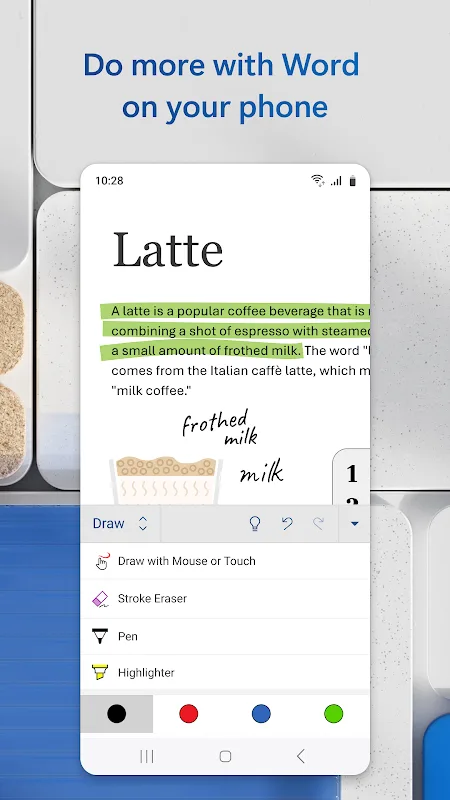
Thanks to Microsoft Word, creating new documents from scratch or editing existing ones is possible. Everything about the text can be modified, including font size, font, color, alignment, line spacing, etc. It is also possible to insert tables, images, graphics, links, etc. All text can be organized with headings and in any style you like. The app also offers a wide variety of templates to use as a basis for your documents and projects.
Cloud synchronization and real-time collaboration
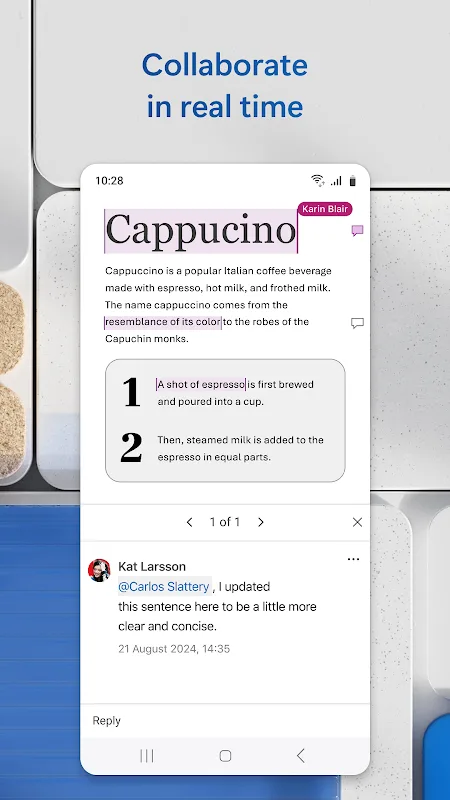
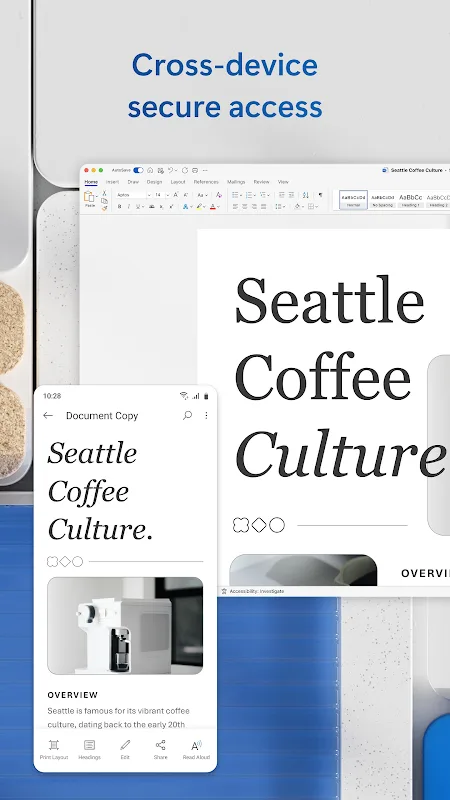
Microsoft Word integrates with cloud storage services like OneDrive. Thanks to this, all your modifications can be saved in real-time, and your documents can be accessed from any device, anywhere, with the most recent version always available. What's more, you can grant access to other people so that they can read your document or even make modifications, facilitating collaboration on group projects. To get the most out of the app, it is best to create a Microsoft account to easily synchronize your files with OneDrive.
File compatibility: PDF, DOCX, TXT, and more
Microsoft Word supports a wide variety of files, although only files in .docx format can be edited. In read mode, the app supports formats such as .doc, .docm, .odt, .pdf, .rtf, and .txt. If you want to edit a file in any of these formats, the app will convert it directly to .docx.
Proofreading and error correction
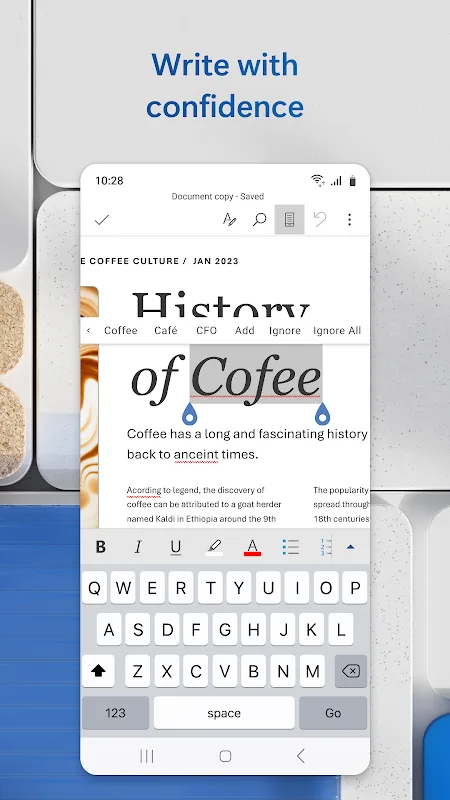
Microsoft Word has a comprehensive grammar and spell checker, thanks to which you can see whether you have spelled a word correctly or written a phrase fluidly. In some cases, the corrector will correct you in real-time as you type, although, if in doubt, it will show you the word underlined in red (if it is a spelling error) or blue if it is an issue with coherence.
Highlights
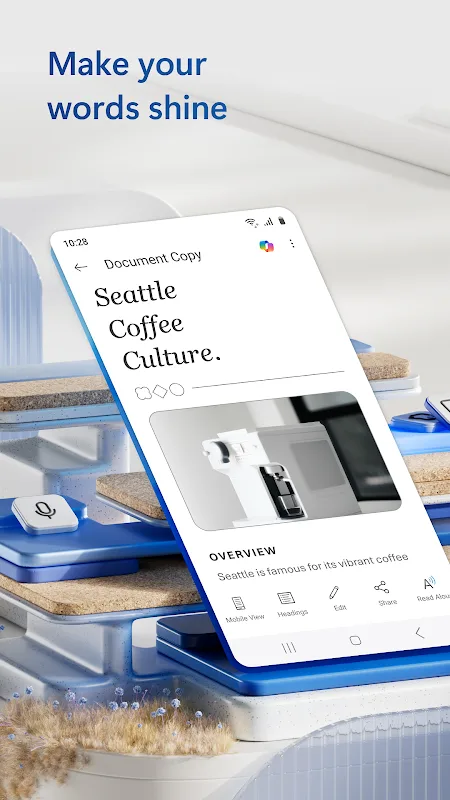
Write and create documents on your mobile device much like you do on your PC. Edit docs, share notes, convert to PDF documents, craft a powerful cover letter, and collaborate on projects using your mobile device.
Documents are easy to create, read, edit and share with Microsoft Word. Simplify on-the-go document collaboration and editing with our easy-to-use Word app features. Convert to PDF from Word and vice versa. From doc editing to collaboration and beyond, Microsoft Word is one of the best free writing apps for writing on the go.
Access files, documents and make edits with ease using the Word app. Read documents and open attachments with built-in docs viewer. Edit a PDF using Word’s PDF converter feature easily. Share files, documents and notes in the format you’d like. Create documents on the go with Word’s expert editing tools anytime, anywhere
Read, edit docs and create a document for any need. Resume templates, newsletters, brochures and more are accessible in the template gallery. Select the documents you would like and get started.
Blogger, writer, journalist, columnist or project manager: the Microsoft Word writing app moves with you.
Easy document editing, at your fingertips. Write a letter, create templates, read Word documents, edit docs and collaborate with your team anywhere! Get the docs and PDF app that can do it all.
Advantages and disadvantages
Pros
Familiar and easy-to-learn interface
Powerful formatting and document tools
Strong collaboration and cloud integration
Excellent file compatibility across platforms
Reliable for long and complex documents
Cons
Advanced features can overwhelm beginners
Performance slows with very large files
Requires subscription for full features
Cloud features depend on stable internet connection
FAQS
Why do so many online reviews complain about its usability?
The Android version of Microsoft Word is not very well optimized. For example, if you open up multiple windows, then the nav bar disappears and you have to close documents in order to find the others you had open.
Can it be used as a collaborative tool?
It is not a very good collaborative tool because it doesn't have the same collaborative features that other writing tools have such as Google Docs.
Will this app work on a tablet PC?
If the mobile version of your Microsoft Word app doesn't work on your tablet PC, then try the desktop version of this app. There appears to be a blurred line between what is considered mobile and what is considered desktop, especially with laptops that double over as tablets.
Can it be used as reading software?
Microsoft Word has borrowed functionalities from Amazon Kindle devices that allows you to change the background of your documents from white to black or sepia, which helps to turn your Android device into a document reader.
Conclusion
Microsoft Word continues to prove why it remains the default choice for document creation across schools, businesses, and personal use. Its blend of familiar tools, powerful formatting, and evolving collaboration features keeps it relevant in a changing digital workspace. While advanced options and cloud reliance may not suit everyone, Word still delivers a dependable writing environment that balances tradition, productivity, and modern workflow demands effectively.








