

Android System Intelligence is an intelligent tool designed for the Android operating system, helping users optimize their experience on Android devices. It can automatically transcribe speech into text, displaying it directly on the screen—all without requiring a mobile data or network connection. The tool also features "smart screen" functionality, which adjusts the phone's brightness based on usage time and the surrounding environment; this helps protect the user's vision while also reducing battery consumption. It offers shortcuts for pasting text and provides a quick-dial option when a phone number is copied, saving users significant time. Additionally, it includes notification management features, allowing users to view incoming communications clearly and quickly. In short, it is a highly powerful intelligent tool for Android.
Features
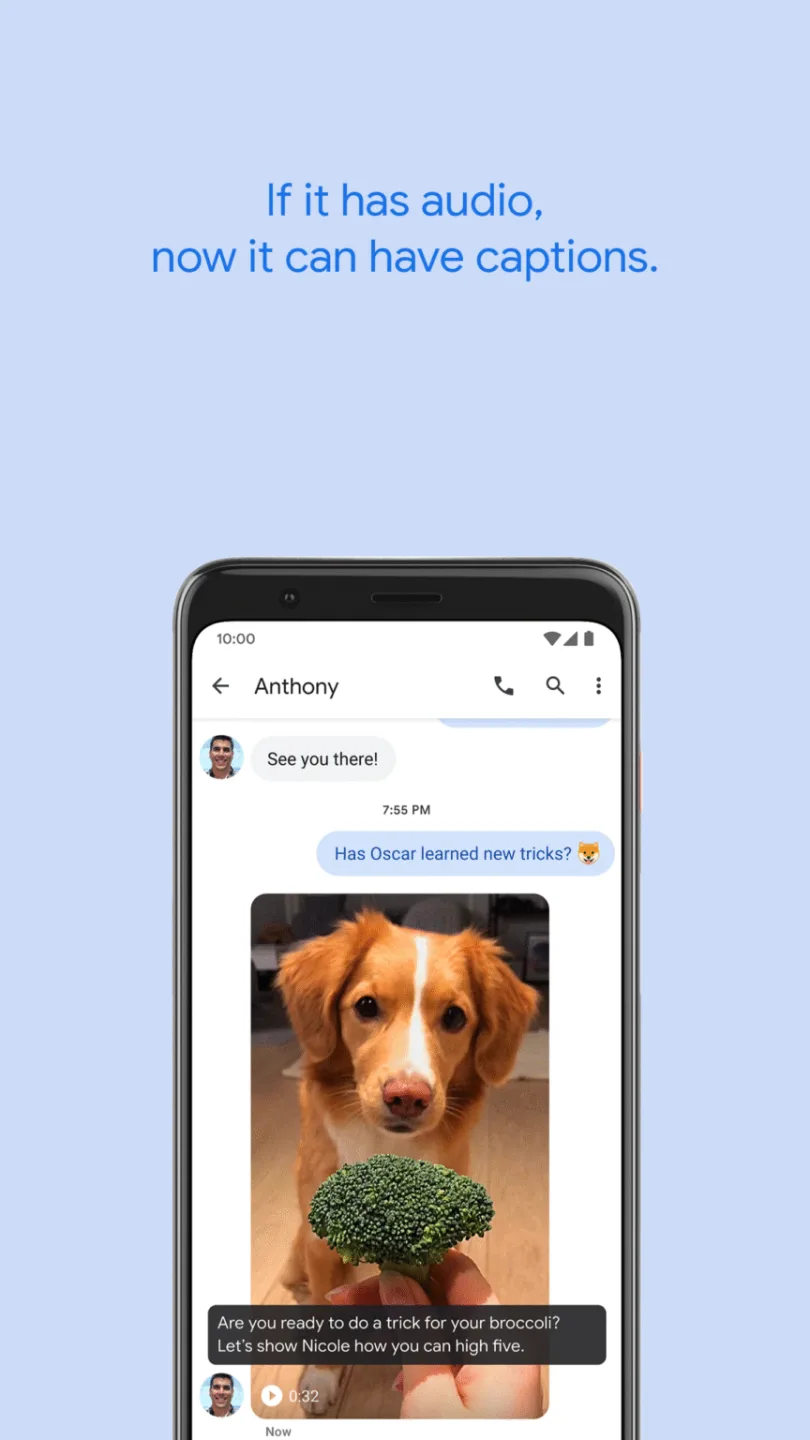
Automatic Real-Time Captions
Audio content becomes instantly accessible through automatic, real-time speech-to-text transcription displayed on your device's screen. The app automatically generates accurate text captions for videos, podcasts, and voice messages as they play. Notably, these captions appear on the screen without the need for a mobile data or Wi-Fi connection.
This allows users to easily follow media content—even in noisy environments or quiet public spaces. Furthermore, the speech-processing algorithms convert sound waves into text within a secure, protected environment, ensuring the privacy of your personal conversations while significantly enhancing the accessibility of media content across various applications.
Smart Screen Attention
When reading long articles online, smartphone screens often dim or turn off unexpectedly. However, smart visual detection sensors monitor your gaze to determine if you are looking at the screen, allowing the display to remain on without requiring any manual intervention.
This makes reading e-books or lengthy work documents for extended periods much more comfortable. Additionally, the display will automatically dim when you look away, helping to reduce overall battery consumption whenever you stop reading.
Context-Aware Copy and Paste
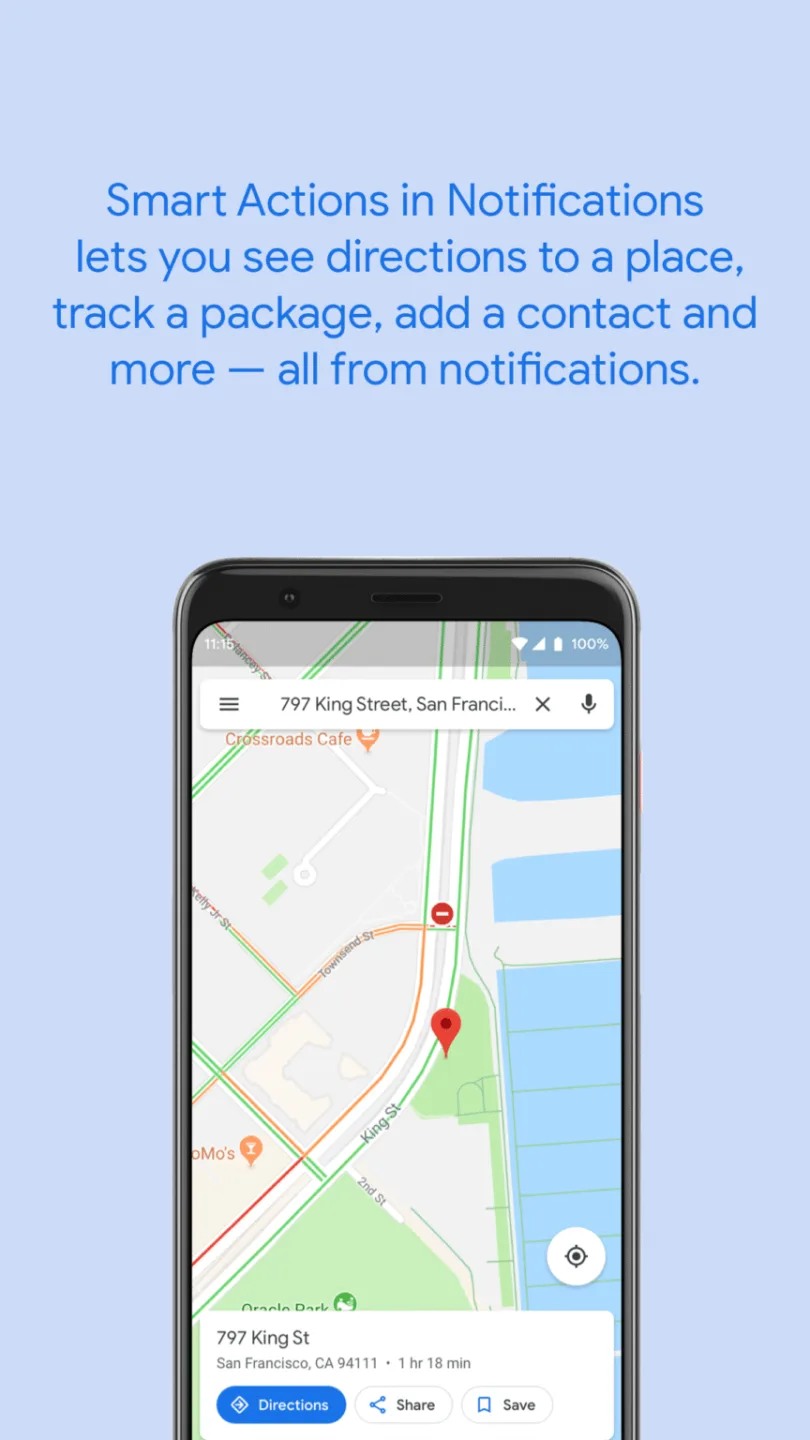
Transferring text between different mobile apps often requires repetitive tapping and swiping. Android System Intelligence simplifies this process, enabling the seamless transfer of text across all active applications on your device. For example, when you copy a phone number, a quick-dial button is instantly generated on the screen. Selecting a physical street address instantly displays shortcuts to popular online maps and navigation tools. Similarly, tapping on a specific date in your calendar triggers a prompt to quickly create an event. These streamlined selection actions help you save valuable time during a busy workday.
Predictive App Launching
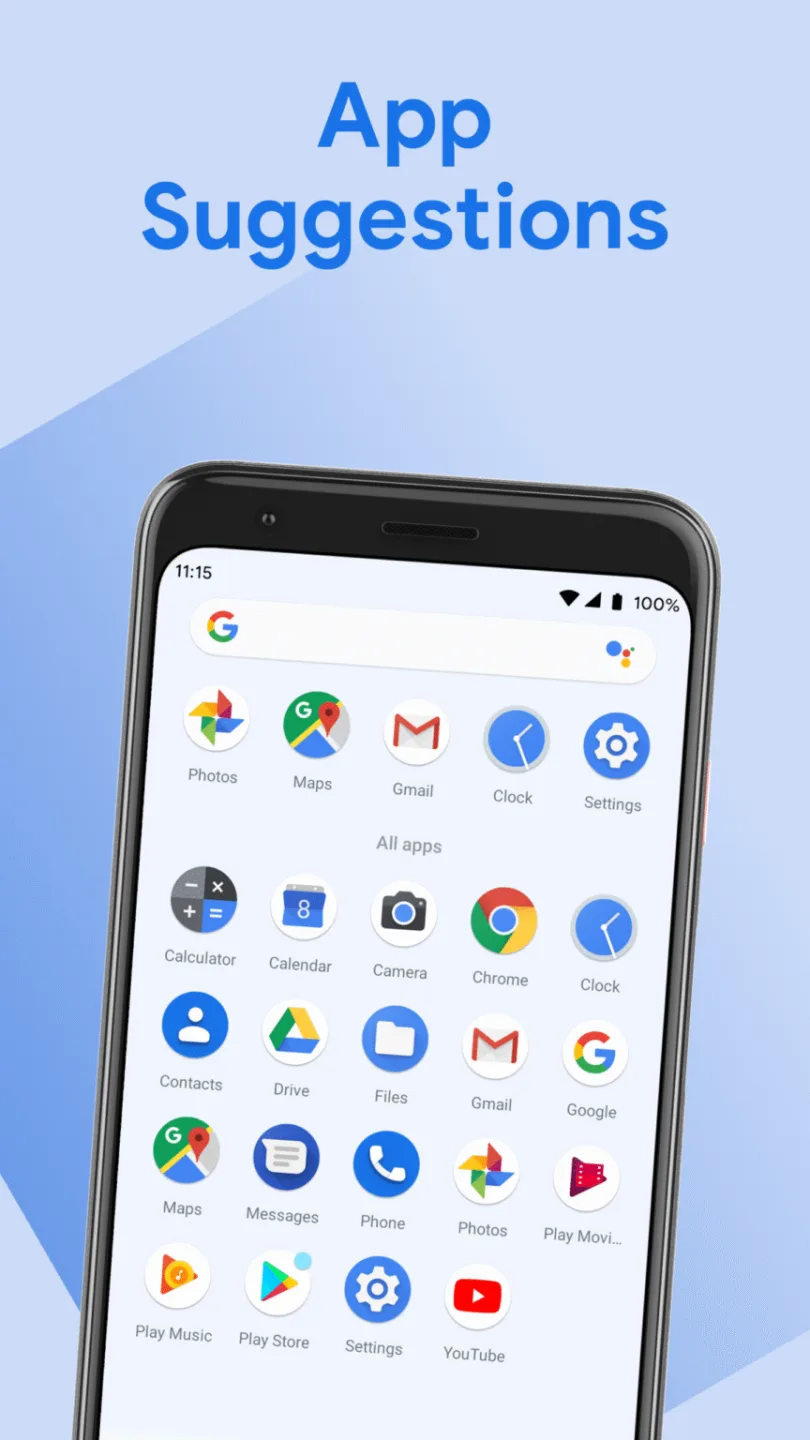
App shortcuts update dynamically based on your personal usage habits and daily routine. Your home screen launcher suggests relevant apps exactly when you need them most. Furthermore, predictive machine learning models learn which tools you tend to use during specific times of the day.
Your morning routine might bring news headlines or weather widgets to your home screen, while your evening setup could automatically highlight entertainment options or messaging apps. This makes launching your favorite applications seamless, even amidst a hectic daily schedule.
Smart Notification Actions
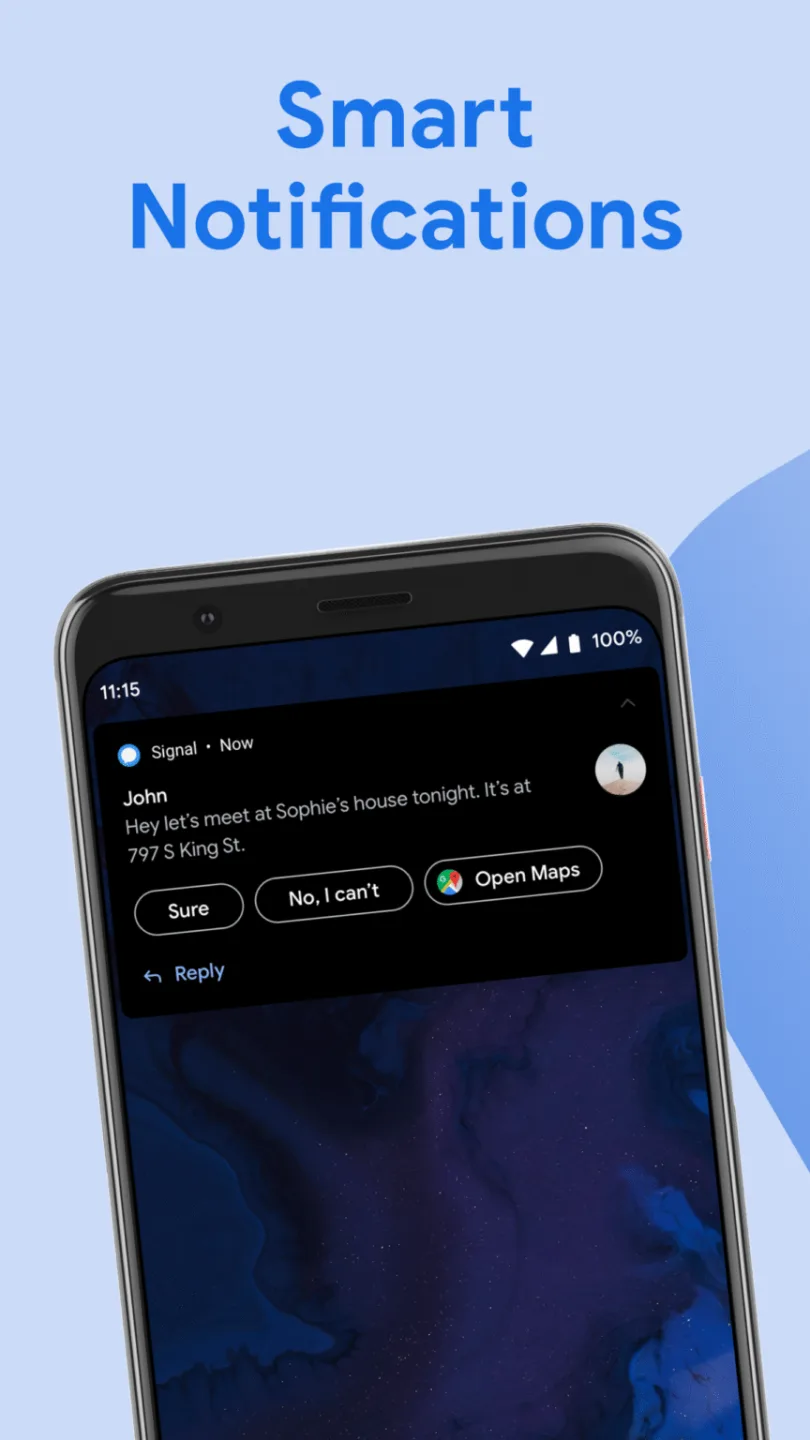
When a notification arrives, useful action buttons appear directly within the notification panel. You can track package deliveries or view navigation routes right from the notification banner. In short, context-aware features transform standard notifications into practical, interactive productivity tools.
Context-generated quick-reply options make responding to text messages much faster. Additionally, you can save new contact information with just a single tap on a message notification—significantly reducing the time and effort required to manage your daily mobile communications.
Tips
Clear your prediction cache periodically: Resetting stored prediction cache files in your settings can refresh the Android system’s smart models if app recommendations become inaccurate.
Enable "Screen Attention": Turn on the "Screen Attention" feature to prevent your phone screen from turning off while you are reading long e-books or articles.
Customize notification shortcuts: Regularly review your smart notification preferences to ensure that the interactive action buttons align with your daily messaging and scheduling habits.
Optimize internal storage: Periodically clear unused system cache files to maintain fast machine learning processing speeds for background tasks.
Keep system services updated: Install system updates promptly to benefit from improved voice recognition, smoother real-time translation, and longer battery life.
Adjust diagnostic privacy settings: Modify telemetry-sharing settings within the privacy sub-menu to control how background analytics collect non-personal usage information.
FAQs
Can users manually disable the "Screen Attention" setting?
Yes, users can easily turn off the "Screen Attention" feature within the main privacy settings submenu. When this option is disabled, the front-facing optical sensor will no longer detect your face orientation while you are viewing digital documents or web pages.
Will clearing "Android System Intelligence" data delete my personal files?
No. Clearing "Android System Intelligence" data only resets stored machine-learning predictions and custom usage preferences. Your personal photos, documents, contacts, and downloaded media remain completely unaffected.
Which features rely on "Android System Intelligence"?
Features such as Live Caption, Screen Attention, Smart Text Selection, and predictive app suggestions (Predictive Launcher) rely heavily on "Android System Intelligence." These background tools work in tandem to make everyday mobile interactions faster and more efficient.
Conclusion
Android System Intelligence enhances the modern smartphone experience through automated, background processes that run seamlessly every day. On-device machine-learning models provide quick text suggestions, automatic media captions, and intelligent notification shortcuts. Furthermore, because data is processed locally, your personal usage information remains completely secure on your device.








