
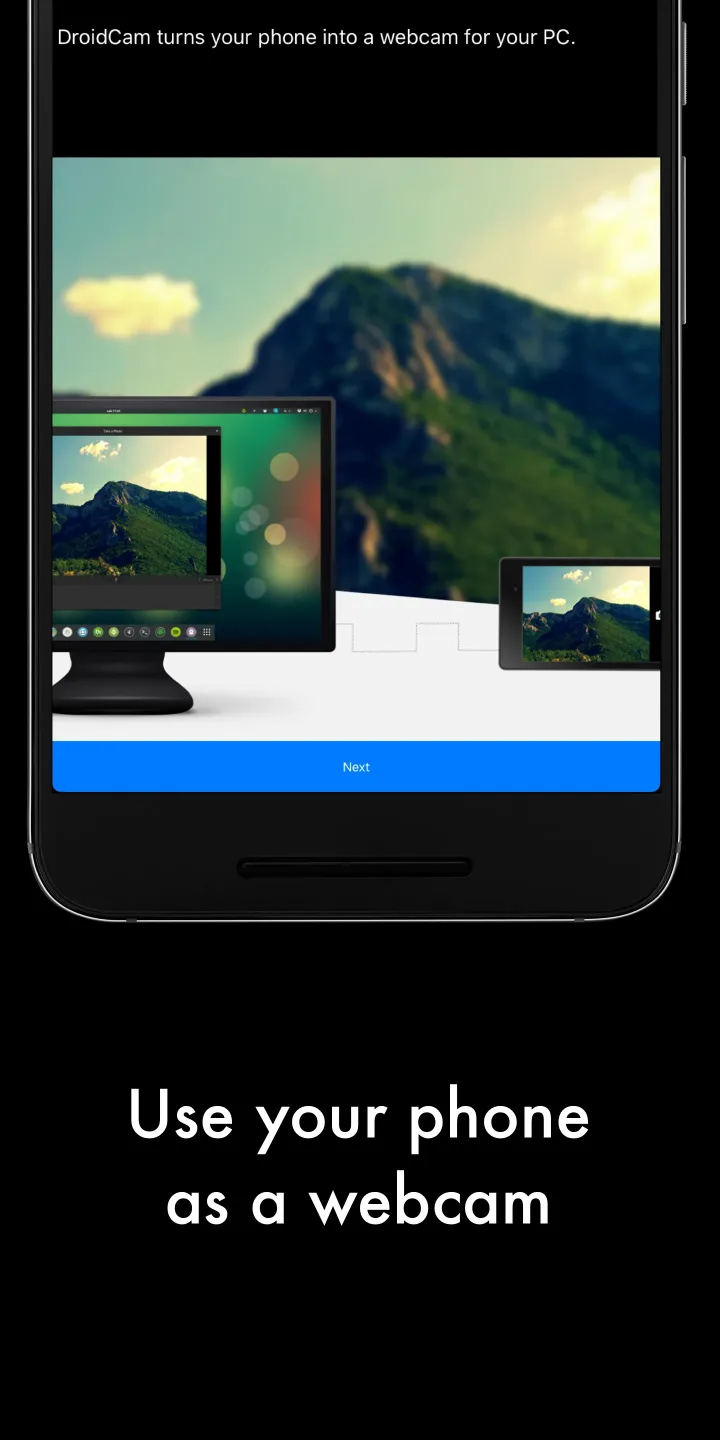
DroidCam Webcam is a camera tool designed for Android systems. It allows users to view high-definition, stable video feeds from their device's camera. The software is compatible with a wide range of mainstream applications and devices, enabling users to record video without the need for additional, dedicated camera hardware. Connections are simple—you can link via Wi-Fi or a USB data cable. The app also offers advanced microphone management, ensuring your voice comes through with greater clarity. Furthermore, it supports viewing the camera feed across multiple devices, giving users the flexibility to use it whenever and wherever they need.
Features
Compatible with mainstream video applications and OBS
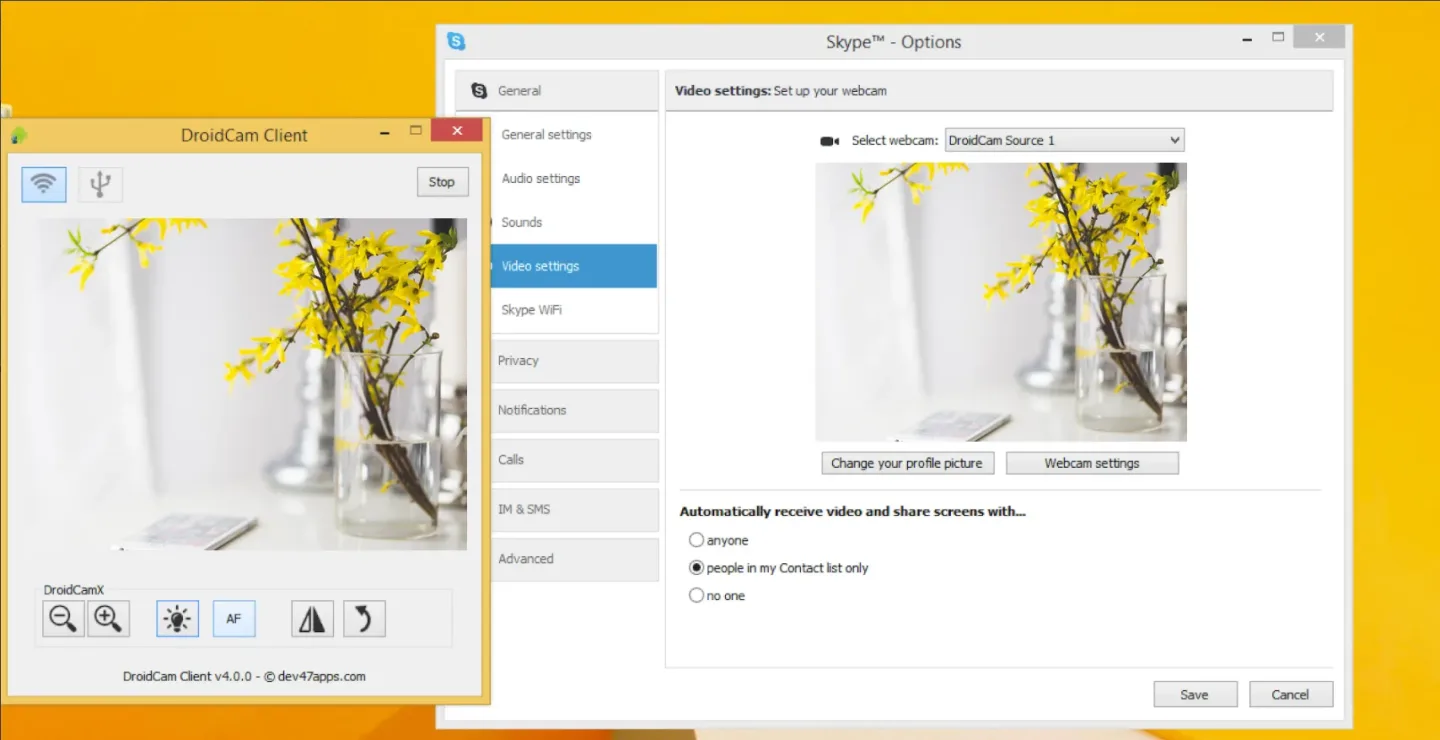
DroidCam Webcam is purpose-built for platforms like Zoom, Discord, and Microsoft Teams, allowing you to use your phone’s camera for everyday calls. It also integrates directly into OBS Studio via an official plugin, enabling live streaming or recording without requiring extra camera hardware. Simply select the app you wish to use, and DroidCam will provide a continuous video stream.
Flexible connectivity and efficient background operation
Choose between a convenient Wi-Fi connection or a stable, wired USB connection. DroidCam Webcam prioritizes low-latency video and clear audio, ensuring natural, fluid conversations. The app can run in the background—even with the screen turned off—which helps conserve battery life during extended use. This also keeps your phone from overheating while maintaining a reliable connection as you continue your work.
Built-in noise-canceling audio
DroidCam Webcam captures audio from your phone’s microphone and applies noise-cancellation to enhance voice clarity. By reducing ambient noise and softening background sounds, it ensures you are heard more clearly during meetings or live streams. You have the flexibility to use either your phone’s built-in microphone or an external headset.
Camera controls and framing tools
Within the app, you can adjust exposure, focus, zoom, and color settings to suit various lighting conditions. You can also rotate, flip, or mirror the image to align it perfectly with your setup. These controls assist with framing—helping you center your face and balance the brightness of the shot. Fine-tuning these settings can significantly improve image clarity, especially in mixed-lighting or dimly lit environments.
View Your IP Webcam Over the Network
DroidCam Webcam also offers IP webcam access based on the MJPEG protocol. You can view the camera feed in a web browser or on other devices connected to the same network. This is useful for quick monitoring, testing camera angles, or checking focus from a different screen—providing greater flexibility when setting up a space or managing a simple video source.

Usage
First, install DroidCam Webcam on your Android phone and grant the necessary camera and microphone permissions when prompted.
Next, install the companion client on your computer or add the OBS Studio plugin so that your desktop applications can detect your phone's camera.
Open DroidCam Webcam on your phone and select either a Wi-Fi or USB connection. Follow the on-screen instructions to connect your device.
Then, open your preferred conferencing or live-streaming application and select DroidCam Webcam as your camera and microphone input device.
Finally, adjust the exposure, focus, and framing within the app, place your phone on a stable stand, and you’re ready to start your call or stream.
Pros and Cons
Pros:
Supports both Wi-Fi and USB connections.
The free version includes no watermarks or usage restrictions.
Supports both video and audio from your phone.
Works even when the phone screen is turned off.
Includes an MJPEG video feed accessible via a web browser.
Cons:
Extended use can quickly drain your phone's battery.
Conclusion
DroidCam Webcam is a handy solution if your laptop lacks a built-in camera or if its video quality is insufficient for calls or live streaming. With this app, you can transform your phone into a webcam for meetings, live broadcasts, and recordings.








