AirConsole is a convenient social gaming center. This app is designed for casual party settings. Friends and family can connect simply by entering the same access code. No additional hardware is required, and the setup process is extremely quick. With AirConsole, users can turn their smartphones and tablets into game controllers and project a variety of instant games onto TVs or large screens. Meanwhile, the game library is rich in content, covering party games, racing and sports mini-games, puzzle games, music rhythm challenges, and classic arcade-style games.
Highlights:
Turn your Android TV into a console with no extra hardware.
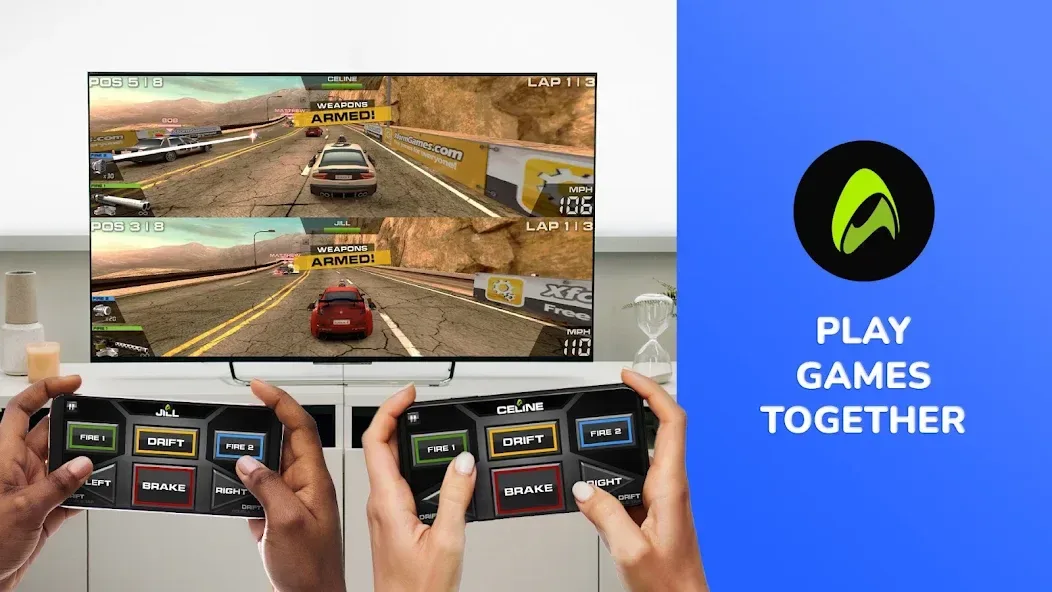
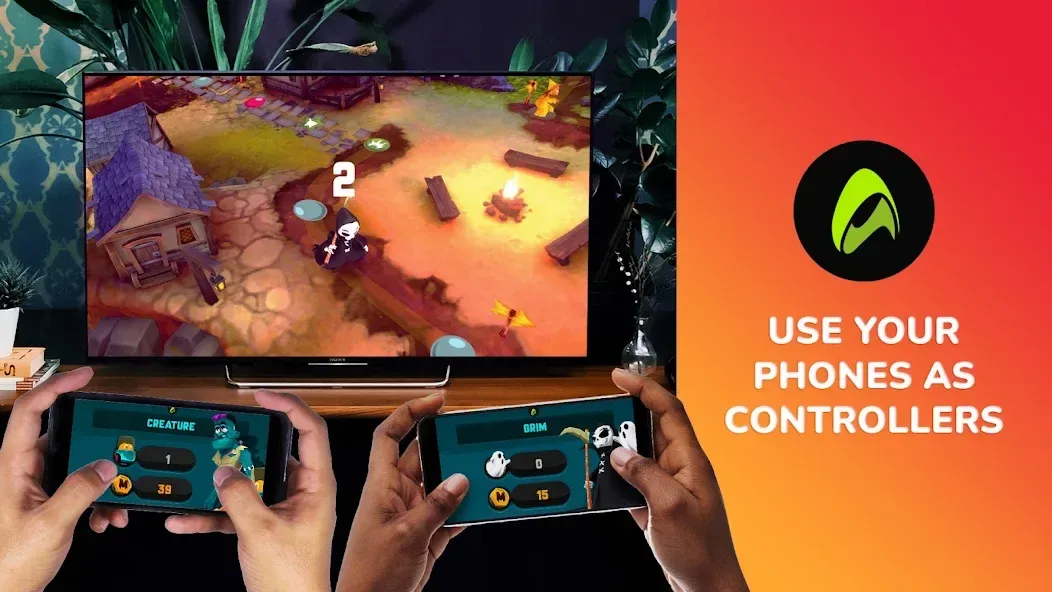
Use smartphones as controllers so everyone plays without buying gamepads.
Browse more than 60 games, including racing, trivia, and party-friendly picks.
Start sessions quickly with friends and family for local multiplayer fun.
AirConsole APK keeps installation light and setup quick on Android TV.
Optional Hero subscription unlocks all games and removes advertisement breaks.
Features:
Instant Multiplayer Setup
No more scrambling for controllers—everyone can use their own smartphone as a gamepad. Getting started takes seconds, so you can spend more time playing and less time fiddling with settings.
Big-Screen Arcade Experience
Enjoy a range of arcade games right on your TV. Whether you’re in a solo mood or looking to stir up some friendly rivalry, there are games for every vibe.
No Extra Hardware Needed
Skip expensive consoles and extra gadgets. Your Android TV and smartphones are all you need, making couch gaming sessions ridiculously easy to set up.
Flexible Game Modes
Prefer to play solo and beat your own high scores, or want to test your skills against friends in a crowd? AirConsole has both single-player and local multiplayer options to choose from.
Designed for Everyone
From seasoned players to casual gamers, the straightforward controls mean anyone can join in. It’s a super simple way to bring people together for fast-paced, lighthearted competition.
Tips and Tricks:
Prepare a single host device: Start the session on a TV or laptop and display the join code so latecomers can add themselves without interrupting play.
Keep chargers handy: Group sessions can drain phones; a multi-port charger or power bank helps avoid mid-game dropouts during longer gatherings.
Use it for casual icebreakers: Introduce AirConsole at small meetings or team-building breaks to loosen up a room and encourage playful interaction.
Try sound off for public places: If you’re playing in a shared lounge or café, mute game audio and rely on the visual score to stay courteous.
FAQs:
How do players join a game?
Open the app or visit the host URL in any browser, enter the session code shown on the host screen, and your device becomes the controller for that match.
Can I use a TV to display games?
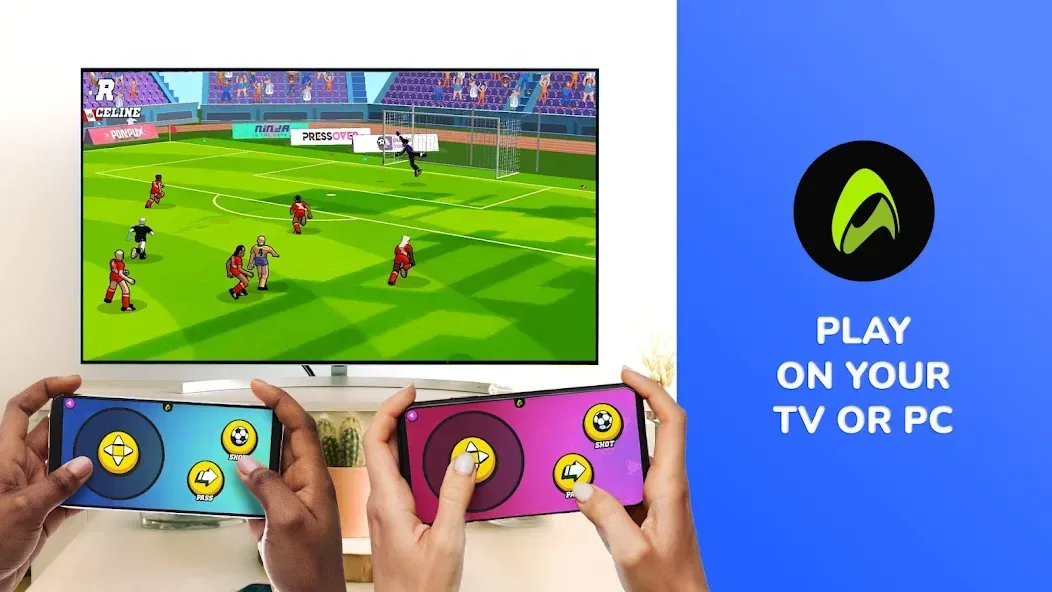
Yes. Launch the session on a smart TV app or a browser on a connected display and connect phones as controllers for a living-room experience.
Is a persistent account required?
No long-term account is necessary for casual sessions; players can connect with the temporary code and play without creating profiles for short gatherings.
Are games suitable for children?
Many titles are family-friendly and have simple controls, but it’s a good idea to preview content or choose kid-focused collections when younger players are present.
Conclusion:
There are a few practical limitations to keep in mind: every participant generally needs to install the app to join a session, and full big-screen play depends on having a compatible smart TV or casting option. The collection is focused on casual and party-style experiences, so players seeking long-form single-player campaigns or deep, isolated narratives may find the library less suitable. Some features and rewards are tied to individual titles and may differ between games, so check a game's details before expecting cross-title systems or persistent online ranking.