PDF Extra is a PDF file manager. Here you can easily manage all your PDF documents and access and sync all your PDF content in the cloud. Whether you want to create PDF documents or scan and extract paper PDFs, it's effortless. Of course, besides paper documents, you can also easily read electronic PDF documents and enjoy beautiful ebooks using various reading modes. Furthermore, it supports editing PDF files using sticky notes and drawing tools, and editing and modifying them using annotation tools.
Using
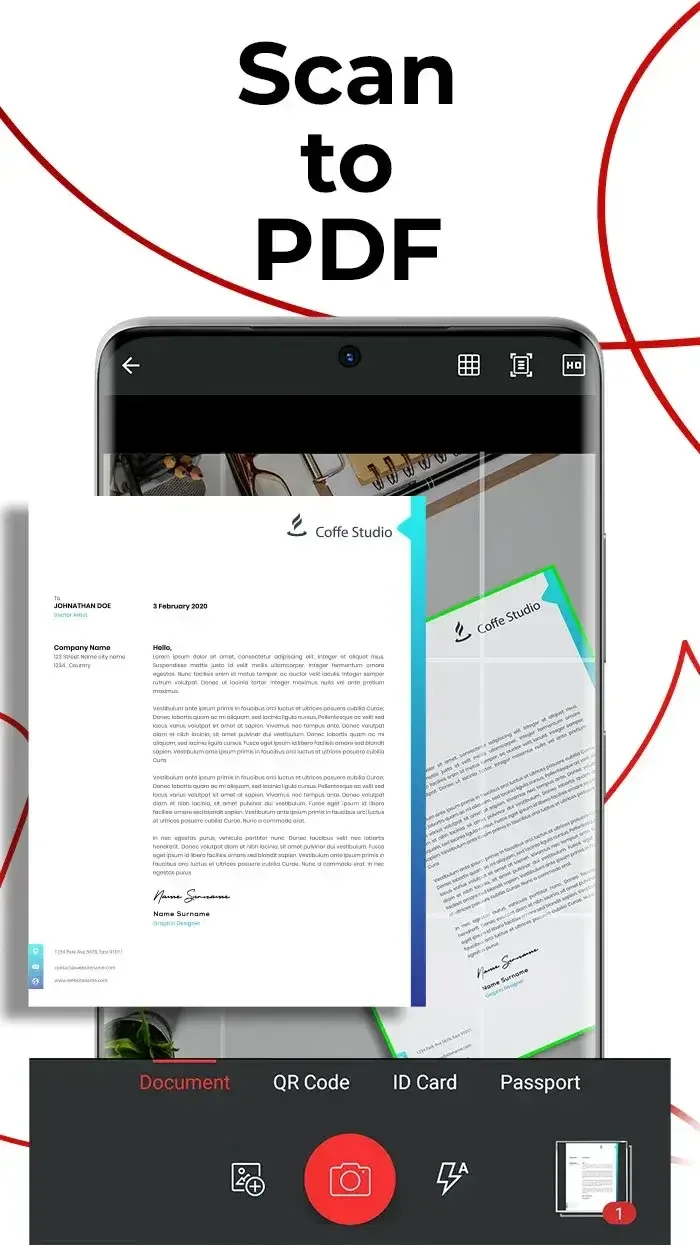
PDF Extra - Scan, Edit & Sign tools allow you to easily adjust the scanned area. Even if you take a full-page photo, you can choose to convert only the desired page portion. You can also adjust the white balance or contrast.
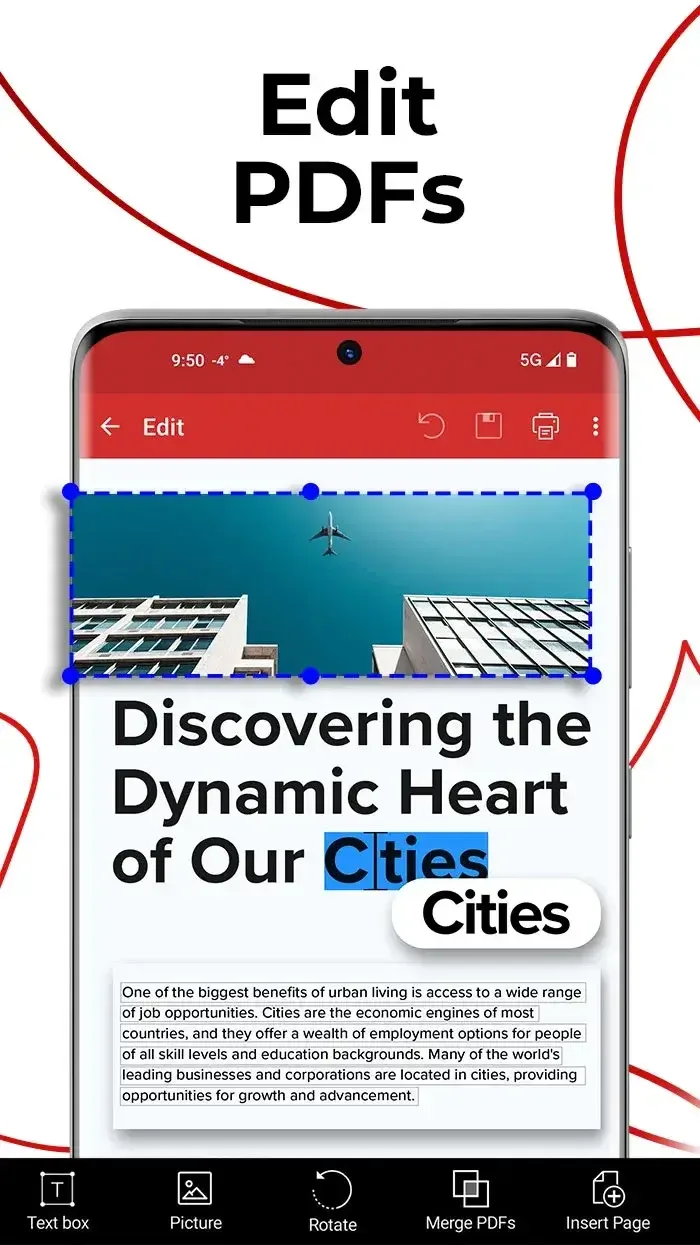
Using PDF Extra - Scan, Edit & Sign makes taking photos and creating PDF documents very simple, thanks to its clean and user-friendly interface, with all functions concentrated on a single main page. Another very useful feature of the application is the ability to add text or signatures without using an external editor.
Features
Easily manage local and remote documents. Find your PDF files under "My Documents," or access and sync them in the cloud.
Passwords can lock, encrypt, and restrict access to important data. Verify the validity of advanced PDF certificates.
Use the "Share to PDF Extra" tool to convert photos from other applications to PDF files.
Printing documents is simple. You can choose to print the entire document or only select pages.
They're telling the truth: convert PDFs to images using a free JPEG converter.
Read beautiful ebooks in dark mode, or use the text-to-speech function to have ebooks read to you like bedtime stories.
Easily convert paper documents to editable files. Create single-page PDFs or batch scan dozens of pages into one file.
Edit PDF files using sticky notes and drawing tools. Annotate text using the annotation tool.
Highlights
Clear document capture: The app clearly recognizes document content regardless of paper material. Even on crumpled paper, it can recognize and scan all information on the paper surface.
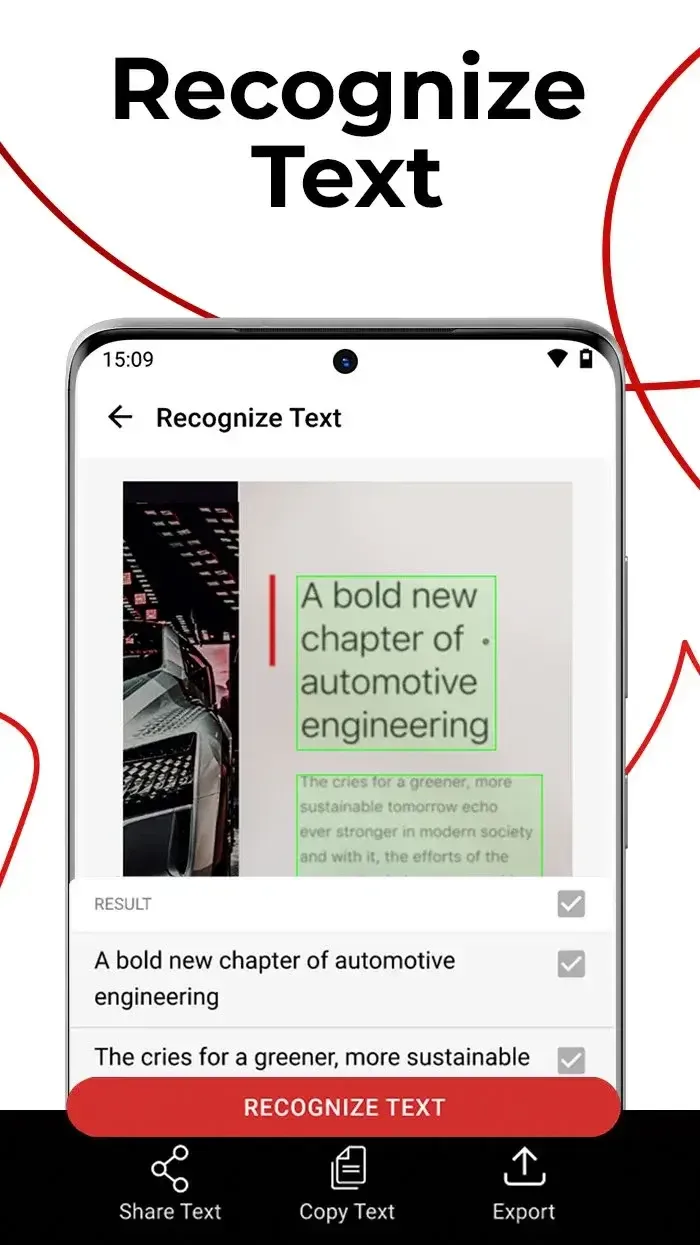
Editable PDF conversion: Identified content and information are converted into PDF text, which you can fully edit as you wish.
Extensive Document Support: In addition to standard A4 paper-sized documents, the app can weigh and smoothly scan other content such as receipts, newspapers, and even passports.
Pros & Cons
Pros: User-friendly interface, Cross-platform synchronization capabilities, Lightweight performance
Cons: Limited functionality in the free version, Occasional conversion errors
Summary
Download PDF Extra APK and say goodbye to ordinary PDF readers and viewers. Our superior tools will enhance your reading experience and help you unlock a whole new level of productivity. Experience it now and revolutionize the way you interact with PDFs. Explore our powerful annotation tools, designed to take your work to new heights. Easily highlight and mark information with just a few clicks, giving your documents a sophisticated and elegant look. Unleash your imagination and make your text shine with our classic annotation tools.