
AirConsole Hero is a gaming platform designed for Android systems. Users can install the app on a smartphone or a large-screen device, allowing them to use their phones as game controllers to play with friends. The platform offers a wide variety of games that launch quickly, and the gameplay is simple and accessible, making it easy for anyone to jump in. A key advantage is that only one person needs a subscription for everyone to play; others do not need their own subscriptions to join in. With a subscription, users unlock premium features, including access to the entire game library, early updates on new game releases, and an ad-free experience. A free tier is also available, ensuring that everyone can enjoy the platform.
Click to load YouTube / 点击加载视频
YouTube ↗Features
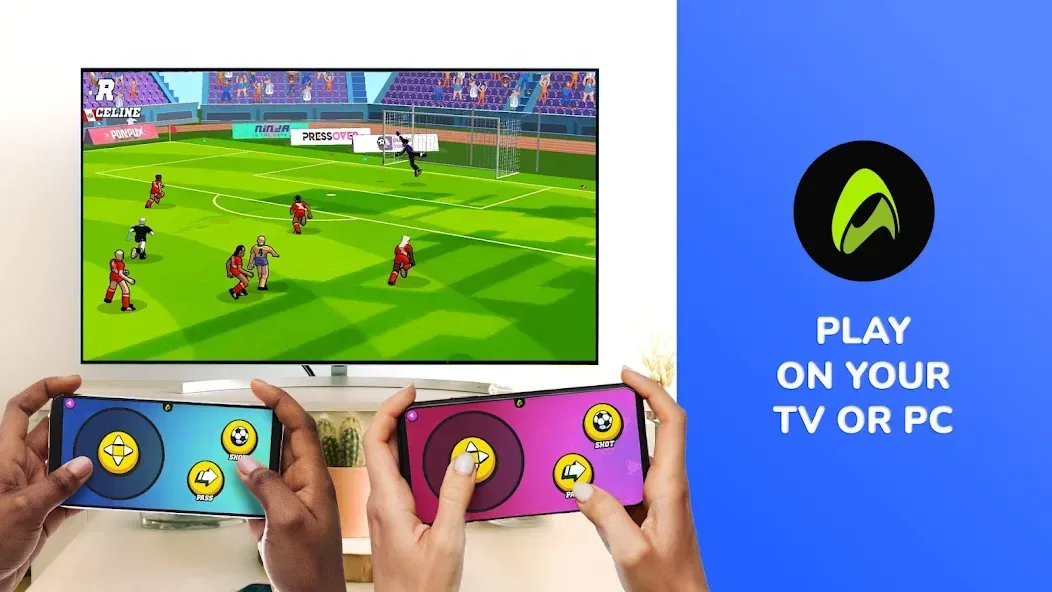
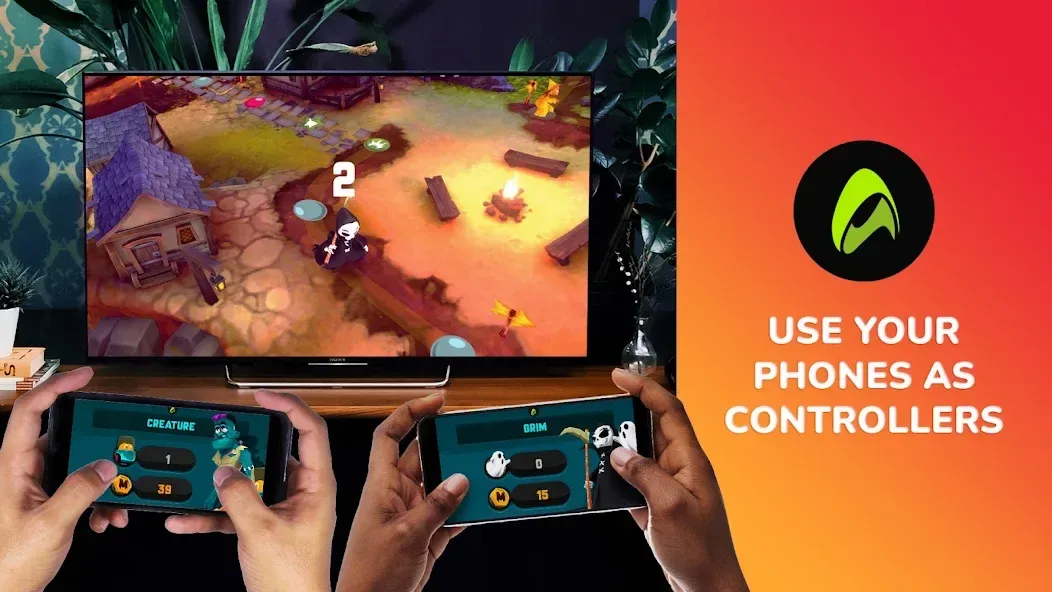
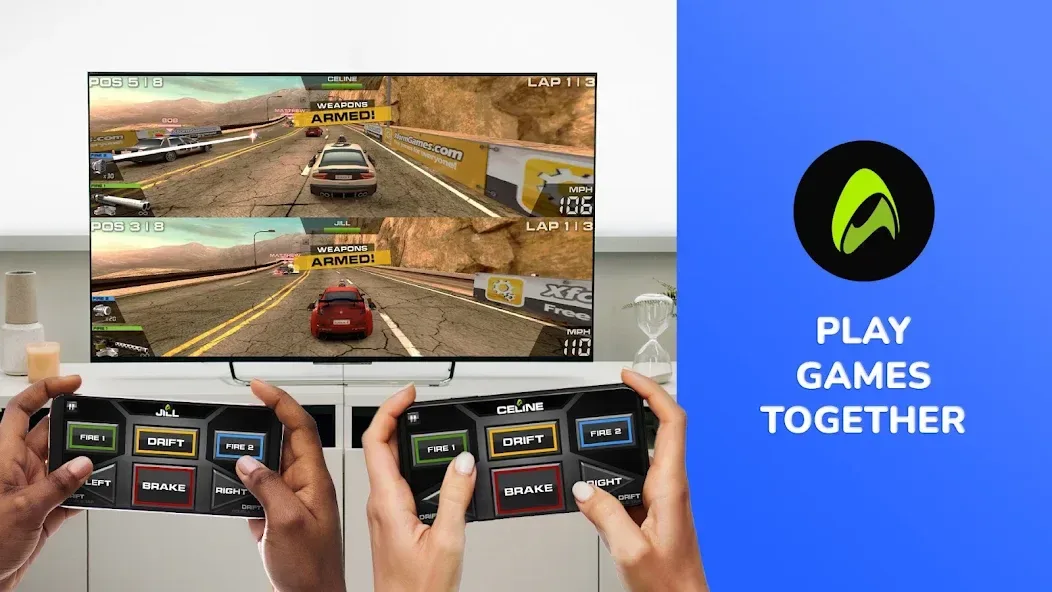
This app is primarily designed for local multiplayer gaming. Simply open AirConsole Hero on a large-screen device, connect your smartphone to act as a controller, and you’re ready to enjoy social games with friends, classmates, family, or colleagues. It is perfect for quick gaming sessions, family gatherings, school breaks, office icebreakers, or relaxed game nights that everyone—from kids to adults—can join.
AirConsole Hero offers premium benefits, such as an ad-free experience, access to a larger library of games, exclusive "Hero" perks, and bonus content in select titles. A major convenience is that a single "Hero" subscription allows all players in a session to share the premium benefits, making it an ideal solution for multiplayer gaming.
The platform features a diverse range of casual games, including trivia, racing, arcade, puzzle, sports, music, and party games. Since players use their own smartphones, the setup process is far more convenient than passing around traditional game controllers. Furthermore, the games are beginner-friendly, typically designed for short, engaging sessions with simple, intuitive controls.
The platform’s greatest strength lies in its ease of use. Since most people already own a smartphone, the barrier to entry is very low. It is also excellent for multiplayer settings, as players can connect quickly, and the large-screen display helps create a lively, energetic atmosphere in the room. No one needs to pretend they know what every button does—which saves everyone a few awkward moments.
Highlights
AirConsole Hero Subscription Benefits
Ad-free gameplay ensures the flow of the game remains uninterrupted.
All games on the platform are unlocked, so you aren’t limited to a rotating weekly selection.
"One-for-all" access: only one person in the group needs an active Hero subscription for everyone in the session to enjoy the benefits.
Exclusive in-game content is available for select titles.
Early access to new games keeps the library fresh over time. Subscriptions can be canceled at any time.
This model is perfect for families or groups of friends who plan to use AirConsole Hero frequently. A single subscription covers the entire group, making it a more attractive option for those who host regular game nights compared to a "pay-per-player" model.
Pros and Cons
Pros:
Turns computers, Android TVs, Amazon Fire TVs, and tablets into multiplayer game consoles, with smartphones serving as controllers.
Ideal for parties, family gatherings, school holidays, and office team-building events.
Requires no additional hardware beyond the screens and smartphones you already own.
A rotating weekly selection of free games is available, supporting up to 2 players.
AirConsole Hero removes ads, unlocks the full game library, and provides exclusive content and early access.
A single Hero subscription grants full benefits to everyone in the session.
Cons:
The free version has very limited daily playtime.
Highly dependent on a stable internet connection; slow network speeds can lead to very long loading times.
FAQs
How does AirConsole Hero work with a large screen?
You can launch AirConsole Hero on a large screen, use the app on your smartphone as a controller, enter a session code, and play supported multiplayer games with others in the same room.
What features are typically included with AirConsole Hero?
It generally offers "Hero-tier" access, fewer restrictions, an ad-free experience, a wider selection of games, shared session privileges, and premium content for select AirConsole Hero titles.
Who should use AirConsole Hero?
AirConsole Hero is perfect for those who want to enjoy quick, multiplayer gaming—whether at home, at school, during a break at work, or at small get-togethers and family gatherings—by using their smartphones as controllers instead of needing additional gaming hardware.
Conclusion
AirConsole Hero is designed for users who want a simple, easy-to-use controller app for multiplayer gaming on a shared screen. It is best suited for groups of people in the same room who want to enjoy quick, casual games without the need for a dedicated game console. While excellent for lighthearted entertainment, it is not intended for players seeking deep single-player experiences or the kind of competitive, high-precision controls found on gaming consoles.








